Ranked · Apps
Best photo editing apps in 2026
Lightroom, Snapseed, Photomator, Darkroom, VSCO and more: the ten best photo editing apps of 2026 for iPhone, Android and desktop, free and paid.
 Bitezine Editorial TeamRankings, reviews & guides 10 min read
 AI generated
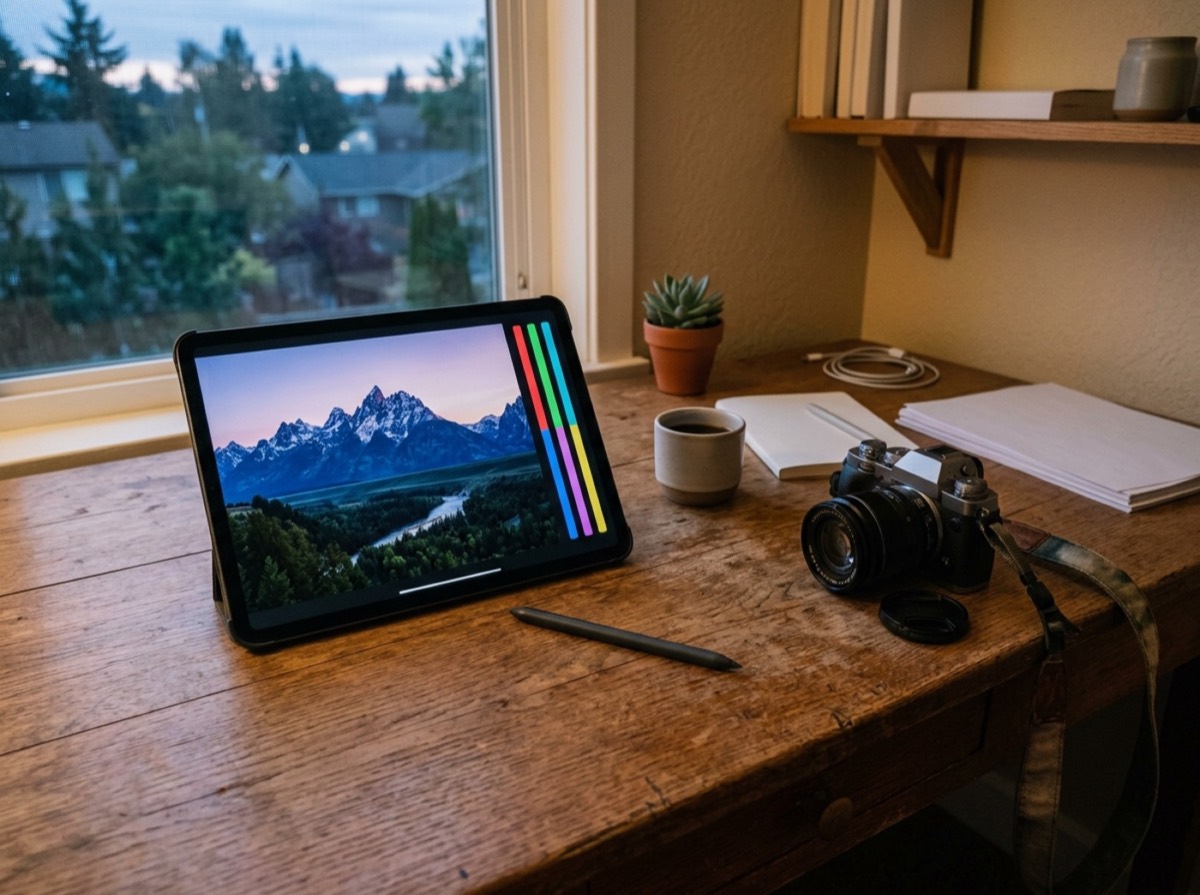
The best photo editing apps in 2026 put professional tools in your pocket, from precise colour grading and RAW editing to one-tap object removal. Whether you shoot on a phone or a mirrorless camera, a good photo editor can rescue a dull sky, fix skin tones and give your pictures a consistent look. Several of the strongest options are free, and others are worth their subscription if you edit often.
For this list we compared the photo editing apps that reviewers recommend most and checked each app's official site for its current tools and plans. We rated editing power, RAW support, ease of use, masking and retouching tools, presets and filters, cross-device syncing and value. We included mobile apps and desktop editors, and every one is available in 2026.
At a glance

#1 · Best for Serious photographers
Adobe Lightroom
Best photo editor overall
Lightroom offers precise colour, light and detail controls, strong RAW editing and presets that give your photos a consistent look. The free mobile version covers core adjustments, while a subscription adds masking, healing, generative remove and cloud syncing between phone, tablet, computer and web. It is the standard choice for photographers who edit a lot.
- RAW editing and presets
- Masking and healing (premium)
- Generative remove (premium)
- Cloud sync across devices
- Platforms
- iOS, Android, Windows, macOS, Web
- Pricing
- Freemium
#2 · Best for Free, powerful edits on a phone
Snapseed
Best free photo editor for phones
Snapseed is Google's free photo editor with a surprisingly deep set of tools, including RAW development, a Healing brush, selective adjustments, curves and lens blur. Its Stacks feature lets you revisit and change any step of an edit. It has no ads and no subscription, which makes it the easiest recommendation for a free phone editor.
- RAW (DNG) editing
- Healing and selective adjustments
- Editable edit history with Stacks
- Free with no ads
- Platforms
- iOS, Android
- Pricing
- Free
#3 · Best for Mac and iPhone photographers
Photomator
Best photo editor for Apple users
Photomator, from the Pixelmator team, is a photo editor for Mac, iPhone, iPad and Vision Pro with powerful non-destructive colour adjustments and support for more than 750 RAW formats. Its Repair tool removes unwanted objects, and batch editing speeds up large shoots. It works directly with your Apple Photos library, and one licence covers all your Apple devices.
- 750+ RAW formats
- Repair tool for object removal
- Batch editing
- Works with Apple Photos library
- Platforms
- macOS, iOS, iPadOS, visionOS
- Pricing
- Paid, one licence for all Apple devices
#4 · Best for Fast, polished iPhone edits
Darkroom
Best for editing inside Apple Photos
Darkroom edits the photos and videos already in your Apple Photos library, so there is nothing to import. It offers curves, masks, colour grading and presets, and it has won an Apple Design Award. You can try every tool for free, and Darkroom+ unlocks full use.
- No import, works on Apple Photos
- Curves, masks and colour grading
- Photo and video editing
- Apple Design Award winner
- Platforms
- iPhone, iPad, Mac
- Pricing
- Freemium

#5 · Best for Stylish, consistent looks
VSCO
Best for film-style filters
VSCO is known for its film-inspired presets and a photo community where creators share their work. It includes a solid set of editing tools, and the paid membership unlocks the full preset library and advanced tools. It suits photographers who want a distinctive, consistent look with minimal effort.
- Film-inspired presets
- Photo and video editing tools
- Creative community
- Membership unlocks full preset library
- Platforms
- iOS, Android, Web
- Pricing
- Freemium
#6 · Best for Professional retouching
Adobe Photoshop
Best for advanced retouching and composites
Photoshop remains the most powerful image editor for layers, masks, compositing and detailed retouching, with generative fill for adding or removing content. It runs on Windows and Mac, and Adobe also offers Photoshop on mobile with core layer and selection tools. Full access requires a Creative Cloud subscription.
- Layers, masks and compositing
- Generative fill
- Advanced retouching tools
- Desktop and mobile versions
- Platforms
- Windows, macOS, iOS, Android, Web
- Pricing
- Free trial, then paid

#7 · Best for Pro editing without a subscription
Affinity
Best free professional desktop editor
Affinity, now part of Canva, combines professional photo editing, vector design and page layout in one app, and it is free for everyone. Its pixel tools cover layers, masks and detailed retouching, and you can switch between photo and design work without leaving the file. It is the strongest free alternative to Photoshop on a Windows PC or Mac, with an iPad version in development.
- Free professional photo editing
- Layers, masks and retouching
- Vector and layout tools in the same app
- Optional paid Canva AI features
- Platforms
- Windows, macOS
- Pricing
- Free
#8 · Best for Creators and social posts
Picsart
Best for social media edits
Picsart is an all-in-one creative app with photo editing, templates, stickers and a range of AI tools such as background removal. It is aimed at quick, eye-catching edits for social media rather than precise photo correction. Many tools are free, and a subscription unlocks premium features and assets.
- Templates and stickers
- Background removal
- Generative AI tools
- Collage and design tools
- Platforms
- iOS, Android, Web
- Pricing
- Freemium
#9 · Best for Everyday quick edits
Google Photos
Best built-in editor for quick fixes
Google Photos backs up your pictures and includes an easy editor with auto enhancements, filters, cropping and light and colour controls. Tools such as Magic Eraser remove distractions, with some advanced features depending on your device or a Google One plan. It is a handy choice if your photos already live there.
- One-tap enhancements
- Magic Eraser object removal
- Light and colour adjustments
- Built into photo backup
- Platforms
- iOS, Android, Web
- Pricing
- Free, some features need Google One

#10 · Best for Free editing on any computer
GIMP
Best open-source desktop editor
GIMP is a free, open-source image editor for Windows, macOS and Linux with layers, masks, selection tools and a large plug-in ecosystem. GIMP 3 brought a modernised interface and non-destructive filters. Its interface takes some learning, but it costs nothing and runs on almost any computer.
- Layers, masks and selections
- Non-destructive filters in GIMP 3
- Plug-ins and scripting
- Runs on Linux
- Platforms
- Windows, macOS, Linux
- Pricing
- Free
How to choose
Think about how deep you want to go. For quick fixes and a free, capable phone editor, Snapseed is hard to beat. If you shoot RAW or want your edits in sync across phone and computer, Adobe Lightroom is the standard, and Photomator and Darkroom are strong options for Apple users. If you mainly want stylish filters and a creative community, VSCO fits, while Picsart suits social media designs.
Then check pricing and platforms. Many apps are free to try but put features like healing, masking or generative object removal behind a subscription. If you dislike subscriptions, look at free desktop editors such as Affinity and GIMP, or Snapseed on your phone. Make sure the app supports your camera's RAW files and your devices, since some of the best photo editors run only on Apple hardware.
Frequently asked questions
What is the best free photo editing app?
+
Snapseed is the best free photo editing app for phones, with RAW editing, healing, selective adjustments and no ads. On a computer, Affinity is now free and offers professional photo editing, and GIMP is a long-standing free, open-source editor. Lightroom's free mobile version also covers the basic adjustments.
What is the best photo editing app for iPhone?
+
Adobe Lightroom is the most complete photo editor on iPhone, and Photomator and Darkroom are excellent Apple-focused alternatives with RAW support and masking tools. Snapseed is the best free option.
Is Lightroom better than Snapseed?
+
Lightroom is better for RAW photos, consistent presets, advanced masking and syncing across devices, but some of its best tools need a subscription. Snapseed is completely free and great for quick edits and local adjustments on a phone. Many photographers use Snapseed for fast fixes and Lightroom for bigger projects.
What is the best free alternative to Photoshop?
+
Affinity is a free professional app that combines photo editing, vector design and page layout, and it runs on Windows and Mac. GIMP is a free, open-source editor for Windows, macOS and Linux. Both handle layers and masks.
Which photo editing app can remove objects from photos?
+
Lightroom and Photoshop offer healing and generative remove tools, Photomator has a Repair tool, and Snapseed includes a free Healing brush. Picsart and Google Photos also offer object removal features, some of which need a paid plan.
Is there a good photo editor without a subscription?
+
Yes. Snapseed, Affinity and GIMP are free to use with no subscription. Darkroom lets you try its tools free before deciding on an upgrade.
What is the best photo editing app for Android?
+
Adobe Lightroom is the most powerful photo editor on Android, Snapseed is the best free option, and VSCO and Picsart are popular for filters and creative edits. Google Photos includes a capable built-in editor.
Adobe Lightroom is the best photo editing app for most people who edit seriously, with strong RAW tools and syncing across phone, tablet and computer. Snapseed is the best free photo editor on a phone, Photomator is the top pick for Apple users, and Affinity is the best free desktop alternative to Photoshop. Start with a free app and upgrade only when you hit its limits.
How we research: We compare each product on the same criteria, using makers’ documentation, independent reviews and owner feedback, and re-check the list when products change.
Written by
Bitezine Editorial Team
Rankings, reviews & guides
Our editors research every piece from makers’ documentation, independent tests and owner reports, and update it when products change.