Ranked · Apps
Best task manager apps in 2026
From shared family chores to personal projects, these ten task manager apps help you capture, plan and finish what matters. See which one suits how you work.
 Bitezine Editorial TeamRankings, reviews & guides 10 min read
 AI generated
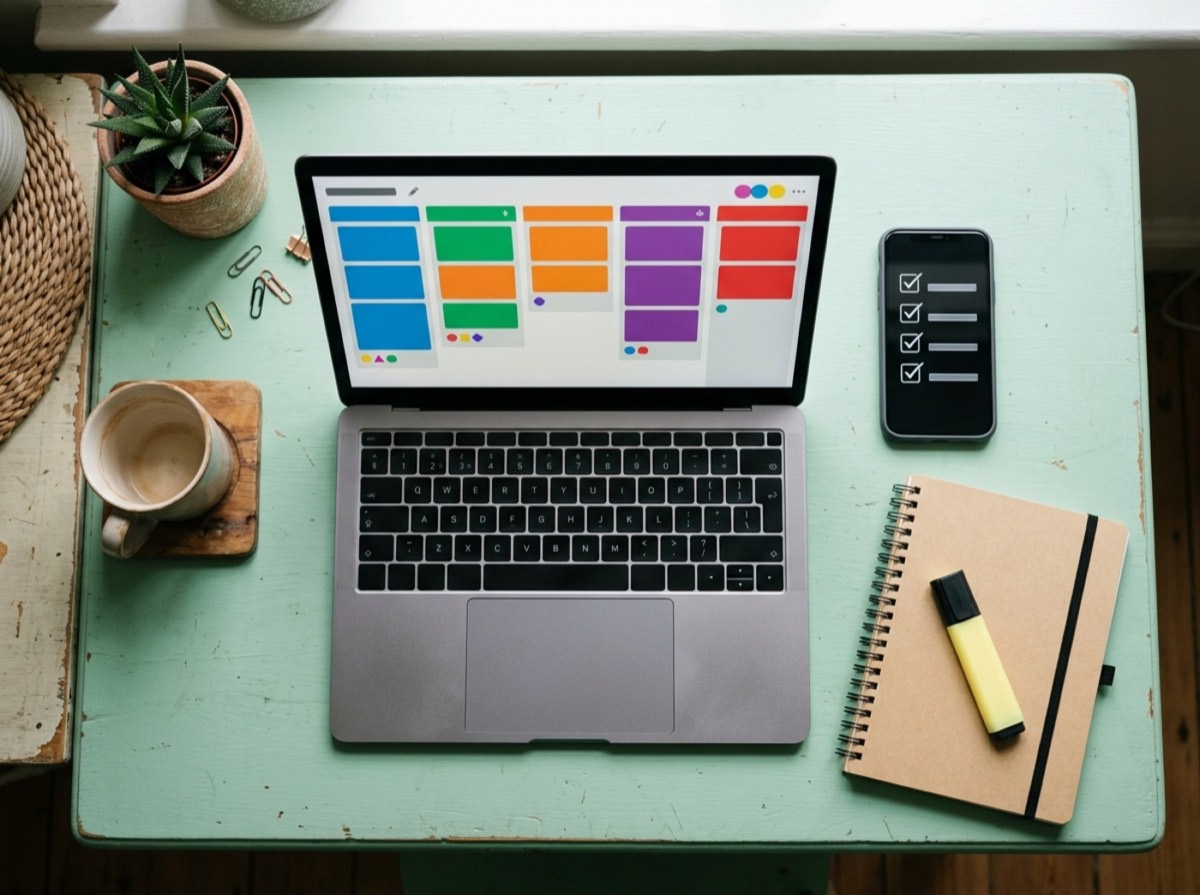
The best task manager app gives every task one home, reminds you at the right moment and, when needed, lets you hand jobs to someone else. Most people do not need a complex system to stay on top of things. A good to-do list app with reminders and recurring tasks removes much of the mental load of remembering it all.
We judged each app on how fast tasks can be captured, how well it handles due dates, reminders and repeating jobs, and whether it works as a shared to-do list for families or teams. We also looked at iPhone, Android and desktop support, offline use, the depth of the free task manager plan and how long it takes a new user to feel at home. Personal planners and team task management apps are both included, and each entry notes who it suits.
At a glance
#1 · Best for Families and small groups sharing chores
Listub Task Manager
Best for shared tasks at home
Listub's task manager gives a household, club or small team one shared to-do list, organised into rooms for each group. Tasks can have subtasks with progress shown on the card, due dates, reminders, notes and an assignee, and repeating jobs come back on their own schedule. You can rename or add statuses so the board matches how you work, and everything keeps working offline. Dated tasks also appear in Listub's combined Calendar, and the Galveo AI assistant can create them from a spoken or typed sentence.
- Subtasks with visible progress
- Due dates, reminders, recurring tasks and overdue flags
- Assign tasks to people in a shared room
- Custom statuses for your own workflow
- Offline use with automatic sync
- Platforms
- iOS, Android, macOS
- Pricing
- Freemium, Premium adds multi-device use and real-time sharing
#2 · Best for Individuals who want a flexible system
Todoist
The best all-round personal planner
Todoist is one of the most widely used task apps, and its quick-add box understands dates written in plain language. Projects, labels and filters let you build anything from a simple list to a detailed system. It runs on nearly every platform, and shared projects make it workable for small teams.
- Natural-language task entry
- Projects, sections, labels and custom filters
- List, board and calendar layouts
- Shared projects and task comments
- Integrations with calendars and email
- Platforms
- iOS, Android, macOS, Windows, Linux, Web
- Pricing
- Freemium, paid plan adds more projects and advanced features
#3 · Best for People who want tasks, habits and focus in one app
TickTick
Most features for the money
TickTick combines a task list with a focus timer, habit tracker and calendar, which saves juggling several apps. It handles recurring tasks and reminders well and offers several ways to view your day. The free plan is generous, and the paid tier unlocks the full calendar views.
- Built-in Pomodoro focus timer
- Habit tracker
- Calendar and Eisenhower Matrix views
- Shared lists and task assignment
- Smart date parsing
- Platforms
- iOS, Android, macOS, Windows, Linux, Web
- Pricing
- Freemium
#4 · Best for Apple users who value design
Things 3
The most polished Apple-only choice
Things 3 is known for a calm, carefully designed interface that makes planning pleasant. Its Today, Upcoming and Someday views separate what needs doing now from what can wait. It is sold as a one-off purchase per device type and has no collaboration features or Android version.
- Today, Upcoming, Anytime and Someday views
- Projects with headings and checklists
- Calendar events shown alongside tasks
- Quick Entry from anywhere on the Mac
- Platforms
- iOS, iPadOS, macOS, watchOS, visionOS
- Pricing
- Paid
#5 · Best for Outlook and Microsoft 365 users
Microsoft To Do
Free and tidy, with Outlook links
Microsoft To Do keeps things simple with lists, steps and a My Day view that you rebuild each morning. It connects to Outlook, so flagged emails can show up as tasks. Shared lists work between Microsoft account users, and there is no paid tier.
- My Day planning view
- Steps, notes and due dates on tasks
- Flagged Outlook emails as tasks
- Shared lists
- Platforms
- iOS, Android, Windows, macOS, Web
- Pricing
- Free
#6 · Best for People who plan by the day
Any.do
Tasks and calendar side by side
Any.do blends a to-do list with a daily planner that shows your calendar events next to your tasks. It supports recurring reminders, shared lists and a family plan for households. Some of its more advanced features are reserved for the paid tier.
- Daily planner combining tasks and events
- Recurring and location reminders
- Shared lists and workspaces
- Calendar integrations
- Platforms
- iOS, Android, macOS, Windows, Web
- Pricing
- Freemium
#7 · Best for Gmail users who want the basics
Google Tasks
Lightweight and built into Gmail
Google Tasks is a basic list app that lives in the side panel of Gmail and Google Calendar, as well as on phones. You can turn an email into a task and see dated tasks on your calendar. It lacks labels, priorities and sharing for personal accounts, so it suits simple needs.
- Create tasks from Gmail messages
- Dated tasks appear in Google Calendar
- Subtasks and repeating tasks
- Task assignment in Google Workspace spaces
- Platforms
- Android, iOS, Web
- Pricing
- Free
#8 · Best for Small teams and visual thinkers
Trello
Best for visual boards
Trello organises work as cards on boards, which you drag between columns as tasks move forward. It is easy for a group to pick up and extends through Power-Ups and built-in automation. It is less suited to fast personal capture or detailed recurring reminders.
- Kanban boards with drag-and-drop cards
- Checklists, due dates and attachments on cards
- Built-in automation
- Power-Ups for extra views and integrations
- Platforms
- iOS, Android, macOS, Windows, Web
- Pricing
- Freemium
#9 · Best for Teams running shared projects
Asana
Structured planning for teams
Asana is built for teams that need to see who owns what and when it is due. Projects can be viewed as lists, boards or timelines, and rules can automate routine steps. It is more than most households need, but it scales well for work projects.
- List, board, calendar and timeline views
- Task owners, dependencies and due dates
- Rules for automating repeat steps
- Forms for collecting requests
- Platforms
- iOS, Android, macOS, Windows, Web
- Pricing
- Freemium
#10 · Best for Getting Things Done practitioners
OmniFocus
Power tool for detailed planners
OmniFocus is a deep task manager for people who follow a structured method such as Getting Things Done. Custom perspectives, defer dates and a weekly review mode give fine control over what you see and when. It has a learning curve and is mainly an Apple app, with web access for subscribers.
- Custom perspectives and tags
- Defer and due dates
- Built-in review workflow
- Automation through scripting
- Platforms
- iOS, iPadOS, macOS, watchOS, visionOS, Web
- Pricing
- Free trial, then paid
How to choose
Decide first whether this is for you alone or for a group. For personal use, choose on feel and features, such as natural-language entry, a focus timer or a clean daily view. If you need a shared to-do list app for a partner, family or small team, check that task assignment, shared lists and notifications are included in the plan you intend to use.
Next, match the app to your devices and habits. Some of the best to-do list apps are Apple-only, while others run on iPhone, Android, Windows, Mac, Linux and the web. Think about whether you prefer lists, boards or a calendar, check that the app works offline if you plan on the move, and try the free tier for a week before paying. An app you open every day beats a more powerful one you avoid.
Frequently asked questions
What is the best free task manager app?
+
TickTick and Todoist both have generous free plans for personal use, and Microsoft To Do and Google Tasks are completely free. Listub's free plan covers tasks with subtasks, due dates, reminders and recurring jobs on one device. For teams, Trello and Asana offer free plans with basic collaboration.
Which to-do list app works on iPhone and Android?
+
Listub, Todoist, TickTick, Microsoft To Do, Any.do, Google Tasks, Trello and Asana all have iPhone and Android apps. Things 3 and OmniFocus are Apple-only, so they are not an option if anyone in your group uses Android.
Can I share a to-do list with my family or partner?
+
Yes. Listub is built around shared rooms where you can assign tasks to specific people, and real-time sharing comes with its Premium plan. Todoist, TickTick, Microsoft To Do and Any.do also support shared lists. Things 3 has no sharing features.
Is there a task manager app without a subscription?
+
Microsoft To Do and Google Tasks are free with no subscription. Things 3 is sold as a one-off purchase for each device type. Most other popular apps, including Todoist, TickTick and Any.do, use a free tier with an optional subscription.
What is the best alternative to Todoist?
+
TickTick is the closest alternative, adding a focus timer and habit tracker to a similar task list. Listub suits households and groups that want shared tasks next to shopping lists and a calendar. Apple users who prefer a one-off purchase often choose Things 3.
Does Todoist work offline?
+
Yes, Todoist's mobile and desktop apps let you view, add and complete tasks without a connection, and changes sync once you are back online. Listub and TickTick also keep working offline and sync later.
Which task app is best for Getting Things Done (GTD)?
+
OmniFocus is the app most closely built around GTD, with defer dates, custom perspectives and a weekly review mode. Things 3 and Todoist can also support a GTD-style setup with projects, tags and filters.
How do I set a recurring task?
+
In most apps you open the task, set a due date and choose a repeat option such as daily, weekly or monthly. In Listub, recurring jobs come back on their own schedule once you set them, and Todoist lets you type phrases like 'every Monday' when adding a task.
If you want a task manager app where tasks sit alongside your shopping, notes and shared calendar, and where you can assign chores to the people you live or work with, Listub is the place to start. Todoist and TickTick are the best free to-do list apps for personal productivity across iPhone and Android, Things 3 and OmniFocus reward Apple users who like structure, and Trello or Asana make more sense once a team is involved.
How we research: We compare each product on the same criteria, using makers’ documentation, independent reviews and owner feedback, and re-check the list when products change.
Written by
Bitezine Editorial Team
Rankings, reviews & guides
Our editors research every piece from makers’ documentation, independent tests and owner reports, and update it when products change.