Ranked · Apps
Best shopping list apps in 2026
We compared ten shopping list apps on sharing, sync speed and how well they handle a real week of groceries. Here is which one fits your household.
 Bitezine Editorial TeamRankings, reviews & guides 9 min read
 AI generated
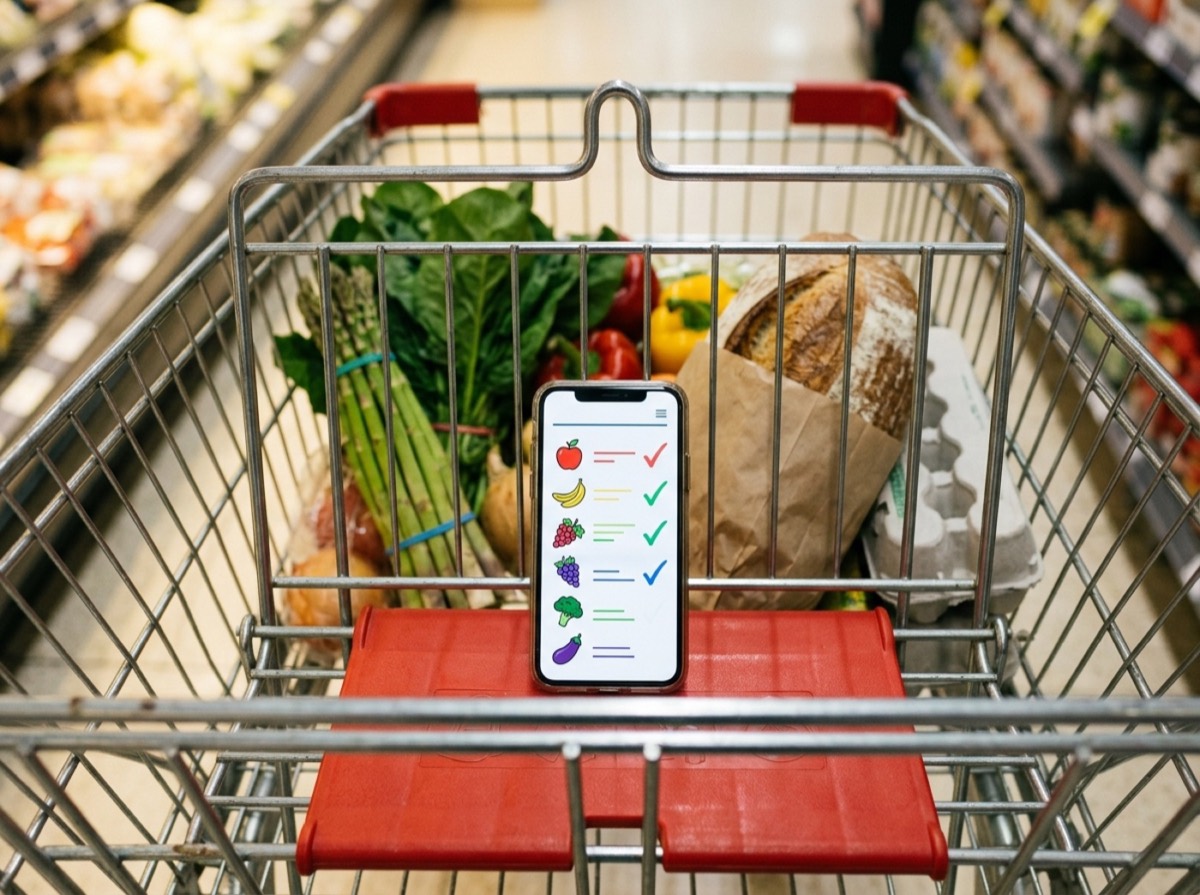
The best shopping list app keeps one grocery list that everyone in your household can add to and tick off, wherever they are. A paper list on the fridge works until someone else goes to the shop. Then the milk gets bought twice, the bin bags not at all, and the list stays at home anyway. A shared shopping list app fixes that by syncing changes to every phone as they happen.
To build this ranking of the best grocery list apps for 2026, we looked at how quickly an item can be added, how reliably changes reach other people's phones, and whether the app still works offline in a supermarket with no signal. We also weighed iPhone and Android support, how much the free version includes, and extras such as recipe import, aisle sorting, barcode scanning and voice input. Every app here is actively maintained and available to download today.
At a glance

#1 · Best for Families and housemates who shop together
Listub Shopping List
Best shared list for busy households
Listub keeps one shopping list that the whole household can edit, with ticks and additions showing up on everyone's device straight away. Each item can carry a quantity, unit, label, note and preferred store, so the person at the shop knows exactly what to buy and where. It keeps working without a connection and catches up once you are back online. Because the list lives inside Listub, you can ask the Galveo AI assistant to add everything for pasta night and keep shopping next to your tasks, notes and calendar.
- Real-time shared lists across the household
- Quantity, unit, note and preferred store on each item
- Priority, Regular and On Sale labels, plus aisle grouping and filters
- Works offline and syncs when reconnected
- Galveo AI adds items from plain language
- Platforms
- iOS, Android, macOS
- Pricing
- Freemium, Premium adds multi-device use and real-time sharing

#2 · Best for Home cooks who plan meals ahead
AnyList
The recipe-driven cook's favourite
AnyList is a long-standing grocery app that sorts items into categories and shares lists with family members. Its strength is the kitchen: you can save recipes from websites, plan meals on a calendar and send ingredients straight to your list. The free version covers shared lists, while the paid tier adds the web app, recipe import and meal planning.
- Automatic category sorting
- Recipe saving and import from websites
- Meal planning calendar
- Shared lists with instant updates
- Apple Watch support
- Platforms
- iOS, Android, macOS, Web
- Pricing
- Freemium, paid plan unlocks recipes and web access
#3 · Best for Couples who want a no-fuss shared list
OurGroceries
Simple, fast sharing for families
OurGroceries does one thing well: it keeps a shared grocery list in sync between everyone who uses it. Adding items is quick, the layout is uncluttered and list sharing works without paying. A one-off upgrade removes ads and adds extras such as recipes and item photos.
- Quick shared lists synced between phones
- Multiple lists for different stores
- Barcode scanning
- Smartwatch and voice assistant support
- Platforms
- iOS, Android, Web
- Pricing
- Freemium, upgrade removes ads and adds extras
#4 · Best for Visual shoppers and busy households
Bring!
The most visual grocery list
Bring! swaps plain text for colourful item icons, which makes a list easy to scan in a busy shop. It groups items by section, shares lists with others and can notify you when someone adds something. A built-in recipe feed and retailer offers give it a little more reach than a basic list.
- Icon-based lists sorted by section
- Shared lists with change notifications
- Recipe ideas with one-tap ingredient adding
- Works with Siri and Alexa
- Web app and smartwatch support
- Platforms
- iOS, Android, Web
- Pricing
- Freemium
#5 · Best for Regular shoppers who repeat the same items
Listonic
Smart suggestions, strong sorting
Listonic learns from what you buy and suggests items as you type, which speeds up a weekly shop. It sorts products by aisle, syncs shared lists in real time and has a browser version for planning at a desk. The paid plan removes ads and adds a few extra tools.
- Suggestions based on shopping history
- Automatic aisle sorting
- Real-time shared lists
- Offline access with later sync
- Web version
- Platforms
- iOS, Android, Web
- Pricing
- Freemium
#6 · Best for Avoiding duplicate buys
Out of Milk
Handy pantry tracking built in
Out of Milk pairs a shopping list with a pantry list, so you can keep track of what is already at home before you buy more. It supports several lists, barcode scanning and sharing with family. It is a sensible pick for people who want to cut down on duplicate purchases.
- Pantry inventory alongside the shopping list
- Barcode scanner
- Multiple lists for different stores
- Shared lists with family
- Platforms
- iOS, Android, Web
- Pricing
- Free
#7 · Best for Google users who want something quick
Google Keep
Good enough, and free
Google Keep is not a dedicated grocery app, but its checklist notes make a perfectly usable shopping list. You can share a list with other Google account holders, pin it to the top and add it to your home screen as a widget. It lacks categories and store planning, so it suits short, simple lists best.
- Checklist notes with tick-off
- Sharing with other Google accounts
- Home-screen widgets
- Voice notes and colour coding
- Platforms
- Android, iOS, Web
- Pricing
- Free
#8 · Best for Households that all use Apple devices
Apple Reminders
Built-in choice for Apple households
Apple's Reminders app has a grocery list type that groups items into sections such as produce and dairy as you add them. Lists can be shared with other Apple users, and Siri makes adding items hands-free. It is free and already on your device, but it does not help anyone on Android.
- Grocery list type with automatic sections
- Shared lists through iCloud
- Siri voice input
- Syncs across iPhone, iPad, Mac and Apple Watch
- Platforms
- iOS, iPadOS, macOS, watchOS, Web (iCloud)
- Pricing
- Free

#9 · Best for Keen cooks with a big recipe collection
Paprika Recipe Manager
Recipe manager with a strong list
Paprika is first a recipe organiser, and its grocery list is built around that. It pulls ingredients from saved recipes, merges duplicates and sorts them by aisle, and it can track pantry items too. It is a one-off purchase per platform rather than a subscription.
- Grocery list built from saved recipes
- Merges duplicate ingredients
- Aisle sorting and pantry tracking
- Meal planner and cloud sync
- Platforms
- iOS, Android, macOS, Windows
- Pricing
- Paid

#10 · Best for Meal planners who want recipes and lists together
Samsung Food
Free meal planner with smart lists
Samsung Food, formerly Whisk, is a recipe and meal planning app that turns saved recipes or a weekly meal plan into a shopping list in one step. The list combines matching ingredients, can be sorted by aisle or by recipe, and can be shared with a shopping partner. In some countries you can also send the list to an online grocery order. Core features are free, and the Food+ subscription adds personalised meal plans and extra tools.
- Recipe import and saving from websites
- Meal planner that builds a shopping list
- Aisle or recipe sorting with merged ingredients
- Shared lists with family
- Online grocery ordering in select countries
- Platforms
- iOS, Android, Web
- Pricing
- Freemium, Food+ adds personalised meal plans
How to choose
Start with who shops. If it is just you, almost any app on this list will do, and a free grocery list app or note app may be enough. If you need a shopping list app for families or couples, real-time sync and a clear view of what has already been bought matter far more than clever features. Check that the app runs on both iPhone and Android if your household uses both.
Then think about how you plan. People who cook from recipes get the most from apps with recipe import that turns ingredients into list items. People who split shopping between a supermarket, a market and a pharmacy should look for per-store lists or store tags. Finally, check what the free plan includes, because some apps keep sharing, sync or ad removal behind a subscription.
Frequently asked questions
What is the best free shopping list app?
+
Listub, OurGroceries, Bring! and Out of Milk all let you create and use a shopping list without paying. Listub's free plan includes labels, quantities, per-store planning and offline use on a single device, while its Premium plan adds real-time sharing across devices. If you only need a basic list, Google Keep and Apple Reminders are free with no paid tier, and Samsung Food's core list and meal planning features are free.
Which shopping list app works on both iPhone and Android?
+
Listub, AnyList, OurGroceries, Bring!, Listonic, Out of Milk, Samsung Food and Google Keep all have apps for iPhone and Android. Apple Reminders is the exception, as it only works on Apple devices and iCloud.com. Paprika is available on both, but each platform is a separate purchase.
Can I share a grocery list with my family or partner?
+
Yes. Most dedicated grocery apps, including Listub, AnyList, OurGroceries, Bring! and Listonic, let several people edit the same list and see items being added or ticked off. With Listub, real-time sharing is part of the Premium plan. Google Keep and Apple Reminders can also share lists, but only with other Google or Apple account users.
Is there a shopping list app without ads or a subscription?
+
Apple Reminders and Google Keep are free with no ads and no subscription. Paprika Recipe Manager is a one-off purchase per platform rather than a monthly plan. OurGroceries also offers a one-time upgrade that removes ads.
What is the best alternative to AnyList?
+
Listub is a good alternative if you want a shared shopping list plus tasks, notes and a calendar in one app. OurGroceries is the closest match for simple family sharing, while Samsung Food and Paprika are the best picks if you mainly want recipes and meal planning linked to your grocery list.
Does AnyList work offline?
+
Yes, AnyList's phone apps keep your lists on the device, so you can view and tick off items without a connection, and changes sync when you are back online. Listub and Listonic also work offline and sync later, which helps in supermarkets with weak signal.
Which grocery list app has a barcode scanner?
+
Out of Milk and OurGroceries both let you scan a product barcode to add it to your list. This is handy for restocking items you buy regularly, such as cleaning products or snacks.
How do I make a shared shopping list?
+
Install a shopping list app such as Listub, OurGroceries or AnyList, create a list, and invite the other person from the app's share or members option. Once they accept, anything either of you adds or ticks off appears on both phones. In Google Keep, open the note and add a collaborator using their Google account email.
The best shopping list app is the one everyone in the house will actually open. If you want a shared shopping list for the whole family that sits alongside your tasks, notes and calendar on iPhone, Android and Mac, start with Listub. If recipes drive your grocery list, AnyList, Samsung Food and Paprika are strong picks, and if you only need a free grocery list app with quick sharing, OurGroceries, Bring! or Google Keep will get the job done.
How we research: We compare each product on the same criteria, using makers’ documentation, independent reviews and owner feedback, and re-check the list when products change.
Written by
Bitezine Editorial Team
Rankings, reviews & guides
Our editors research every piece from makers’ documentation, independent tests and owner reports, and update it when products change.