Ranked · Apps
Best navigation apps in 2026
Google Maps, Apple Maps, Waze and seven strong alternatives: the ten best navigation and GPS apps of 2026 for driving, transit, hiking and offline use.
 Bitezine Editorial TeamRankings, reviews & guides 10 min read
 AI generated
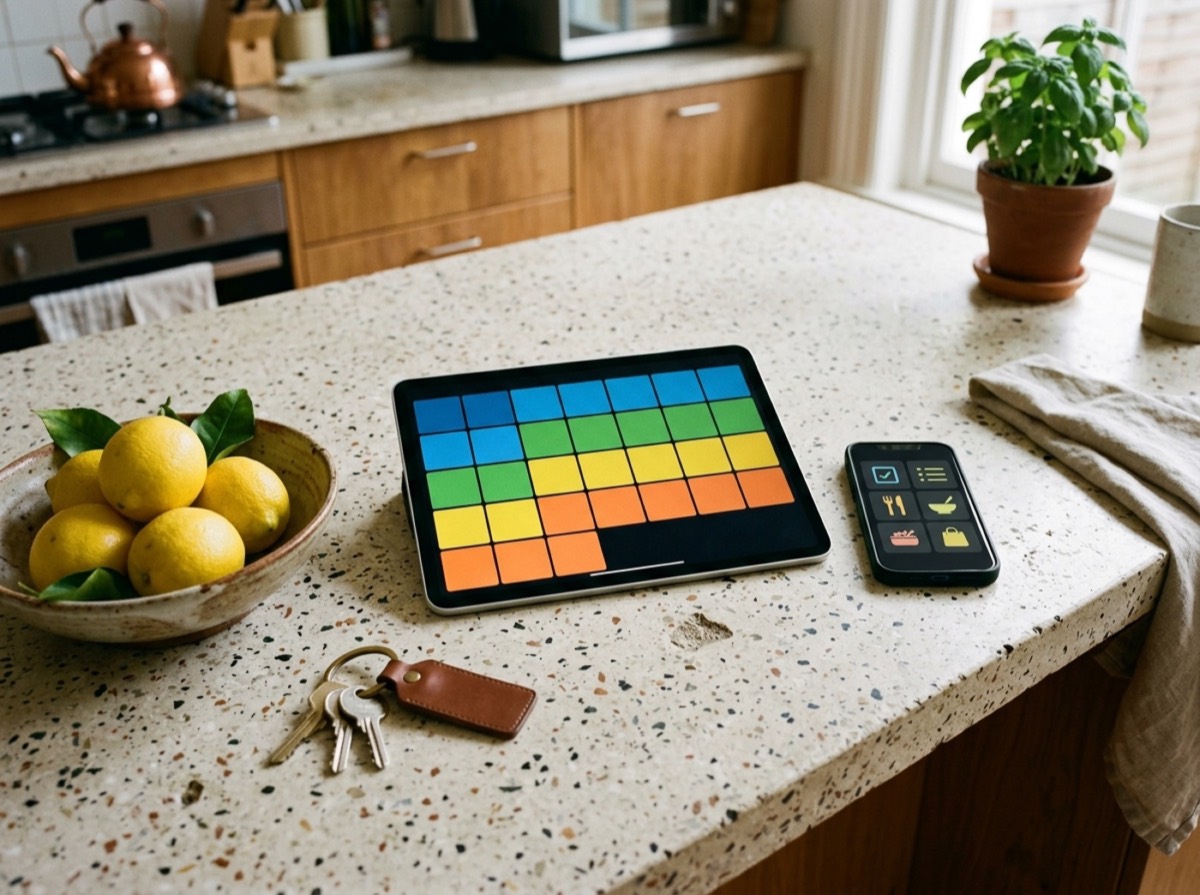
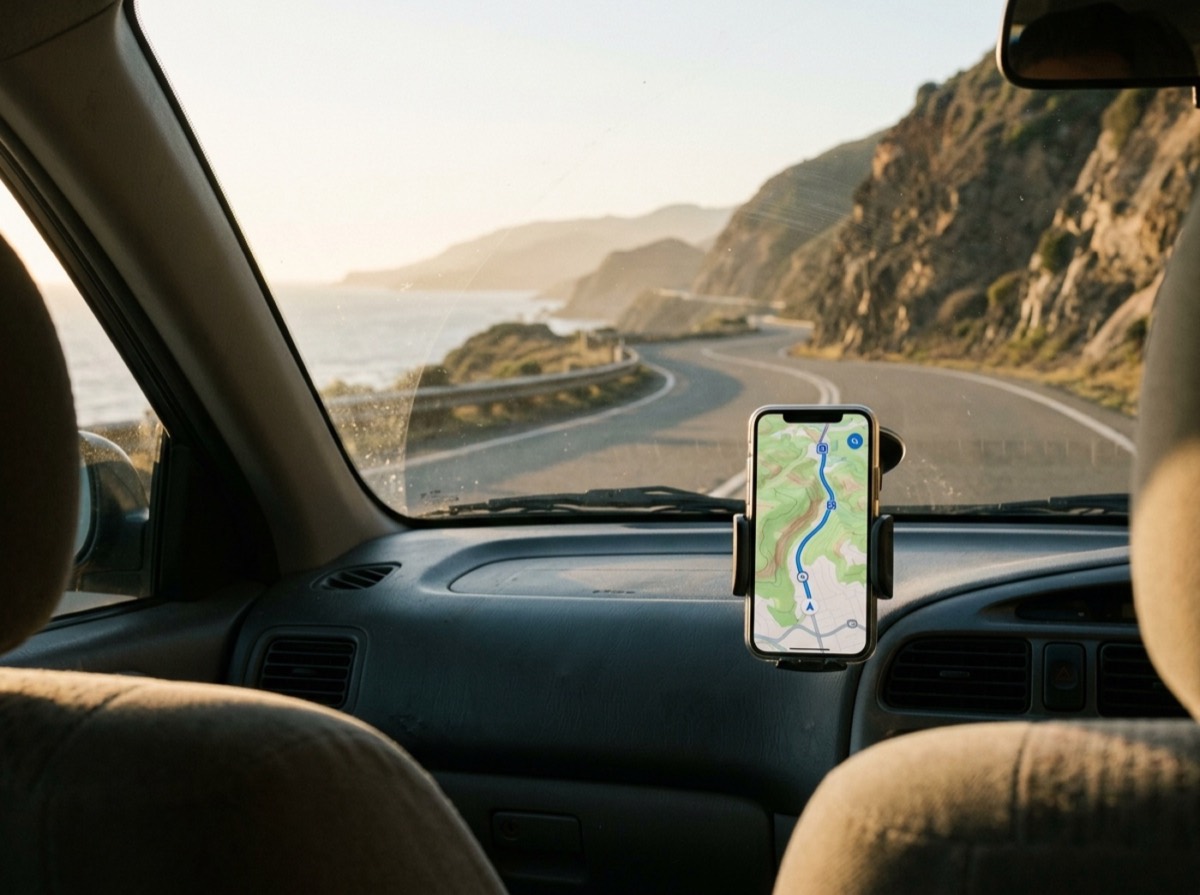
The best navigation apps in 2026 get you from A to B with accurate traffic, clear lane guidance and routes that work whether you are driving, riding a bike, walking or taking the train. Google Maps is still the default for many people, but Apple Maps, Waze and privacy-focused offline maps apps now give it real competition, and some specialist apps are better for hiking or city transit.
To choose the ten GPS apps below, we compared the navigation apps that reviewers recommend most and checked each app's official site for its current features. We looked at routing and traffic quality, offline maps, public transport information, car integration through CarPlay and Android Auto, privacy, and cost. Each app is available in 2026.
At a glance
#1 · Best for Everyday navigation anywhere
Google Maps
Best navigation app overall
Google Maps combines reliable live traffic, lane guidance and speed limits with walking, cycling and public transport directions in cities worldwide. It lets you download offline areas, explore places with reviews and opening hours, and use Live View arrows for walking directions. It works with CarPlay and Android Auto and is free.
- Live traffic and lane guidance
- Public transport directions
- Offline map downloads
- CarPlay and Android Auto support
- Platforms
- iOS, Android, Web
- Pricing
- Free

#2 · Best for iPhone users
Apple Maps
Best navigation app for iPhone
Apple Maps is built into every iPhone, iPad, Mac and Apple Watch, with turn-by-turn driving, walking, cycling and transit directions. It supports offline maps, detailed city views and Look Around street-level imagery, and it works tightly with CarPlay and Siri. It is free and designed with privacy in mind.
- Offline maps
- Look Around street imagery
- Deep CarPlay and Apple Watch integration
- Transit, walking and cycling directions
- Platforms
- iOS, iPadOS, macOS, watchOS, Web
- Pricing
- Free

#3 · Best for Commuters and road trips
Waze
Best for live driver alerts
Waze relies on its community of drivers to report accidents, hazards, road closures and speed checks in real time, then reroutes you around delays. It shows speed limits and can connect to music and podcast apps while you drive. It works with CarPlay and Android Auto and is free with ads.
- Community reports of hazards and police
- Real-time rerouting
- Speed limit warnings
- CarPlay and Android Auto support
- Platforms
- iOS, Android
- Pricing
- Free, ad-supported

#4 · Best for Offline travel abroad
HERE WeGo
Best free offline maps for drivers
HERE WeGo comes from HERE Technologies, a major supplier of maps to car makers. It lets you download maps of whole countries for offline navigation and offers driving, walking and public transport directions. It is free and a solid backup to Google Maps when you travel.
- Country-wide offline maps
- Driving and transit directions
- Map data from a major automotive supplier
- Free to use
- Platforms
- iOS, Android, Web
- Pricing
- Free

#5 · Best for Privacy-minded travellers
Organic Maps
Best free, private offline maps
Organic Maps is a free, open-source offline maps app built on OpenStreetMap by the founders of MAPS.ME. It has no ads and no tracking, and it covers hiking trails, cycling routes and driving navigation. It is fast and light on battery, which makes it a favourite for travellers and hikers.
- Fully offline maps
- No ads and no tracking
- Hiking, cycling and driving routes
- Open source
- Platforms
- iOS, Android
- Pricing
- Free

#6 · Best for Drivers who value privacy
Magic Earth
Best privacy-first driving app
Magic Earth is a navigation app designed around privacy, with live traffic, 3D maps and offline access. It supports CarPlay and CarPlay Dashboard and can guide you from your wrist. The app is free to download, with a Premium licence that unlocks extra features.
- Privacy-focused design
- Live traffic and 3D maps
- Offline maps
- CarPlay support
- Platforms
- iOS, Android
- Pricing
- Freemium

#7 · Best for City commuters and visitors
Citymapper
Best for city public transport
Citymapper is built for getting around big cities by bus, metro, train, bike and on foot, with live departures and clear step-by-step directions. It tells you which carriage to board and where to exit, and compares options across modes. It covers many major transit cities and is free with an optional paid tier.
- Live departures and disruptions
- Multi-modal journey options
- Step-by-step transit guidance
- Coverage of major world cities
- Platforms
- iOS, Android, Web
- Pricing
- Freemium

#8 · Best for Hikers and cyclists
komoot
Best for hiking and cycling routes
komoot is a route planner and navigation app for hiking, cycling and running, founded in Germany and used by tens of millions of outdoor fans. It suggests routes based on your sport and fitness, adds highlights recommended by other users, and gives voice turn-by-turn directions. Planning is free, and offline map regions are a paid add-on.
- Sport-specific route planner
- Community highlights
- Voice turn-by-turn navigation
- Offline maps as paid add-on
- Platforms
- iOS, Android, Web
- Pricing
- Freemium
#9 · Best for Outdoor power users
OsmAnd
Most detailed offline outdoor maps
OsmAnd uses OpenStreetMap data to provide highly detailed offline maps for any region, with points of interest, favourites and specialised map styles. It is packed with options for hikers, cyclists, skiers and boaters, although that depth takes time to learn. The core app is free, and paid plans add extras such as contour lines and more frequent map updates.
- Detailed offline maps worldwide
- Hiking, cycling and nautical styles
- GPX track recording and import
- Open source
- Platforms
- iOS, Android, Web
- Pricing
- Freemium
#10 · Best for Drivers who want a sat nav on their phone
Sygic GPS Navigation
Best offline car navigation
Sygic turns your phone into a sat nav with offline maps, so you can drive without mobile data. It offers turn-by-turn voice guidance, and premium features include speed camera alerts, a head-up display mode and car integration. There are also dedicated versions for trucks and caravans. The app is free to download with paid premium features.
- Offline car navigation
- Speed camera alerts (premium)
- Head-up display mode
- Truck and caravan version available
- Platforms
- iOS, Android
- Pricing
- Freemium
How to choose
Think about how you travel. For everyday driving, Google Maps, Apple Maps and Waze offer live traffic and CarPlay or Android Auto support, with Waze adding community reports about hazards and speed checks. For buses, trams and trains in big cities, Citymapper is a specialist, and for hiking and cycling routes, komoot and OsmAnd are more detailed than general-purpose maps.
Then look at offline use and privacy. If you travel abroad or drive through areas with patchy signal, choose an app with good offline maps, such as HERE WeGo, Organic Maps, OsmAnd or Sygic. If you prefer not to share location data with big platforms, Organic Maps and Magic Earth are built around privacy. Most of these apps are free, with paid upgrades for extra features.
Frequently asked questions
What is the best navigation app in 2026?
+
Google Maps is the best navigation app for most people, with strong traffic data, public transport directions, offline maps and CarPlay and Android Auto support. Apple Maps is an excellent alternative on iPhone, and Waze is popular with drivers for its live community alerts.
Is Waze better than Google Maps?
+
Waze is better for daily drivers who want live reports of accidents, hazards and speed checks from other users. Google Maps is better as an all-rounder, with walking, cycling and transit directions, offline maps and detailed place information. Both are owned by Google and both are free.
What is the best offline navigation app?
+
Organic Maps is a free offline maps app with no ads and no tracking, based on OpenStreetMap data. OsmAnd offers very detailed offline maps for hiking and cycling, HERE WeGo lets you download maps for whole countries, and Sygic focuses on offline car navigation. Google Maps and Apple Maps also let you download offline areas.
What is the best privacy-friendly alternative to Google Maps?
+
Organic Maps is open source, free and does not track you. Magic Earth is also built with privacy in mind and adds live traffic and CarPlay support, and OsmAnd is another open-source option based on OpenStreetMap.
Which navigation app is best for public transport?
+
Citymapper is the specialist for public transport in major cities, with detailed step-by-step directions and live departures. Google Maps covers transit in many more places, and HERE WeGo also includes public transport routes.
Which navigation apps work with CarPlay and Android Auto?
+
Google Maps and Waze work with both CarPlay and Android Auto, Apple Maps works with CarPlay, and Magic Earth and Sygic also support car integration. Check the app's details for your car's system before a long trip.
What is the best navigation app for hiking and cycling?
+
komoot is one of the most popular apps for planning hiking and cycling routes, with voice navigation and route recommendations from its community. OsmAnd offers detailed topographic maps for offline use, and Organic Maps covers trails for free.
Is it legal to use speed camera warnings in Germany?
+
No. German road traffic rules ban drivers from using apps or devices that warn about speed cameras while driving, and fines can apply. Waze, Sygic and similar apps show such alerts by default in some regions, so switch them off before you drive in Germany, and check the rules in other countries too.
Google Maps remains the best navigation app for most people thanks to its traffic data, transit coverage and business information. Apple Maps is the natural choice on iPhone, Waze is best for commuters who want live hazard alerts, and Organic Maps is the best free offline map app if privacy matters. Keep a second app with offline maps on your phone and you will rarely be lost.
How we research: We compare each product on the same criteria, using makers’ documentation, independent reviews and owner feedback, and re-check the list when products change.
Written by
Bitezine Editorial Team
Rankings, reviews & guides
Our editors research every piece from makers’ documentation, independent tests and owner reports, and update it when products change.