Tech
What is Wi-Fi 7? Speeds, features and whether you should upgrade
What is Wi-Fi 7 and do you need it? A plain guide to 802.11be, Multi-Link Operation, 320 MHz channels, Wi-Fi 7 vs Wi-Fi 6 and when an upgrade makes sense.
 Bitezine Editorial TeamRankings, reviews & guides 6 min read
 AI generated
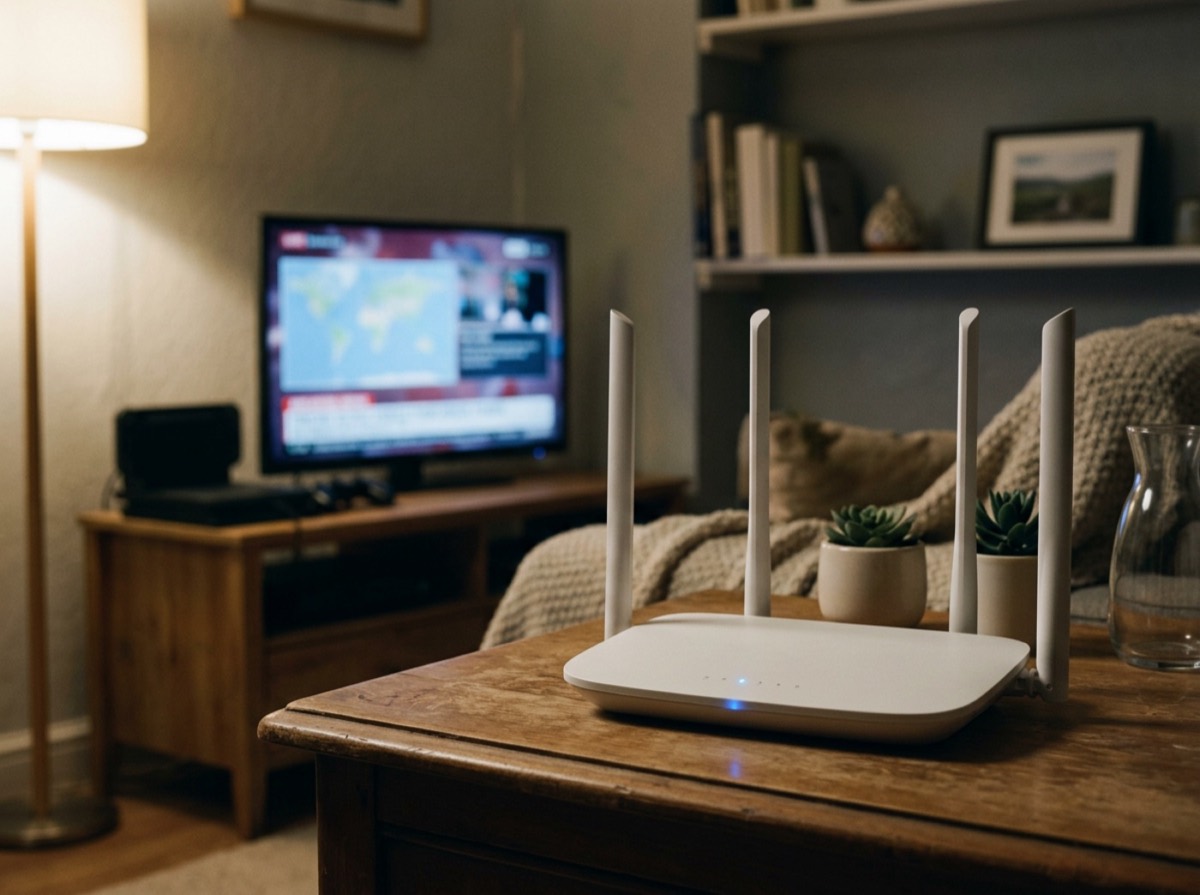
Wi-Fi 7 is the name the Wi-Fi Alliance uses for the IEEE 802.11be wireless standard, the generation that follows Wi-Fi 6 and Wi-Fi 6E. It is designed for faster speeds, lower latency and more reliable connections, especially in homes and offices crowded with devices. Certification of Wi-Fi 7 products began in January 2024, and support has since spread across routers, laptops and phones.
This guide explains what Wi-Fi 7 is, which features make the difference, how it compares with earlier generations, and whether upgrading your router makes sense for you.
What is Wi-Fi 7?
Every few years, the IEEE publishes a new version of the 802.11 wireless networking standard, and the Wi-Fi Alliance gives it a simpler consumer name and certifies devices. Wi-Fi 5 was 802.11ac, Wi-Fi 6 was 802.11ax, Wi-Fi 6E extended Wi-Fi 6 into the 6 GHz band, and Wi-Fi 7 is 802.11be. The "be" stands for Extremely High Throughput, which hints at its main goal.
Wi-Fi 7 works across the 2.4 GHz, 5 GHz and 6 GHz bands. It builds on the technologies introduced with Wi-Fi 6, such as OFDMA, which lets a router serve several devices at once, and adds new features that increase capacity and cut delays.
Key Wi-Fi 7 features explained
Four features do most of the work.
- Multi-Link Operation (MLO): a device can connect over more than one band at the same time, for example 5 GHz and 6 GHz, to combine capacity or switch instantly to the less congested link. This improves both speed and reliability.
- 320 MHz channels: twice the maximum channel width of Wi-Fi 6. Wider channels carry more data, like a wider motorway. These very wide channels are only available in the 6 GHz band.
- 4096-QAM: a denser way of encoding data that packs 12 bits into each symbol instead of the 10 bits of Wi-Fi 6's 1024-QAM, giving roughly 20 percent more throughput when the signal is strong.
- Preamble puncturing and Multi-RU: the router can skip a slice of a channel affected by interference and still use the rest, and it can assign several resource units to one device, using the airwaves more efficiently.
The bigger everyday gains often come from lower latency and steadier performance rather than raw speed.
How fast is Wi-Fi 7?
On paper, Wi-Fi 7 can reach tens of gigabits per second, several times the theoretical maximum of Wi-Fi 6. Those headline numbers assume ideal conditions and many data streams, so real homes will see much less. Distance, walls, interference and the number of connected devices all reduce throughput.
In practice, a Wi-Fi 7 device near a Wi-Fi 7 router on the 6 GHz band can deliver multi-gigabit speeds, which is faster than many home internet connections. That is why the bigger everyday gains often come from lower latency and steadier performance rather than raw speed. Video calls, cloud gaming and virtual reality benefit from fewer delays and dropouts.
Wi-Fi 7 vs Wi-Fi 6 and Wi-Fi 6E
Wi-Fi 6 introduced efficiency features for busy networks on 2.4 GHz and 5 GHz, with channels up to 160 MHz and 1024-QAM. Wi-Fi 6E added access to the 6 GHz band, which offers far more clean spectrum but shorter range because higher frequencies do not pass through walls as well.
Wi-Fi 7 keeps all of that and adds Multi-Link Operation, 320 MHz channels, 4096-QAM and smarter channel use. The most noticeable change for users is MLO, which makes connections more robust in crowded environments. If you already have a good Wi-Fi 6E network and an internet plan below one gigabit per second, the upgrade will feel smaller than moving from Wi-Fi 5.
Availability of the 6 GHz band varies by country. In regions where only part of the band is open, such as Europe, there is room for fewer of the widest channels than in places that allow the full band. Wi-Fi 7 still works well there, but the maximum channel options are more limited.
What do you need to use Wi-Fi 7?
To benefit, both ends of the connection must support Wi-Fi 7: a Wi-Fi 7 router or mesh system and a Wi-Fi 7 phone, laptop or other device. Wi-Fi 7 is backward compatible, so older devices still connect to a Wi-Fi 7 router, but they use their own older standard and do not gain the new features.
A few other points matter. The 6 GHz band requires WPA3 security, so very old devices may not join those networks. To see multi-gigabit speeds end to end, your router needs a multi-gigabit Ethernet port, and your internet plan needs to be fast enough. For larger homes, a Wi-Fi 7 mesh system with a wired or dedicated wireless backhaul spreads the benefits to every room.
Is Wi-Fi 7 worth it?
Wi-Fi 7 is worth considering in these situations.
- You are replacing an old Wi-Fi 5 or earlier router anyway.
- You have a fast fibre or cable connection above one gigabit per second.
- Your home has many connected devices competing for airtime.
- You already own Wi-Fi 7 phones or laptops.
- You use latency-sensitive applications such as cloud gaming, VR or frequent video calls.
- You transfer large files between devices on your home network.
When you can wait
If your current Wi-Fi 6 or 6E router covers your home well, your devices do not support Wi-Fi 7, and your internet plan is modest, there is little reason to rush. Poor Wi-Fi is more often caused by router placement, thick walls or a single router trying to cover a large home than by the Wi-Fi generation. Moving the router to a central, raised spot or adding a mesh node can deliver bigger improvements for less money.
Future standards are already in development, with a focus on reliability rather than peak speed. That is not a reason to avoid Wi-Fi 7, but it is a reminder to buy for the devices and needs you have now.
Frequently asked questions
What is Wi-Fi 7 in simple terms?
+
Wi-Fi 7 is the latest widely available generation of Wi-Fi, based on the 802.11be standard. It offers faster speeds, lower latency and steadier connections by using wider channels, denser data encoding and several bands at once.
Is Wi-Fi 7 backward compatible?
+
Yes. Older Wi-Fi devices can connect to a Wi-Fi 7 router, but they use their own standard's speeds and features. Only Wi-Fi 7 devices get the new capabilities.
What is Multi-Link Operation in Wi-Fi 7?
+
Multi-Link Operation lets a device use more than one frequency band at the same time. It can combine links for more speed or shift traffic instantly to the clearer band, which reduces lag and dropouts.
Do I need a Wi-Fi 7 router if my internet is slower than 1 Gbps?
+
Not necessarily. You may still gain better reliability and faster transfers between devices at home, but internet speed will be capped by your plan. If your current router works well, upgrading is optional.
Is Wi-Fi 7 better than Wi-Fi 6E?
+
Yes, it adds Multi-Link Operation, 320 MHz channels and 4096-QAM on top of Wi-Fi 6E's 6 GHz access. The difference is most noticeable with fast internet, busy networks and Wi-Fi 7 devices.
Does Wi-Fi 7 have better range?
+
Not by itself. Range depends mainly on frequency, walls and router placement, and the 6 GHz band has shorter range than 2.4 GHz or 5 GHz. Multi-Link Operation can help keep connections stable as signal quality changes.
Wi-Fi 7 is a meaningful step forward for busy, fast home networks, with Multi-Link Operation doing much of the practical work. Upgrade when your devices, internet plan and current router make it worthwhile, and pair it with good placement or a mesh system to get the full benefit.
How we research: Guides are written from established sources and checked for accuracy. They are general information, not professional advice.
Written by
Bitezine Editorial Team
Rankings, reviews & guides
Our editors research every piece from makers’ documentation, independent tests and owner reports, and update it when products change.