Tech
What is Matter? The smart home standard explained
What is Matter in the smart home? How the shared standard works with Thread and Wi-Fi, what a border router does, and what to check before you buy devices.
 Bitezine Editorial TeamRankings, reviews & guides 6 min read
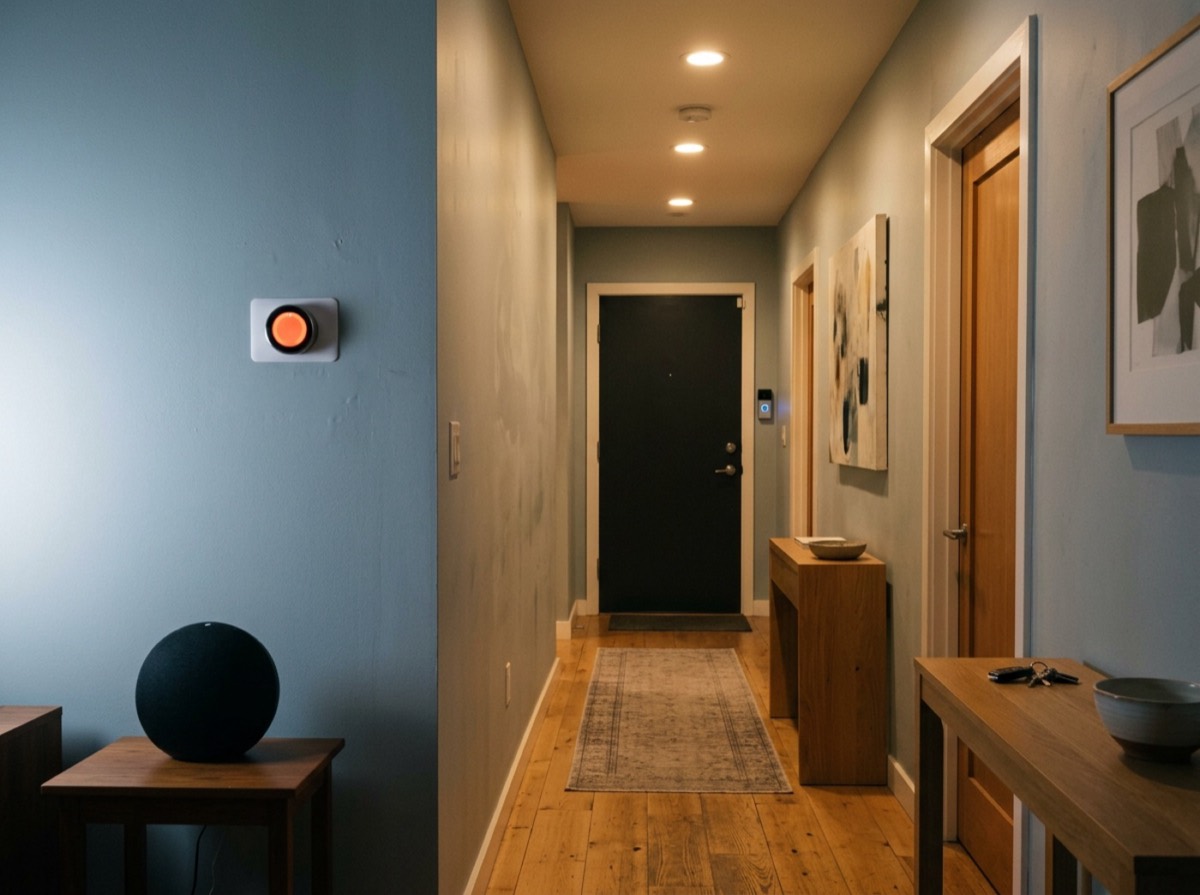 AI generated
Matter is a smart home standard that lets connected devices from different brands work together, whichever ecosystem or control app you prefer. A Matter smart plug, light bulb or door lock should set up the same way and work with any Matter-compatible hub or controller, instead of being tied to one company's system.
It is developed by the Connectivity Standards Alliance, an industry group whose members include Amazon, Apple, Google and Samsung, and the first version arrived in October 2022. This guide explains what Matter is, how it relates to Thread, Wi-Fi and Zigbee, what equipment you need, and what to look for when buying devices.
What is Matter and what problem does it solve?
Before Matter, buying a smart home device often meant checking a long list of compatibility logos. A bulb might work with one voice-controlled speaker but not another, or need its own hub and its own app. Mixing brands was frustrating, and switching ecosystems could mean replacing devices.
Matter tackles this by defining a common language for smart home devices. It describes how a device announces what it is (a light, a thermostat, a sensor), what it can do, and how controllers send it commands. Any certified controller can then operate any certified device of a supported type.
Matter is an application-layer standard built on internet protocol (IP) networking. It does not replace your Wi-Fi or introduce a new radio of its own; instead, it runs on top of networks you may already have.
How Matter works: Wi-Fi, Thread, Ethernet and Bluetooth
Matter devices talk to each other over one of three network types, while Bluetooth Low Energy is used only during setup.
- Wi-Fi: suits devices that need more bandwidth or are always plugged in, such as cameras, appliances and some plugs.
- Thread: a low-power mesh network ideal for battery devices like sensors, locks and buttons. Each mains-powered Thread device can relay signals, so coverage improves as you add more.
- Ethernet: used by hubs, bridges and other fixed equipment with a network cable.
- Bluetooth Low Energy: lets your phone find a new device nearby and hand over network details during commissioning.
Thread moves the data; Matter is the language the devices speak.
Matter vs Thread: what is the difference?
People often confuse the two because they are frequently mentioned together. Thread is a networking technology: it moves data between devices. Matter is the language those devices speak once connected. A Matter device may use Thread, Wi-Fi or Ethernet to carry its messages.
To use Thread devices, your home needs a Thread border router. This connects the Thread mesh to your regular home network so that phones and controllers on Wi-Fi can reach the devices. Border routers are built into many recent smart speakers, smart displays, streaming boxes and some Wi-Fi routers, so you may already own one. If you have several, they can join the same Thread network, although older setups from different brands sometimes created separate networks.
Matter vs Zigbee and Z-Wave
Zigbee and Z-Wave are older smart home technologies that include both the radio and the device language. They are mature and reliable, but they require a compatible hub and do not use IP networking.
Matter does not make these devices obsolete. A Matter bridge, which is often a software update to an existing hub, can present Zigbee or Z-Wave devices to Matter controllers as if they were Matter devices. That lets you keep equipment that already works while adding new Matter products.
Key benefits of Matter
Matter brings several practical improvements for everyday users.
- Brand choice: pick devices on features and price rather than ecosystem loyalty.
- Multi-admin: one device can be controlled by more than one ecosystem at the same time, so different household members can use the controller they prefer.
- Local control: Matter commands travel over your home network, so many automations keep working and respond quickly even when the internet is down.
- Simpler setup: devices are added by scanning a QR code or typing a numeric setup code.
- Security: devices are certified and use encrypted, authenticated communication by design.
How to set up a Matter device
The setup flow is similar across ecosystems. Make sure your phone has Bluetooth turned on and is connected to your home Wi-Fi, ideally on the 2.4 GHz band if your router separates bands and the device only supports it. For Thread devices, confirm you have a border router online.
Open your chosen smart home controller, choose to add a device, and scan the Matter QR code printed on the device or its packaging. The controller connects over Bluetooth, adds the device to your network and gives it a name and room. To share it with a second ecosystem, use the option to pair with another app or service in the device settings, which generates a new temporary code.
Keep the original setup code somewhere safe, such as a photo stored with your home documents. You will need it if you reset the device later.
Limitations and what to check before buying
Matter is still evolving. The first version covered common categories such as lights, plugs, switches, locks, thermostats, blinds and sensors. Later versions have added appliances like robot vacuums, dishwashers and washing machines, along with energy management and cameras, but not every controller supports every newer device type yet, and advanced features may still require the maker's own app.
Before buying, check that the packaging shows the Matter logo, which network the device uses, and whether your preferred controller supports that device category. For Thread products, confirm you have a border router. If you already have a working Zigbee or Z-Wave setup, check whether your hub can act as a Matter bridge before replacing anything.
Frequently asked questions
What is Matter in smart home devices?
+
Matter is a shared standard that lets smart home devices from different brands work with any compatible controller. It defines how devices describe themselves and receive commands over Wi-Fi, Thread or Ethernet.
Do I need a hub for Matter?
+
You need a Matter controller, which is often a smart speaker, smart display, streaming box or dedicated hub. Wi-Fi Matter devices need no extra bridge, while Thread devices also need a Thread border router, which many controllers include.
Does Matter work without internet?
+
Yes, for many functions. Matter devices communicate over your local network, so direct control and local automations can continue during an internet outage. Remote access from outside the home and some cloud features still need a connection.
Is Thread the same as Matter?
+
No. Thread is a low-power mesh network that carries data, while Matter is the common language devices use. Many Matter devices use Thread, but others use Wi-Fi or Ethernet.
Can I use Matter devices with more than one ecosystem?
+
Yes. Matter's multi-admin feature lets one device be controlled by several ecosystems at the same time. You add it to the first controller, then generate a pairing code to share it with another.
Will my old smart home devices work with Matter?
+
Some will. Certain devices receive Matter support through firmware updates, and hubs for Zigbee or Z-Wave can act as Matter bridges. Devices without an update or bridge will not work with Matter directly.
Matter does not make a smart home effortless overnight, but it removes much of the guesswork. Choose devices with the Matter logo, understand whether they use Wi-Fi or Thread, make sure you have a controller and border router, and you can build a system that works across brands and lasts longer.
How we research: Guides are written from established sources and checked for accuracy. They are general information, not professional advice.
Written by
Bitezine Editorial Team
Rankings, reviews & guides
Our editors research every piece from makers’ documentation, independent tests and owner reports, and update it when products change.