Tech
What is HDR? High dynamic range on TVs, monitors and phones explained
What is HDR and is it worth it? A clear guide to high dynamic range, the HDR10, HDR10+, Dolby Vision and HLG formats, and how to get a good picture at home.
 Bitezine Editorial TeamRankings, reviews & guides 6 min read
 AI generated
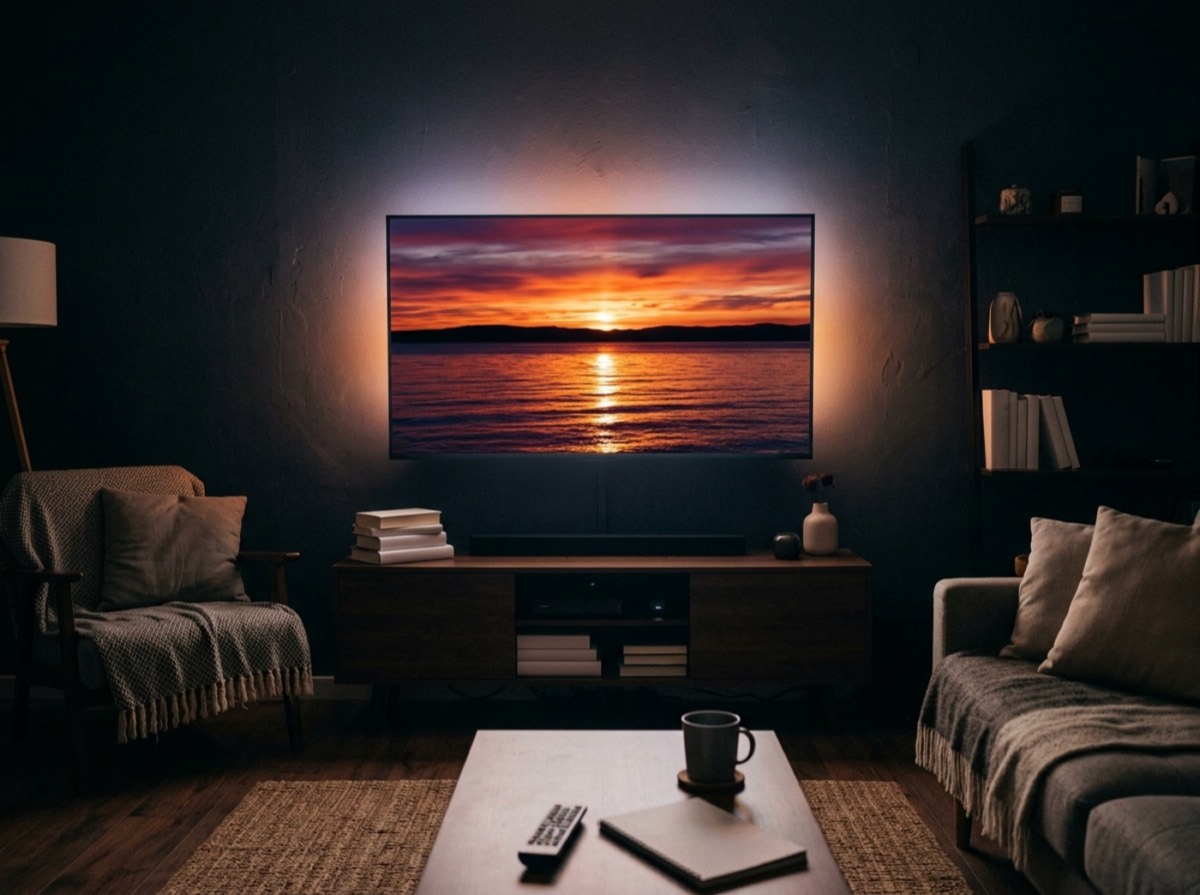
HDR, or high dynamic range, is a way of recording and displaying images with a much wider span between the darkest shadows and the brightest highlights than standard video allows. On a good HDR TV, sunlight glints on water, neon signs glow and dark scenes keep their detail instead of turning into grey mush.
The term appears on TVs, computer monitors, phones, cameras and games consoles, and it does not always mean the same thing. This guide explains what HDR is, how the main formats differ, what brightness figures really mean, and how to make sure you actually see the benefit.
What is HDR and how is it different from SDR?
Dynamic range is the difference between the darkest and brightest parts of an image. Standard dynamic range (SDR) video was designed around the limits of old tube televisions and is mastered for a peak brightness of roughly 100 nits. HDR video can carry highlights mastered at 1,000 nits and above, with the signal format itself allowing up to 10,000 nits.
HDR is usually paired with two other upgrades. A wide colour gamut lets the picture show deeper, more saturated reds and greens than SDR. A higher bit depth, typically 10-bit instead of 8-bit, allows over a billion shades instead of about 16.7 million, which reduces visible banding in skies and gradients.
HDR is separate from resolution. 4K describes how many pixels a screen has; HDR describes how bright, dark and colourful each of those pixels can be. Most 4K content from streaming services and discs is also available in HDR, which is why the two are often sold together.
HDR formats explained: HDR10, HDR10+, Dolby Vision and HLG
Several HDR formats exist, and a TV or monitor lists the ones it supports. The main difference is metadata, the extra information that tells the screen how to display each scene.
- HDR10: the baseline, royalty-free format supported by virtually every HDR device. It uses static metadata, meaning one set of instructions for the whole film.
- HDR10+: adds dynamic metadata, so brightness can be adjusted scene by scene or even frame by frame. It is royalty-free and supported by many TVs and some streaming services.
- Dolby Vision: a licensed format with dynamic metadata and support for up to 12-bit colour. It is widely used by streaming services, discs and some phones.
- HLG (Hybrid Log-Gamma): developed by the BBC and NHK for live broadcasting. It needs no metadata and is designed so that one signal looks acceptable on both HDR and SDR screens.
Accepting an HDR signal and displaying it well are two very different things.
Does the HDR format matter?
Dynamic metadata matters most on screens that cannot reach the brightness the film was mastered for. Instead of applying one compromise to the whole film, the TV gets guidance for each scene, so a dark cave and a bright desert are both handled sensibly. On a very capable display, the difference between formats is smaller.
In practice, the quality of the screen itself matters far more than the logo on the box. A bright TV with good contrast showing HDR10 will usually look better than a dim budget set that supports every format. If you watch a lot of streaming content, support for both Dolby Vision and HDR10+ avoids any gaps, but it should not be the deciding factor.
What makes a good HDR display?
Accepting an HDR signal and displaying it well are two very different things. Many cheaper TVs and monitors carry an HDR label but lack the brightness or contrast to show a real difference.
- Peak brightness: measured in nits (candelas per square metre). Highlights benefit from 600 nits or more; very bright sets exceed 1,000 nits.
- Contrast and black level: OLED screens switch off individual pixels for true black. LCD screens with local dimming, especially mini-LED, dim zones of the backlight to improve contrast.
- Colour gamut: look for high coverage of the DCI-P3 colour space, which most HDR content is mastered in.
- Certification on monitors: the VESA DisplayHDR tiers (for example 400, 600 and 1000, plus True Black tiers for OLED) give a tested minimum level of performance. DisplayHDR 400 is an entry level and often looks only slightly better than SDR.
Why does HDR look washed out or too dark?
This is one of the most common complaints, and it usually has a simple cause. On computers, turning on HDR changes how the system displays ordinary SDR content, and on screens with limited brightness, desktop apps and web pages can look grey and flat. Many operating systems include a slider to adjust SDR brightness while HDR is active, and on basic HDR monitors it is often better to switch HDR on only for films and games.
On TVs, dim HDR is often caused by energy-saving settings, an ambient light sensor or a picture mode designed for a dark room. Try a cinema or filmmaker mode with power saving off. Also check the connection: 4K HDR at high frame rates needs a suitable HDMI port and a certified high-speed cable, and some TVs require you to enable enhanced HDMI signal settings for each input.
HDR on phones, cameras and games
The HDR mode in a phone camera is related but not identical. It combines several exposures into one photo so that bright skies and dark foregrounds both keep detail. Many modern phones can also record HDR video and display HDR photos, which appear brighter in the highlights on a compatible screen.
For games, HDR can make a big visual difference on a capable display. Consoles and many PC games include an HDR calibration screen; take a minute to set the black level and peak brightness so the game matches what your screen can do.
Is HDR worth it?
On a bright, high-contrast TV or monitor, yes. HDR is one of the most visible picture upgrades of recent years, often more noticeable than a jump in resolution from normal viewing distances. On a dim entry-level screen, the benefit is small and sometimes negative.
If you are buying a new screen for films, streaming or gaming, treat brightness, contrast and colour as the real HDR features, and the list of supported formats as a secondary check.
Frequently asked questions
What does HDR mean on a TV?
+
HDR means the TV can display high dynamic range video, with brighter highlights, deeper shadows and richer colour than standard video. How good it looks depends on the TV's brightness and contrast, not just the HDR label.
Is Dolby Vision better than HDR10?
+
Dolby Vision uses dynamic metadata and supports higher bit depth, so it can adapt each scene to your screen, which often helps on TVs with limited brightness. On a high-end display the visible difference is smaller, and HDR10 remains the universal baseline.
Should I turn HDR on or off?
+
Turn it on for HDR films, shows and games if your screen is reasonably bright. On basic HDR monitors, you may prefer to leave it off for everyday desktop work, since SDR content can look dull while HDR is enabled.
How many nits do you need for good HDR?
+
Around 600 nits of peak brightness is a sensible minimum for a clear HDR effect on an LCD screen, and 1,000 nits or more looks more impressive. OLED screens can look excellent at lower peak brightness because their blacks are perfect.
Is 4K the same as HDR?
+
No. 4K refers to resolution, the number of pixels. HDR refers to brightness, contrast and colour. Most modern TVs offer both, but they are separate features.
What is HLG used for?
+
HLG is an HDR format designed for live TV broadcasts. It needs no metadata and displays reasonably on both HDR and standard screens, which makes it practical for broadcasters.
HDR is a genuine step forward in picture quality, but only when the screen can do it justice. Look past the logos to brightness, contrast and colour coverage, check your picture settings and cables, and you will see what high dynamic range is meant to look like.
How we research: Guides are written from established sources and checked for accuracy. They are general information, not professional advice.
Written by
Bitezine Editorial Team
Rankings, reviews & guides
Our editors research every piece from makers’ documentation, independent tests and owner reports, and update it when products change.