Tech
What is an eSIM? How digital SIM cards work and how to set one up
What is an eSIM, how is it different from a physical SIM card, and should you switch? A plain guide to setup, travel, dual SIM and the pitfalls to avoid.
 Bitezine Editorial TeamRankings, reviews & guides 7 min read
 AI generated
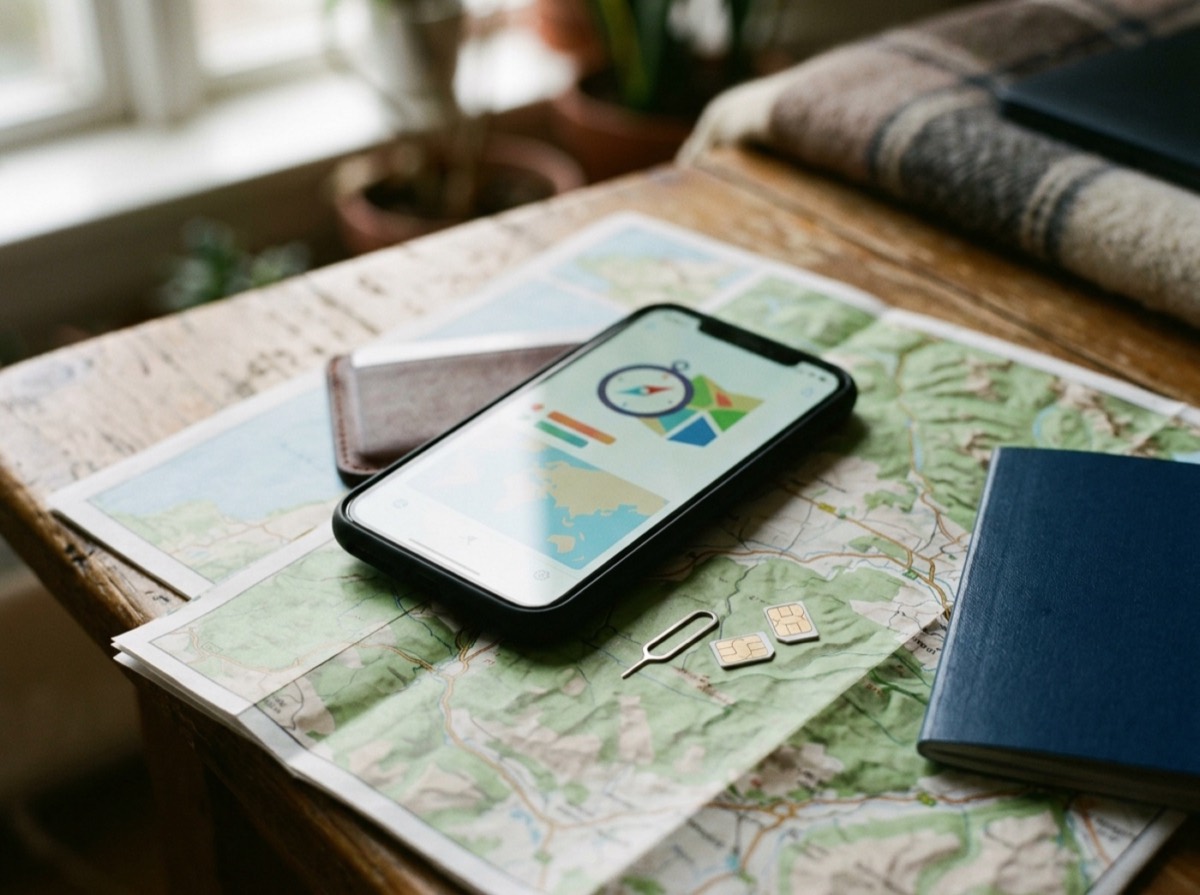
An eSIM is a SIM card that lives inside your phone as software rather than as a small plastic card you slide into a tray. It does the same job as a traditional SIM, identifying you to your mobile network so you can make calls, send texts and use mobile data, but you add, switch and remove plans through your phone's settings instead of swapping hardware.
Most phones, tablets and smartwatches released since around 2018 support eSIM, and some newer phones sold in certain countries no longer have a SIM tray at all. This guide explains what an eSIM is, how it works, how to set one up or move it to a new phone, and when a physical SIM still makes more sense.
What is an eSIM and how does it work?
The "e" stands for embedded. Your device contains a tiny chip, known as an eUICC, soldered onto the main board. That chip can hold one or more carrier profiles, which are the digital equivalent of the information stored on a physical SIM card: your subscriber identity, the network keys and the settings your operator needs.
When you sign up for an eSIM plan, your operator does not post you a card. Instead, it gives you a way to download the profile: usually a QR code, an activation code you type in, or a step inside the operator's own setup flow. Your phone contacts the operator's provisioning server, downloads the profile securely and installs it on the chip. From then on it behaves just like a regular SIM.
The technical rules behind this are set by the GSMA, the global association of mobile operators, so an eSIM from one operator works on any compatible, unlocked device.
eSIM vs physical SIM: what is the difference?
For everyday use, there is no difference in call quality, data speed or coverage. The network treats both the same. The differences are all about handling and flexibility.
- Setup: a physical SIM arrives by post or in a shop; an eSIM can be active within minutes of signing up.
- Switching: moving to a new operator with eSIM means downloading a new profile, with no card to cut, lose or wait for.
- Multiple plans: many phones can store several eSIM profiles and keep one or two active at the same time.
- Security: an eSIM cannot be pulled out of a stolen phone and put into another device, which makes a lost phone easier to trace and harder to misuse.
- Moving between devices: a physical SIM moves in seconds; an eSIM transfer depends on your phone and operator supporting it.
An eSIM is not a new kind of mobile service, just a more flexible way to carry one.
Does my phone support eSIM?
Most recent flagship and mid-range phones do, along with many tablets, laptops with mobile data and smartwatches with their own connection. Budget phones and older models are less consistent, so it is worth checking before you buy a plan.
The quickest check is in your settings. On most phones, open the mobile or cellular section and look for an option such as "Add eSIM" or "Add mobile plan". You can also dial *#06# on many phones: if an EID number appears alongside the IMEI, the device has an eSIM chip.
Two other conditions matter. The phone must be unlocked, or locked to the operator you are joining, and your operator must offer eSIM for your type of contract. Most large operators do, but some smaller providers and prepaid brands still only sell physical cards.
How to activate an eSIM step by step
The exact wording differs between phone makers, but the process follows the same pattern on nearly every device.
- Connect to Wi-Fi, because the profile downloads over the internet.
- Order the eSIM from your operator, online or in a shop, and have the QR code or activation details ready.
- Open the mobile or cellular settings and choose to add an eSIM or mobile plan.
- Scan the QR code with the phone's camera, or enter the activation code manually if asked.
- Give the plan a label, such as Personal or Work, and choose which line to use for calls, texts and data.
- Restart the phone if the network does not appear within a few minutes.
How to transfer an eSIM to a new phone
This is the part people find most confusing. A QR code is often valid only once, so scanning the original code again on a new phone usually fails. You have three typical routes.
First, many phones offer a built-in transfer during setup when both devices are from the same maker and sit next to each other. The new phone asks whether you want to move your mobile plan, and the operator switches the profile across. Second, some operators support transfers between different phone brands through their own website or customer account. Third, you can ask your operator for a fresh eSIM profile, which may be free or carry a small fee and can require identity checks.
Whichever route you use, do not delete the eSIM from your old phone until the new one shows a working signal. Deleting a profile removes it permanently, and you would then need a replacement from the operator.
Using an eSIM for travel
Travel is where eSIM is most useful. Instead of hunting for a local SIM card at the airport, you can buy a data plan for your destination before you leave, install it at home and switch it on when you land. Your regular number can stay active on the other line for calls and texts, although you should switch off data roaming on it to avoid charges.
Most travel eSIMs are data-only, so they do not include a local phone number. That suits maps, messaging and browsing, but not services that need to text you a local code. Check coverage and whether the plan uses a single local network or several, and remember that your phone must be unlocked to use another operator's profile.
Disadvantages of eSIM and how secure it is
The drawbacks are mostly practical. If your phone breaks and will not turn on, you cannot simply move the SIM to a spare handset; you need your operator to issue a new profile. Switching between devices often is slower than with a physical card. Some operators make transfers awkward or require a shop visit, and not every country or provider supports eSIM equally well.
On security, eSIM is at least as safe as a physical SIM. Profiles download over encrypted connections and are tied to the device. The main risk is the same one physical SIMs face: SIM swap fraud, where a criminal persuades an operator to move your number to their device. Protect yourself by setting a customer PIN or password with your operator and by using authentication methods that do not rely only on text messages for important accounts.
Frequently asked questions
What is an eSIM in simple terms?
+
An eSIM is a digital SIM card built into your phone. It does the same job as a plastic SIM, connecting you to your mobile network, but you install your plan by scanning a code or following your operator's setup steps instead of inserting a card.
Can I use an eSIM and a physical SIM at the same time?
+
Yes, on most dual SIM phones. A common setup is a physical SIM for one number and an eSIM for another, or two eSIMs active together on phones that support it. You choose which line handles calls, texts and mobile data in the settings.
What happens to my eSIM if I lose my phone?
+
The eSIM stays on the lost device, but no one can remove it and use it in another phone. Contact your operator to block the line, then ask for a new eSIM profile for your replacement phone, which usually takes minutes once your identity is confirmed.
Can I reuse the same eSIM QR code on a new phone?
+
Usually not. Most eSIM QR codes can be used only once, and the profile is tied to the first device that installs it. Use your phone's transfer feature or ask your operator for a new code instead.
Does an eSIM use more battery than a physical SIM?
+
No, a single eSIM uses about the same power as a physical SIM. Keeping two lines active at once can use slightly more battery on any dual SIM phone, whether the lines are physical or digital.
Is an eSIM better for travelling abroad?
+
For most travellers, yes. You can buy and install a data plan before departure, keep your home number active for calls and texts, and avoid queuing for a local card. Just make sure your phone is unlocked and switch off data roaming on your home line.
An eSIM is not a new kind of mobile service, just a more flexible way to carry one. If your phone supports it, it makes switching operators, adding a second number and staying connected abroad noticeably easier. Before you commit, confirm that your operator offers eSIM, learn how it handles transfers, and set up a customer PIN so your number stays yours.
How we research: Guides are written from established sources and checked for accuracy. They are general information, not professional advice.
Written by
Bitezine Editorial Team
Rankings, reviews & guides
Our editors research every piece from makers’ documentation, independent tests and owner reports, and update it when products change.