Tech
How to secure your smart home: 12 steps that actually matter
Protect cameras, speakers, locks and other connected devices with a secure router, strong accounts, updates, a separate network and smart buying choices.
 Bitezine Editorial TeamRankings, reviews & guides 5 min read
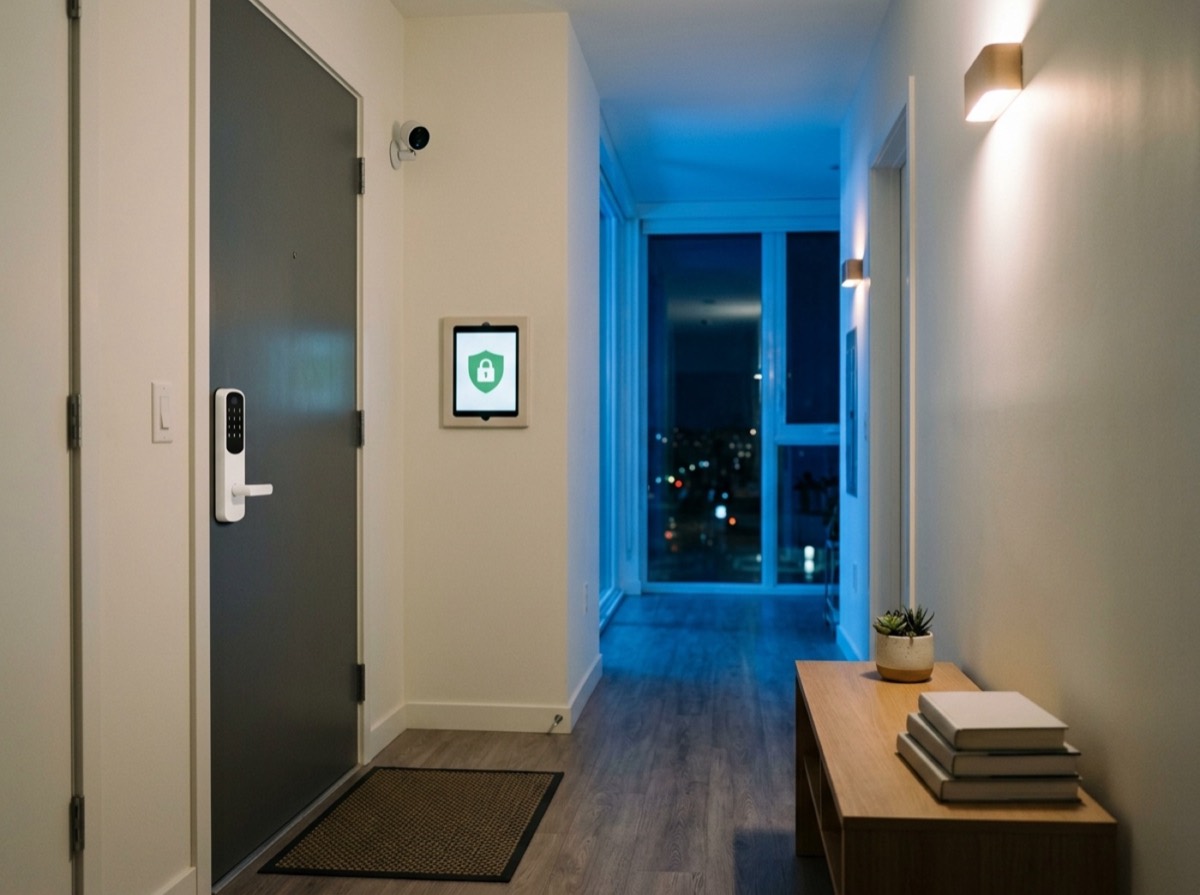 AI generated
Knowing how to secure your smart home matters more with every device you add. Each connected camera, doorbell, speaker, thermostat or plug is a small computer on your network, and a poorly protected one can expose your privacy or give an attacker a way in.
The good news is that most smart home attacks are not sophisticated. They exploit weak passwords, outdated software and careless default settings. The steps below close those gaps without requiring any technical background.
Yes. Smart devices have been hijacked to join botnets, spy through cameras and serve as stepping stones into home networks. Most incidents come from reused passwords leaked in other breaches, default logins that were never changed, or devices that stopped receiving security updates. Your smart home is only as strong as its weakest link, which is why the router and your accounts come first.
Step 1: Lock down your Wi-Fi router
The router is the front door to every connected device. If an attacker controls it, they can see and redirect your traffic.
- Change the router's admin password from the default
- Use WPA3 encryption, or WPA2 with AES if some devices do not support WPA3
- Choose a long Wi-Fi password of at least 12 to 16 characters
- Turn off WPS, which can be easier to attack
- Disable remote administration unless you really need it
- Turn on automatic firmware updates
Step 2: Put smart devices on a separate network
Many routers let you create a guest network or a dedicated network for smart devices. Placing cameras, plugs, bulbs and TVs there keeps them apart from the laptops and phones that hold your banking and work data.
If a cheap gadget is compromised, network separation makes it much harder for an attacker to reach your more valuable devices. Some advanced routers offer separate virtual networks with finer rules, but a simple guest network is already a clear improvement.
Most smart home attacks are not clever; they walk through default passwords and forgotten updates.
Step 3: Use strong, unique passwords and two-factor authentication
Most smart devices are controlled through a cloud account. If that account is taken over, the attacker controls your devices from anywhere. Give every smart home account its own long password, stored in a password manager, and turn on two-factor authentication wherever it is offered.
Also change any default passwords on the devices themselves, for example on network cameras or video recorders that have a local web interface.
Step 4: Keep firmware and apps updated
Security updates fix vulnerabilities that attackers actively look for. Enable automatic updates in each device's companion app and check occasionally that they are really installing.
Before buying, check how long the manufacturer promises security updates. A device that no longer receives patches should be replaced or at least moved to an isolated network. The EU's Cyber Resilience Act will require manufacturers of connected products to provide security updates for a defined support period, which should make this information easier to find.
Step 5: Secure cameras and video doorbells
Cameras are the most privacy-sensitive devices in a smart home, so give them extra attention. Where available, enable end-to-end encryption for video. Review who has shared access, and remove former housemates, guests or contractors.
Think about placement too. Avoid pointing indoor cameras at bedrooms and bathrooms, and use privacy modes or physical shutters when you are at home. Outdoor cameras should not film neighbours' property or public spaces more than necessary, since data protection rules in many countries restrict this.
Step 6: Review privacy settings on smart speakers and TVs
Voice assistants listen for a wake word and send recordings to the cloud after they hear it. Go through the privacy settings to limit how long recordings are kept, delete old ones and opt out of human review where possible. Use the physical microphone mute button during private conversations.
Smart TVs often collect viewing data for advertising. Look for settings related to content recognition, viewing information or ad personalisation, and switch off what you do not want.
Step 7: Buy smart devices with security in mind
The safest device is one from a manufacturer that takes security seriously. Very cheap no-name gadgets often skip updates entirely.
- Clear promise of security update duration
- Support for two-factor authentication
- Local control options that work without the cloud
- Support for Matter, the industry standard designed for secure local control across brands
- A privacy policy that explains what data is collected and where it is stored
- A way to report security vulnerabilities
More smart home security habits
A few extra habits round out your protection and take only minutes.
- Step 8: Remove devices and apps you no longer use
- Step 9: Turn off features you do not need, such as remote access or UPnP
- Step 10: Check the list of connected devices on your router for unknown entries
- Step 11: Factory reset devices before selling or recycling them
- Step 12: Keep a mechanical backup for smart locks, such as a physical key
Frequently asked questions
How do I know if my smart home device has been hacked?
+
Warning signs include settings that change by themselves, unknown users in the app, a camera that moves or turns on unexpectedly, and login alerts you did not trigger. Change the account password, enable two-factor authentication, update the firmware and reset the device if needed.
Should smart devices be on a separate Wi-Fi network?
+
Yes, if your router supports it. A guest or dedicated network keeps smart gadgets apart from computers and phones with sensitive data, so a compromised device cannot easily reach them.
Is Matter more secure than older smart home standards?
+
Matter was designed with security built in, including device certification, encrypted communication and local control that does not depend on the cloud. You still need strong accounts and updates, but it is a solid choice for new devices.
Are smart speakers always listening?
+
They constantly listen locally for their wake word but generally only send audio to the cloud after detecting it. Accidental activations happen, so review and delete recordings and use the microphone mute button when you want privacy.
Is WPA3 necessary for a smart home?
+
WPA3 is the most secure Wi-Fi encryption and worth using. Some older smart devices only support WPA2, in which case a WPA2/WPA3 mixed mode or a separate WPA2 network for those devices is a practical compromise.
Do smart locks make my home less secure?
+
Not if they come from a reputable maker and are set up properly. Use two-factor authentication, keep the firmware updated, limit shared access and keep a physical key or backup entry method.
Securing your smart home comes down to a handful of habits: a well-configured router, a separate network for gadgets, strong accounts with two-factor authentication, regular updates and careful buying. Spend an hour on these steps and you keep the convenience of connected devices without handing over your privacy.
How we research: Guides are written from established sources and checked for accuracy. They are general information, not professional advice.
Written by
Bitezine Editorial Team
Rankings, reviews & guides
Our editors research every piece from makers’ documentation, independent tests and owner reports, and update it when products change.