Tech
How to recycle old electronics safely (and what to do first)
Where to take old phones, laptops, cables and batteries, how to wipe your data first, and when repair, resale or donation is the better choice.
 Bitezine Editorial TeamRankings, reviews & guides 7 min read
 AI generated
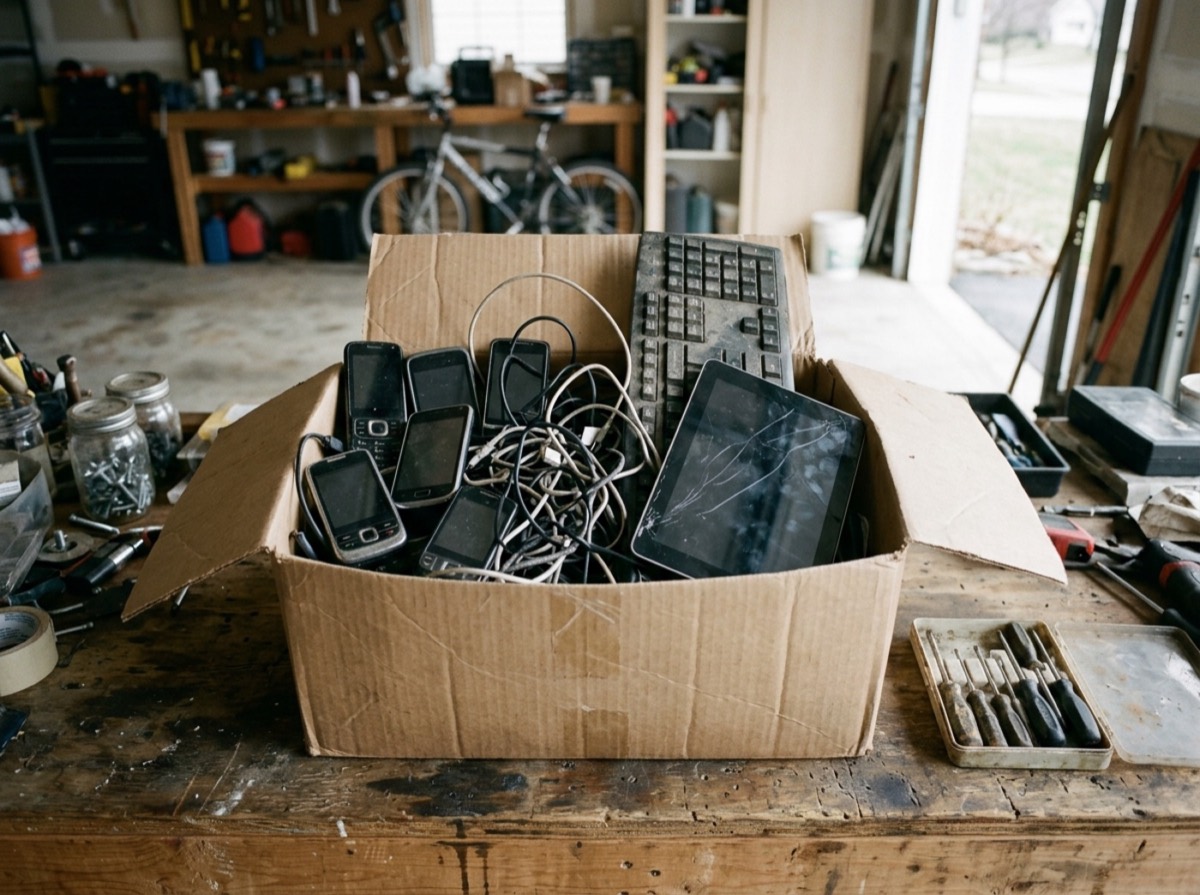
Knowing how to recycle old electronics properly keeps toxic materials out of landfill, recovers valuable metals and protects the personal data still sitting on your devices. Most homes have a drawer of forgotten phones, chargers and cables, and almost all of it can be reused or recycled for free.
The problem is scale. According to the UN's Global E-waste Monitor 2024, the world produced about 62 million tonnes of electronic waste in 2022, and only around 22 percent of it was documented as properly collected and recycled. This guide walks through the steps in the right order: decide whether the device still has a life, clear your data, handle batteries safely and then take it to the right place.
Why you should never put electronics in the household bin
Electronic devices contain materials that are both hazardous and valuable. Circuit boards can hold lead and other heavy metals, older screens and appliances may contain mercury or refrigerants, and nearly every device carries copper, gold, silver and rare metals that can be recovered.
When electronics end up in general waste, those materials are lost and the harmful ones can leak into soil and water. Lithium-ion batteries add a more immediate risk: when crushed in a bin lorry or a sorting plant they can overheat and start fires. In the EU, electrical and electronic equipment carries a crossed-out wheelie bin symbol, which means it must be collected separately by law.
Step 1: Decide whether to repair, sell or donate first
Recycling is the last step, not the first. Keeping a working device in use for a few more years saves far more resources than recycling it, because most of a gadget's environmental footprint comes from manufacturing.
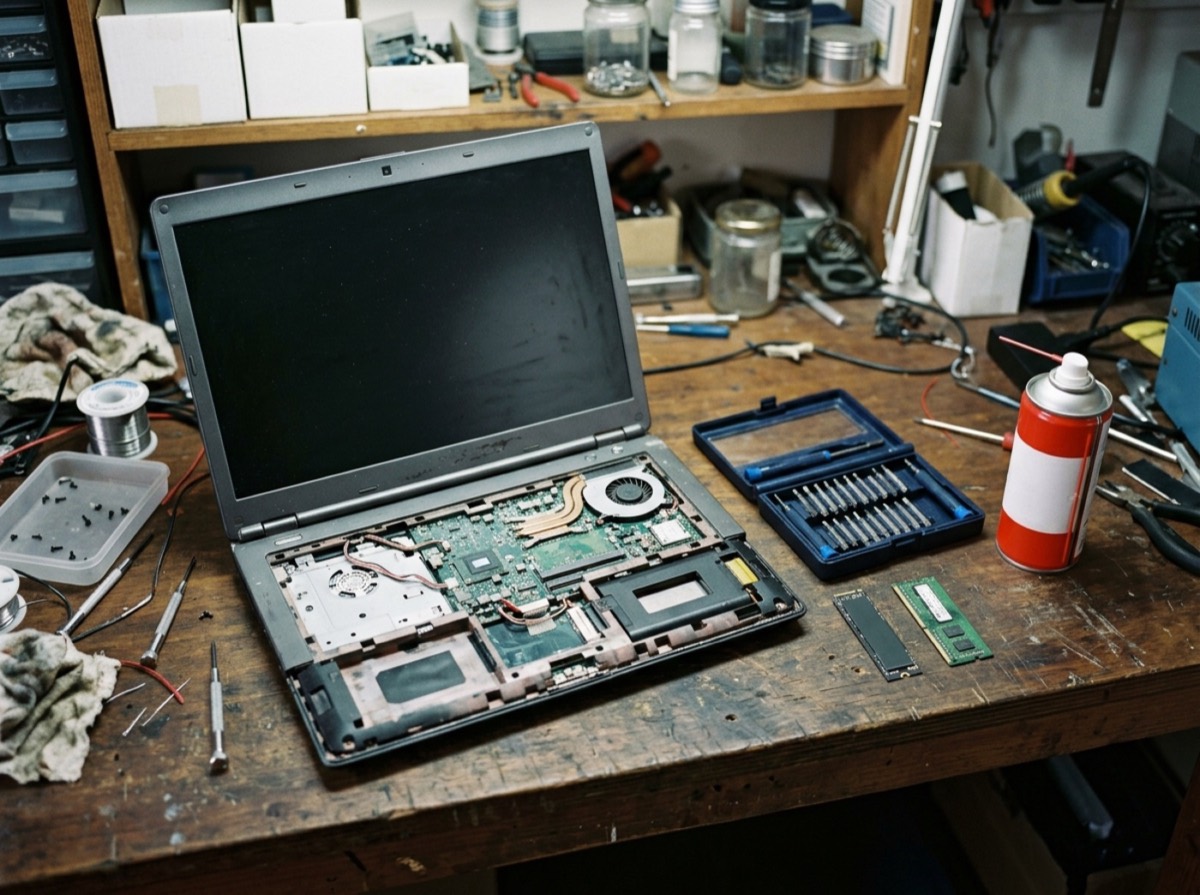
Ask yourself a few quick questions before you head to a collection point. A phone with a cracked screen or a tired battery is often worth repairing. A laptop that feels slow may just need more memory or a fresh operating system install. And a device you simply no longer use may be exactly what someone else needs.
- Repair: replacement batteries and screens are often cheaper than a new device
- Sell: phones, tablets, cameras and game consoles keep resale value for years
- Trade in: many retailers and manufacturers offer credit for old devices
- Donate: schools, charities and community projects often accept working laptops and tablets
- Pass on: family members may be happy with a hand-me-down phone
Recycling is the last step, not the first: a device kept in use saves far more than one that is shredded.
Step 2: Back up and wipe your data before recycling
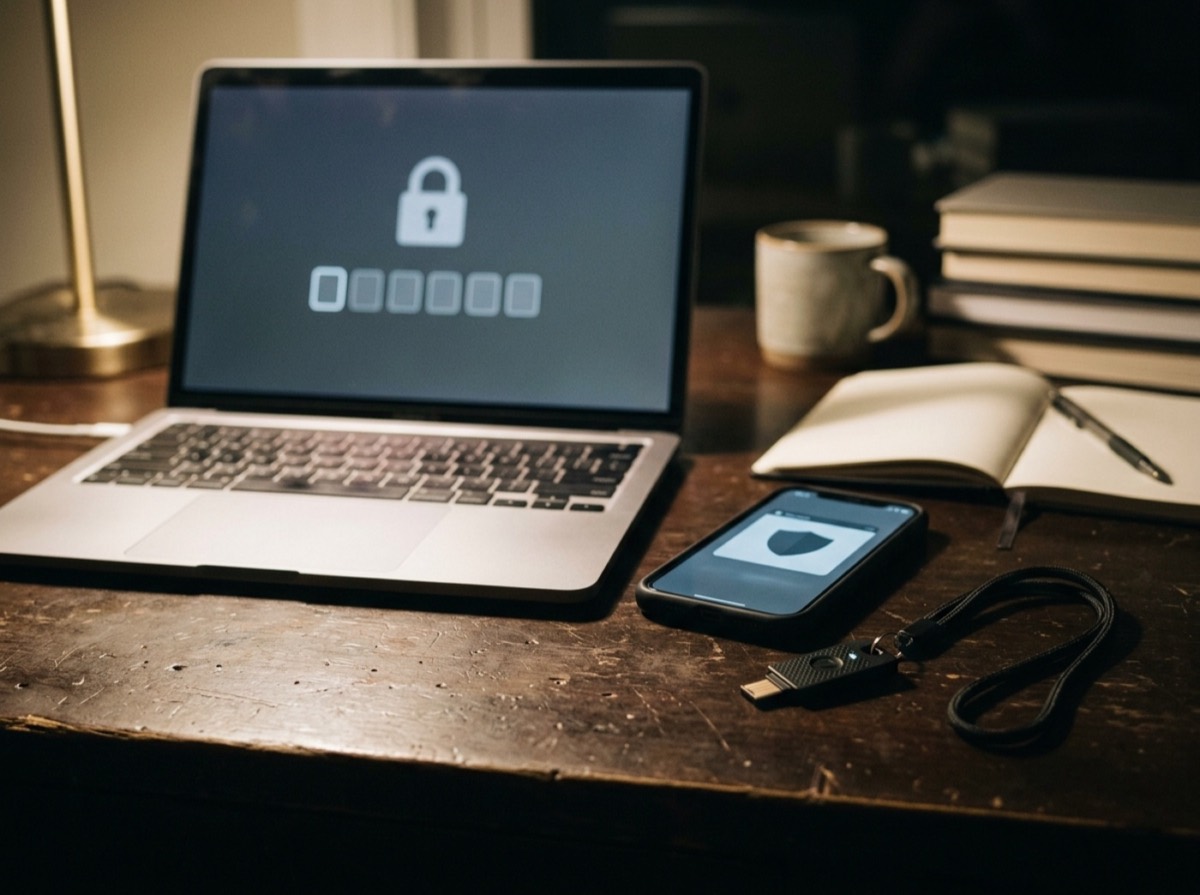
Any device that stored personal information needs to be wiped before it leaves your hands, whether you sell it, donate it or recycle it. Deleting files is not enough, because deleted data can often be recovered.
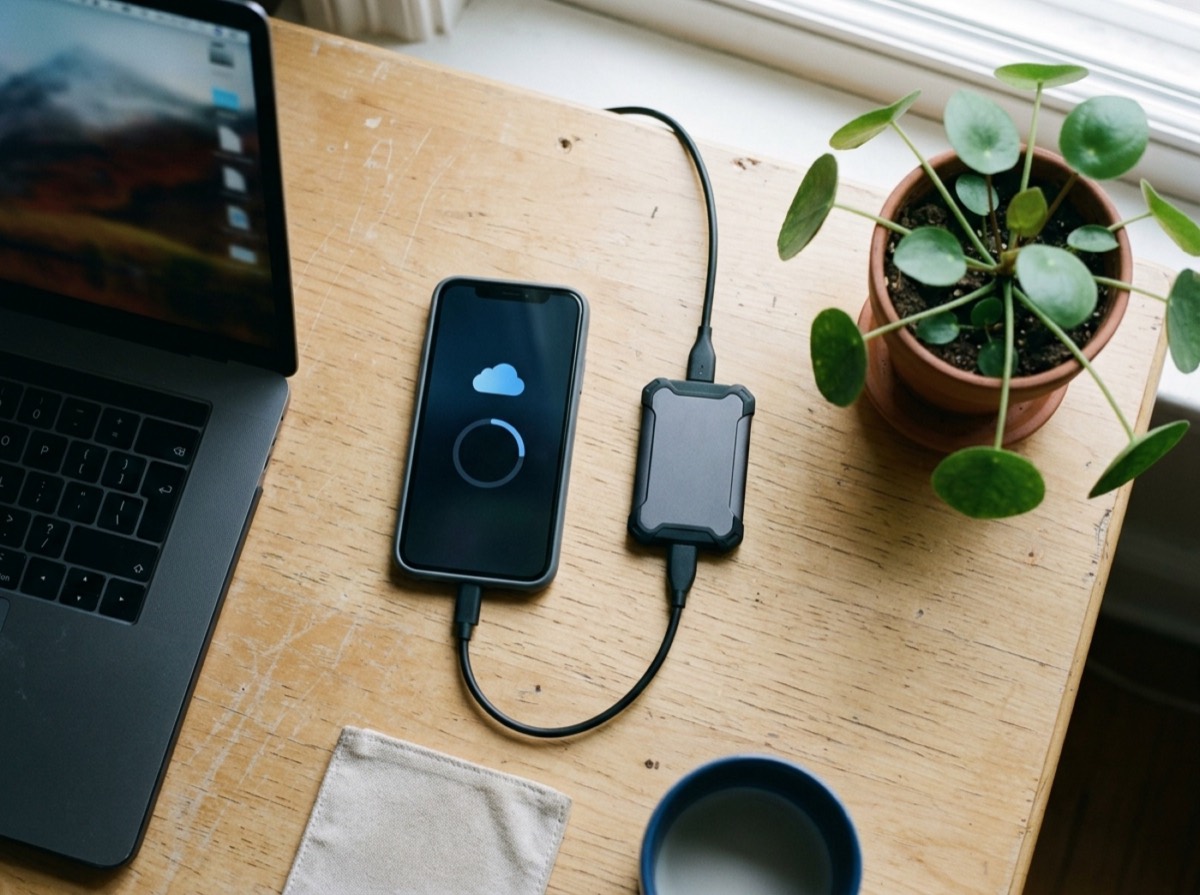
Start by backing up anything you want to keep, such as photos, documents and messages. Then sign out of your accounts, especially the account linked to the device's anti-theft lock. If that lock stays active, the next owner cannot use the phone or tablet, and it may lose its resale or reuse value entirely.
Finally, use the built-in factory reset. On modern phones, tablets and laptops with encrypted storage, a factory reset makes the old data practically unreadable. For older computers with traditional hard drives, use a disk-wiping tool that overwrites the drive, or remove the drive and keep or physically destroy it.
- Back up photos, contacts and files
- Sign out of cloud, email and app store accounts
- Turn off the device-finder or activation lock
- Remove SIM and memory cards
- Unpair smartwatches, earbuds and other accessories
- Run a full factory reset and confirm it completed
Step 3: Handle batteries safely
Batteries need special care. If a battery can be removed without tools, take it out and recycle it separately at a battery collection point, which you will find in many supermarkets and electronics stores. Tape over the terminals of lithium batteries with a small piece of clear tape to prevent short circuits.
Never try to pry out a glued-in battery yourself. Leave it inside the device and let the recycler handle it. If a battery is swollen, hot, leaking or smells unusual, do not charge it. Place it on a non-flammable surface away from anything that can burn and take it to a hazardous waste or recycling centre as soon as possible.
Where to recycle old electronics for free
In most of Europe, recycling electronics costs nothing. Local recycling centres run by your municipality accept everything from kettles and toasters to televisions and computers. Some councils also run mobile collection days or offer bulky-waste pickup for large appliances.
Retailers are another easy option. In Germany, shops with at least 400 square metres of sales space for electrical goods must take back old devices free of charge, and supermarkets with at least 800 square metres of total sales space that regularly sell electronics have the same duty. Small devices with no side longer than 25 centimetres, such as phones, shavers or computer mice, can be returned there even if you buy nothing. Larger items are usually taken back when you buy a comparable new one. Similar take-back rules exist across the EU, so it is worth asking at the counter wherever you live.
Manufacturers and mobile network operators often run their own take-back or mail-in programmes, sometimes with a prepaid shipping label. These are handy for phones, tablets and small accessories.
What counts as e-waste?
The short answer: anything with a plug, a battery or a cable. People often forget the smaller items, which add up quickly over time.
- Phones, tablets, laptops and desktop computers
- Chargers, cables, power adapters and extension leads
- Headphones, speakers, smartwatches and fitness bands
- Televisions, monitors and projectors
- Kitchen appliances, hair dryers and electric toothbrushes
- Toys with batteries, e-cigarettes and LED light strings
- Energy-saving bulbs and fluorescent tubes, which contain small amounts of mercury
What happens to electronics after you recycle them
At a certified recycling facility, devices are first sorted by type. Hazardous components such as batteries, capacitors and screens with mercury backlights are removed by hand. The rest is shredded and separated with magnets, eddy currents, air streams and water baths into streams of iron, aluminium, copper, plastics and circuit-board material.
Circuit boards go to specialised smelters that recover gold, silver, palladium and copper. Recovery is not perfect, and some rare metals are still hard to reclaim economically, which is another reason reuse and repair come first. But every device that reaches a proper recycler keeps materials in circulation and out of informal dumps.
Tips to produce less e-waste in the future
The easiest way to cut e-waste is to buy less and keep devices longer. Choose products with good repairability, long software support and replaceable batteries where possible. Protect phones with a case and screen protector, and avoid leaving batteries at full charge in hot places.
Reuse chargers and cables you already have rather than accepting new ones with every purchase. Since USB-C became the common charging port for many devices sold in the EU, a single good charger can serve phones, tablets, earbuds and many laptops.
Frequently asked questions
Can I throw old electronics in the regular trash?
+
No. In the EU, electrical and electronic devices must be collected separately, which is what the crossed-out bin symbol means. They contain hazardous materials and batteries that can cause fires. Take them to a municipal recycling centre or a retailer take-back point instead.
Is it safe to recycle a phone after a factory reset?
+
For modern phones with encrypted storage, a factory reset makes your data practically unrecoverable. Back up first, sign out of your accounts and turn off the anti-theft lock before resetting. Remove the SIM and memory card as well.
Where can I recycle old electronics for free?
+
Municipal recycling centres accept electronics at no cost in most European countries. Many electronics stores and larger supermarkets also take back small devices for free. Manufacturers and phone operators often run their own mail-in or trade-in schemes.
What should I do with a swollen battery?
+
Stop using and charging the device immediately. Keep it on a non-flammable surface away from heat and flammable materials, and do not puncture or press on the battery. Take it to a recycling centre or hazardous waste collection point as soon as you can.
Do I have to buy something to return an old device to a shop?
+
For small devices, usually not. In Germany, larger electronics retailers and supermarkets must accept small devices up to 25 centimetres on their longest side without a purchase. Larger appliances are generally taken back when you buy an equivalent new product.
Is it better to recycle or donate old electronics?
+
If the device still works, donating or selling it is better, because reuse saves the resources and energy needed to make a new one. Recycle devices that are broken beyond sensible repair or too old to be useful.
Recycling old electronics is quick once you know the order: give working devices a second life, wipe your data, deal with batteries carefully and use a free collection point for the rest. Clear out that drawer of old phones and cables once a year, and you will protect your privacy, reduce fire risk at home and return valuable materials to use.
How we research: Guides are written from established sources and checked for accuracy. They are general information, not professional advice.
Written by
Bitezine Editorial Team
Rankings, reviews & guides
Our editors research every piece from makers’ documentation, independent tests and owner reports, and update it when products change.