Tech
How to extend phone battery life, today and for years to come
Practical ways to extend phone battery life: settings that make a charge last longer, and charging habits that slow down long-term battery wear.
 Bitezine Editorial TeamRankings, reviews & guides 6 min read
 AI generated
If you want to know how to extend phone battery life, it helps to separate two different goals. The first is making a single charge last through a long day. The second is keeping the battery healthy so that, after two or three years, it still holds most of its original capacity. The habits overlap, but they are not the same.
Modern phones use lithium-ion batteries, and their behaviour is well understood. They wear faster when they are hot, when they sit at full charge for long periods and when they are regularly run down to empty. Everything below follows from those three facts.
Why phone batteries lose capacity over time
Every lithium-ion battery ages chemically. Each charge cycle, and simply the passage of time, slowly reduces how much energy it can store. That is normal and cannot be stopped completely, only slowed.
Three conditions speed the process up. Heat is the biggest one, whether it comes from sunlight, a hot car, gaming while charging or a thick case during fast charging. The second is spending long stretches at 100 percent, which puts the cells under stress. The third is deep discharge, letting the phone drain to zero again and again.
Both iPhone and Android phones show a battery health or battery information screen that estimates remaining capacity. Checking it now and then tells you whether your habits are working and when a battery replacement makes sense.
Use the built-in charging protection
Phone makers now include features that protect the battery automatically, and turning them on is the single easiest step. On iPhone, Optimised Battery Charging learns your routine and holds the charge at 80 percent overnight, finishing just before you usually unplug. Apple notes that it needs about two weeks of learning before it starts working.
Newer iPhones, starting with the iPhone 15 generation, also let you set a fixed charge limit between 80 and 100 percent in 5 percent steps. Many Android phones offer similar options, often called adaptive charging or battery protection, which either learn your schedule or cap the charge at around 80 to 85 percent. The names and locations vary by manufacturer, so search your battery settings.
A fixed limit costs you some daily runtime, so it suits people who rarely use a full charge. If you regularly need every percent, rely on the adaptive option instead.
Heat, long hours at full charge and running to empty are the three habits that age a battery fastest.
Charging habits that keep the battery healthy
You do not need strict rules. Topping up whenever it suits you is fine, and short charges do not harm the battery. The aim is to spend most of the time in the middle range and to avoid heat.
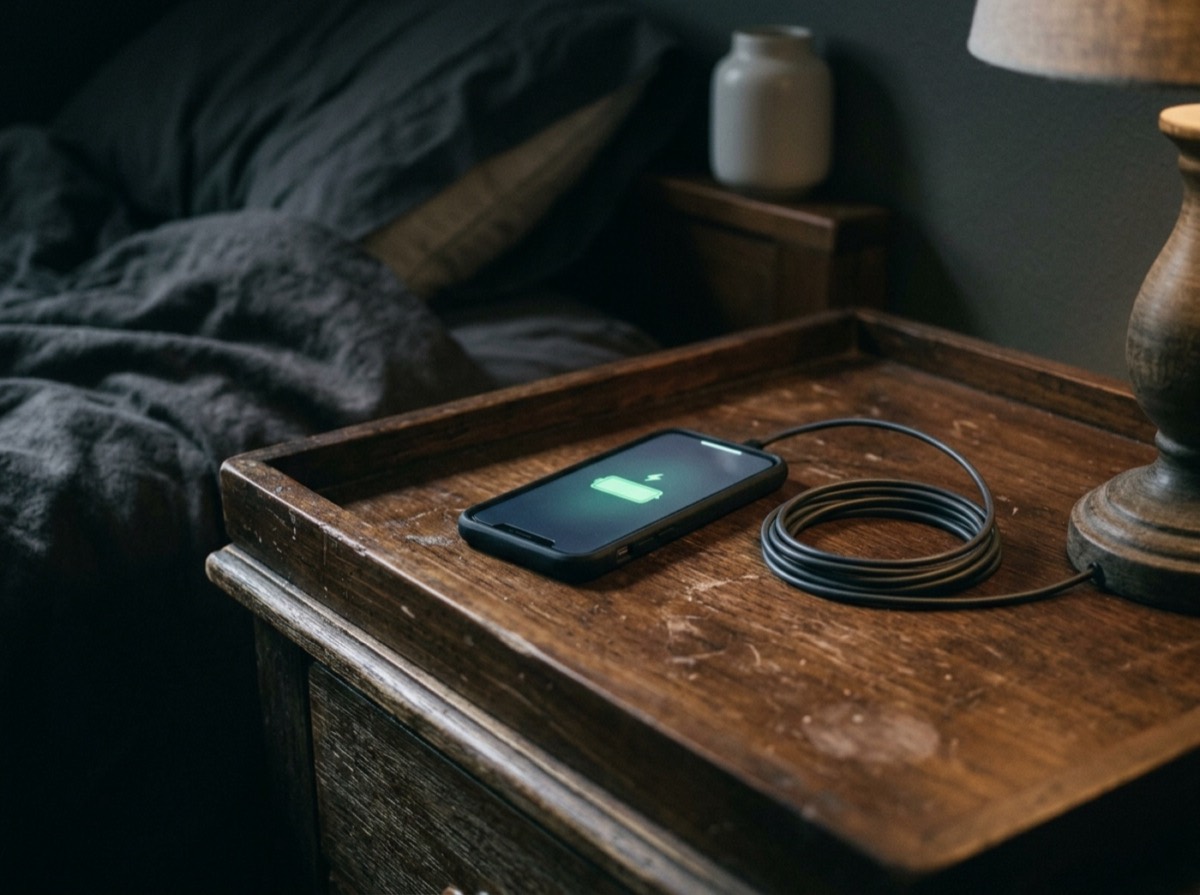
Charging overnight is not dangerous with a modern phone, because the charging system stops when the battery is full. It is the hours spent at 100 percent that cause extra wear, which is exactly what optimised or adaptive charging reduces.
- Avoid letting the phone drop to zero regularly; plug in when it gets low
- Keep the phone out of direct sun and hot cars
- Remove a thick case if the phone gets warm while charging
- Avoid heavy gaming or navigation while fast charging
- Use a certified charger and cable from a reputable source
- For long-term storage, leave the phone at around half charge and switch it off
Does fast charging or wireless charging damage the battery?
Fast charging is designed into the phone, and the phone controls the charging speed, slowing down as the battery fills. The main downside is extra heat. Using fast charging when you need it is fine; if you have time, a slower charger overnight produces less heat.
Wireless charging is convenient but less efficient, and some of the lost energy becomes heat. Make sure the phone sits correctly on the pad, remove cases that trap warmth, and avoid charging stands in direct sunlight.
Settings that make a single charge last longer
The display is usually the biggest power user, so start there. Lower the brightness or keep automatic brightness on, and shorten the screen timeout. On phones with OLED screens, dark mode genuinely reduces power use because dark pixels use less energy; on LCD screens the effect is small.
Next, look at what runs in the background. Your battery settings list which apps used the most power over the past day. If an app you barely opened sits near the top, restrict its background activity or check its settings.
Location access is another common drain. Set apps to use location only while in use, and switch off precise location for apps that do not need it. Reduce notifications from apps that wake the screen constantly.
- Turn on Low Power Mode or Battery Saver when you need to stretch a charge
- Use Wi-Fi instead of mobile data when a stable network is available
- Switch on airplane mode in areas with very weak signal
- Turn off always-on display if you do not need it
- Lower the refresh rate on phones that allow it
- Keep the operating system updated, since updates often include power fixes
Why is my phone battery draining so fast?
A sudden drop in battery life usually has a specific cause. Weak mobile signal forces the radio to work harder, so batteries drain faster in basements, trains and rural areas. An app stuck in a loop, a recent update that is still indexing files, or a sync running in the background can also consume power for a while.
Start with the battery usage screen to find the culprit. Restarting the phone solves many temporary problems. If drain continues and battery health has dropped noticeably, the battery itself may be worn, and a replacement will do more than any setting.
When to replace your phone battery
Batteries are consumable parts. Once the health figure has fallen well below its original level, or the phone shuts down unexpectedly, or the battery looks swollen, it is time for a replacement. A swollen battery is a safety issue: stop using and charging the phone and have it checked promptly.
Replacing the battery through the manufacturer or an authorised repair shop is often far cheaper than a new phone and can make an older device feel new again. It is one of the best ways to keep a phone in use for longer.
Frequently asked questions
Should I charge my phone to 100 percent?
+
You can when you need the full capacity, but spending long periods at 100 percent wears the battery faster. Using optimised charging or an 80 percent limit reduces that stress. For daily use, keeping the battery roughly between 20 and 80 percent is a gentle routine.
Is it bad to charge my phone overnight?
+
It is safe, because the phone stops charging when full. The concern is battery wear from sitting at 100 percent for hours. Turn on optimised or adaptive charging so the phone waits and finishes charging shortly before you wake up.
Does fast charging ruin your battery?
+
Not on its own. The phone manages charging speed and slows down as the battery fills. The main risk is heat, so avoid fast charging in hot conditions or while gaming, and use a slower charger when time allows.
Does dark mode save battery?
+
Yes on phones with OLED displays, where dark pixels use less power, and the savings grow with higher brightness. On LCD screens the backlight stays on regardless, so the effect is minimal.
Should I let my phone battery drain to 0 percent?
+
No. Lithium-ion batteries do not need full discharge cycles, and regularly running them to empty adds wear. Plug in when the battery gets low instead.
How do I check my phone's battery health?
+
On iPhone, open Settings, then Battery, then Battery Health. On Android, the location depends on the manufacturer; look under Settings, Battery or the device care section. Some models show an estimated capacity percentage, while others show a simple status.
To extend phone battery life, switch on the charging protection your phone already has, keep it cool, avoid running it flat, and trim the settings that drain power every day. None of these steps needs much effort, and together they give you longer days on a charge and a battery that still performs well years from now.
How we research: Guides are written from established sources and checked for accuracy. They are general information, not professional advice.
Written by
Bitezine Editorial Team
Rankings, reviews & guides
Our editors research every piece from makers’ documentation, independent tests and owner reports, and update it when products change.