Guides
How to buy a laptop: what specs you really need
How to buy a laptop without overspending: choosing an operating system, processor, RAM, storage, screen and battery life for study, work, creative work or gaming.
 Bitezine Editorial TeamRankings, reviews & guides 6 min read
 AI generated
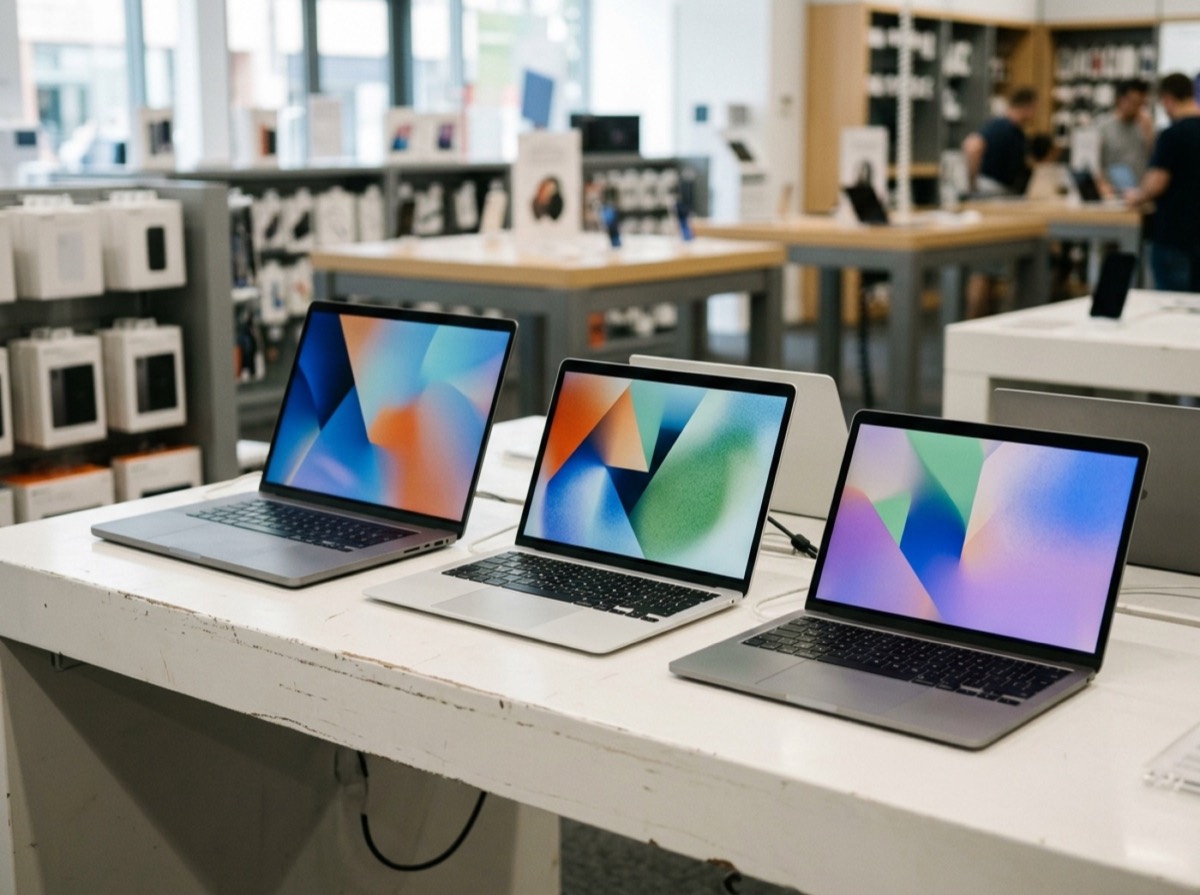
Knowing how to buy a laptop comes down to one idea: match the machine to what you actually do. Spec sheets are full of numbers and model names, but most people only need to decide on a handful of things: the operating system, the processor class, memory, storage, screen and battery life. Get those right and the rest is personal taste.
This laptop buying guide explains each choice in plain terms and gives practical minimums for common uses, from school and office work to photo editing and gaming.
Start with what you will use it for
Write down your main tasks before you look at models. Browsing, email, streaming and documents need modest hardware. Programming with many tools open, large spreadsheets and many browser tabs need more memory. Photo and video editing, 3D work and modern games need a strong processor and graphics.
Also think about where you will use it. If you carry it every day, weight and battery life matter more than raw power. If it mostly sits on a desk, a larger screen and more ports may be worth the extra bulk.
Windows vs Mac vs Chromebook
Windows laptops come in the widest range of sizes and prices and run the most software, including most PC games. Macs are known for strong battery life, good build quality and tight integration with other devices from the same maker, but offer fewer configurations and upgrades are usually impossible after purchase. Chromebooks run a browser-focused operating system, work well for web-based tasks and schoolwork and tend to be affordable, but they are limited for specialist desktop software and gaming.
Check that any program you rely on for work or study runs on the system you choose. Some schools and employers also specify which platform to use.
Buy for the work you actually do, not the numbers on the spec sheet.
What processor do you need?
Processor names change often, so focus on the tier and generation rather than the model number. Each major chip maker offers entry-level, mid-range and high-end tiers. Mid-range chips from a recent generation are enough for most people and often more efficient than older high-end ones.
Laptop chips also differ by power class. Low-power chips give longer battery life and quiet or fanless designs. High-performance chips suit editing and gaming but need more cooling and drain the battery faster. Independent reviews that measure real performance and battery life are more useful than the spec sheet alone.
How much RAM and storage do you need?
RAM is the short-term memory that lets you run many programs and tabs at once. Storage holds your files and apps. In many thin laptops, memory is soldered and cannot be upgraded later, so buy enough at the start.
- RAM: 8 GB is the practical minimum for everyday use, 16 GB is a comfortable choice for most people and a safer long-term buy, and 32 GB or more suits heavy editing, development and professional work.
- Storage: choose an SSD, which is far faster than an old hard drive. 256 GB suits light users who keep files in the cloud, 512 GB suits most people, and 1 TB or more suits photo and video work or large game libraries.
- Check whether storage can be upgraded later; if not, lean toward the bigger option.
Integrated vs dedicated graphics
Integrated graphics are built into the processor. Modern versions handle video streaming, office work, photo editing and light games well while saving battery. A dedicated graphics card adds a separate chip with its own memory, which you need for demanding games, 3D rendering and some video and AI workloads. Dedicated graphics add cost, weight, heat and fan noise, so skip them unless your tasks need them.
Screen, keyboard and ports
Screens of around 13 to 14 inches are easy to carry; 15 to 16 inches give more room for multitasking and editing. Look for at least full HD resolution. Brightness helps if you work near windows or outdoors, and a matte finish reduces reflections. OLED panels offer deep contrast, while colour accuracy matters for photo and design work.
Try the keyboard and trackpad in a shop if you can, since you will use them every day. Count the ports you need. USB-C with charging and display output is increasingly standard, but many people still want a USB-A port, an HDMI output, a headphone jack or a card reader. A webcam with at least full HD resolution helps for video calls.
Battery life, weight and build
Manufacturer battery claims are usually measured under light conditions, so look for independent test results. For all-day use away from a socket, aim for a laptop that lasts a full working day in real-world tests. Weight under about 1.5 kilograms is comfortable to carry daily. Metal chassis tend to feel sturdier, and a good hinge and a keyboard that does not flex are signs of solid build quality.
Warranty, refurbished laptops and buying safely
Check the warranty length and what it covers, and whether accidental damage cover is available. Refurbished laptops from reputable sellers can offer good value, especially business models, but make sure they come with a warranty, a healthy battery and a clean operating system installation. Before buying used, confirm the device is not locked to a previous owner's account.
Look up how long the manufacturer promises software and security updates, since an unsupported laptop becomes a security risk. Buy the charger from the maker or a reputable brand, because cheap uncertified chargers can overheat.
Frequently asked questions
How much RAM do I need in a laptop?
+
8 GB is the minimum for basic use, and 16 GB is the better choice for most people who multitask or want the laptop to last. Heavy editing and development benefit from 32 GB or more.
Is 256 GB of storage enough for a laptop?
+
It can be for light users who store most files and photos in the cloud. Most people are more comfortable with 512 GB, and creative work or gaming often needs 1 TB or more.
What is a good laptop for students?
+
A light laptop with a recent mid-range processor, 16 GB of RAM, a 512 GB SSD and long battery life suits most students. Check which platform your course or school requires.
Do I need a dedicated graphics card?
+
Only for demanding games, 3D work, heavy video editing or some AI tasks. Integrated graphics handle everyday work, streaming and light photo editing while using less power.
Should I buy a Windows laptop, a Mac or a Chromebook?
+
Choose Windows for the widest range of hardware and software, a Mac for battery life and integration with other devices from the same maker, and a Chromebook for simple, affordable, web-based use.
Is a refurbished laptop worth buying?
+
It can be good value if it comes from a reputable seller with a warranty and a healthy battery. Check that the model still receives security updates.
What screen size is best for a laptop?
+
13 to 14 inches is ideal for carrying every day, while 15 to 16 inches suits multitasking and editing. Many people who work at a desk pair a smaller laptop with an external monitor.
Buying a laptop gets easier once you ignore the marketing and focus on your needs. Pick the operating system that runs your software, a recent mid-range processor, enough RAM and SSD storage to last, and a screen, keyboard and battery that fit how you work. Check independent reviews and update support before you pay, and your laptop should serve you well for years.
How we research: Guides are written from established sources and checked for accuracy. They are general information, not professional advice.
Written by
Bitezine Editorial Team
Rankings, reviews & guides
Our editors research every piece from makers’ documentation, independent tests and owner reports, and update it when products change.