Ranked · Apps
Best subscription tracker apps in 2026
Streaming, software, cloud storage, gym: the renewals add up fast. These ten subscription tracker apps show what you pay, when it renews and what you can cancel.
 Bitezine Editorial TeamRankings, reviews & guides 7 min read
 AI generated
A subscription tracker app shows you every recurring charge before it surprises you. Most people underestimate how much they spend on subscriptions: a free trial rolls into a paid plan, a yearly renewal arrives without warning, and a household ends up paying for the same streaming service twice. A good subscription manager gives you one clear list and a renewal reminder before the next payment lands.
We reviewed apps that show up again and again in current subscription tracker comparisons and are still actively developed. We compared how each one finds your subscriptions (manual entry or a bank connection), how useful its subscription reminders and free trial alerts are, whether it handles different currencies and billing cycles, and whether you can share it with a partner or family. We also weighed privacy, iPhone and Android support, and what the free subscription tracker tier includes.
At a glance

#1 · Best for Households sharing subscriptions without linking a bank
Listub Subscription Central
Clear, shared view of every renewal
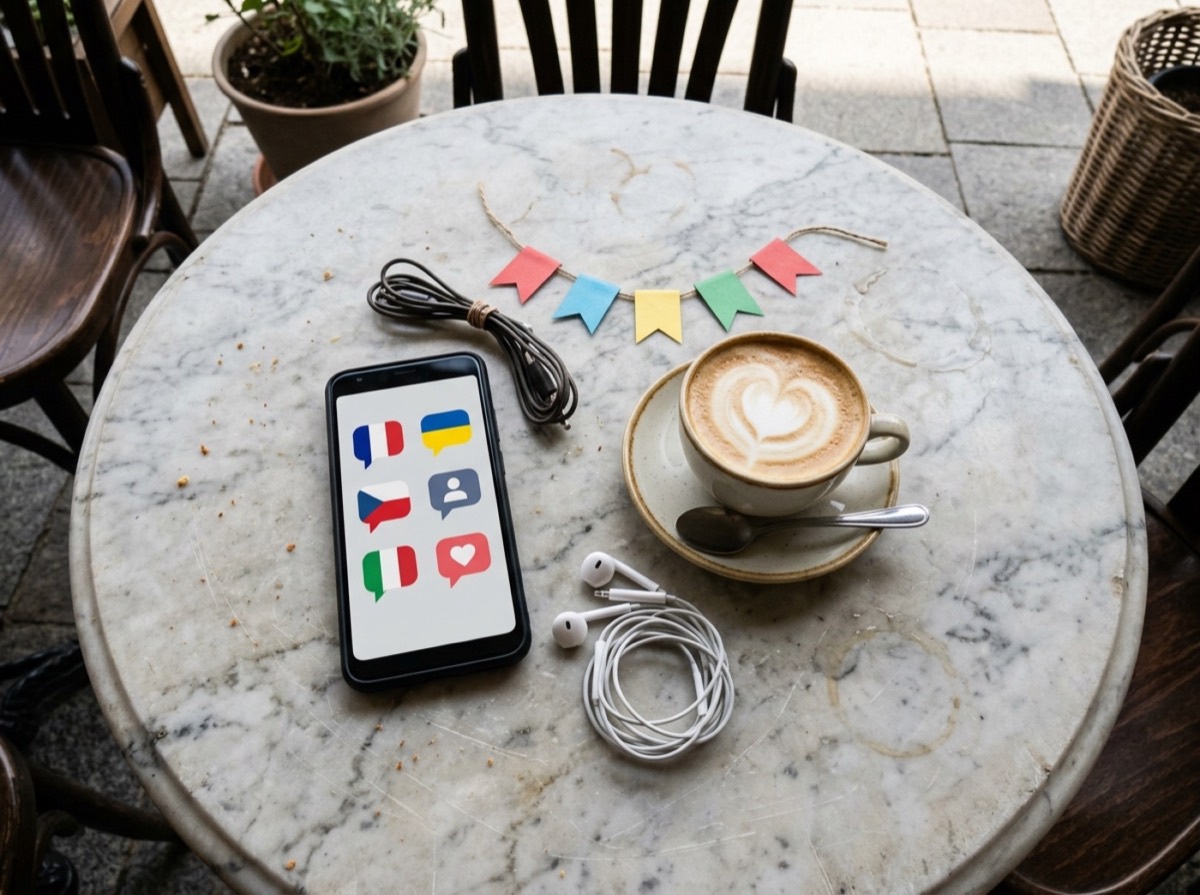
Subscription Central is a subscription manager that lists every service in the currency it is actually billed in and groups them into categories such as media, utilities, productivity and insurance. A billing timeline shows what renews next, with monthly and yearly totals underneath. You can set renewal reminders and free trial alerts, note who pays for and uses each service, and keep shared services visible to your family while personal ones stay private. It needs no bank connection, renewal dates appear in Listub's Calendar, and the Galveo AI assistant can add a subscription from a quick sentence.
- Per-service billing currency
- Billing timeline with monthly and yearly totals
- Renewal and free trial reminders
- Assign who pays and who uses each service
- Shared or private visibility per service
- Platforms
- iOS, Android, macOS, Windows, Web
- Pricing
- Freemium, Premium unlocks sharing and multiple devices
#2 · Best for US users happy to link their bank
Rocket Money
Automatic detection via your bank
Rocket Money connects to your bank and card accounts and picks out recurring charges for you. It also offers budgeting tools, and paid members can ask the service to cancel subscriptions or negotiate some bills on their behalf. It is aimed at users in the United States.
- Finds subscriptions from bank transactions
- Cancellation help on premium
- Bill negotiation service
- Budgeting and spending insights
- Platforms
- iOS, Android, Web
- Pricing
- Freemium, premium adds cancellation help
#3 · Best for iPhone users who want a simple list
Bobby
Simple, well-designed iPhone tracker
Bobby is a subscription tracker for iPhone with a colourful, easy-to-read layout and no bank connection. You add each service yourself, choose its billing cycle and currency, and get payment reminders before each charge. The free version covers a small number of subscriptions, and a one-time purchase removes the limit.
- Manual entry, no bank connection
- Custom billing cycles and currencies
- Payment reminders
- Clean, visual list of services
- Platforms
- iOS
- Pricing
- Freemium, one-time upgrade removes limits

#4 · Best for Privacy-minded users on mixed devices
ReSubs
Privacy-first tracker for both phones
ReSubs keeps subscription tracking manual and away from your bank, and it runs on both iPhone and Android. It supports multiple currencies, sends renewal reminders and offers spending insights. Receipt scanning helps speed up entry.
- No bank access required
- Works on iOS and Android
- Multi-currency support
- Renewal reminders and insights
- Platforms
- iOS, Android
- Pricing
- Freemium

#5 · Best for Couples managing all their finances
Monarch Money
Full budgeting with recurring view
Monarch Money is a complete personal finance app with a dedicated view of recurring payments. It links your accounts, shows upcoming bills and subscriptions, and lets partners share a household budget at no extra cost.
- Recurring bills and subscriptions calendar
- Account aggregation
- Shared access for partners
- Budgets, goals and net worth
- Platforms
- iOS, Android, Web
- Pricing
- Free trial, then paid

#6 · Best for UK and European users who want budgeting too
Emma
Budgeting app that flags subscriptions
Emma connects to your bank accounts and highlights recurring payments alongside your wider spending. It is popular in the UK and Europe and adds more analysis and customisation in its paid tiers.
- Detects subscriptions from transactions
- Spending categories and budgets
- Alerts for upcoming payments
- Paid tiers add deeper analysis
- Platforms
- iOS, Android, Web
- Pricing
- Freemium

#7 · Best for People who want strict budgeting
YNAB
Plan ahead for every renewal
YNAB (You Need A Budget) is a zero-based budgeting app rather than a pure tracker. You give every expense a job, including subscriptions, and set targets so annual renewals are already covered when they arrive.
- Zero-based budgeting method
- Targets for yearly renewals
- Bank import or manual entry
- Shared budgets for households
- Platforms
- iOS, Android, Web
- Pricing
- Free trial, then paid

#8 · Best for Keeping monthly spending in check
PocketGuard
Shows what is safe to spend
PocketGuard links your accounts, lists recurring bills and subscriptions, and calculates how much you have left after them. It suits people who want a quick answer to what they can afford this month.
- Recurring bill and subscription list
- Spending left after bills
- Debt payoff planning
- Account linking
- Platforms
- iOS, Android, Web
- Pricing
- Free trial, then paid
#9 · Best for Apple users who want a detailed finance app
Copilot Money
Polished finance app for Apple
Copilot Money is a budgeting app with a strong recurring payments section that learns your regular charges from linked accounts. It is best known on Apple devices and now also offers a web version.
- Automatic recurring charge detection
- Upcoming payments view
- Smart categorisation
- Investment and net worth tracking
- Platforms
- iOS, macOS, Web
- Pricing
- Free trial, then paid

#10 · Best for Freelancers and small teams
TrackMySubs
Web-based tracker for freelancers
TrackMySubs is a browser-based tool for logging subscriptions manually, with folders, tags and multiple currencies. Team access and integrations make it a good fit for freelancers and small businesses tracking software costs.
- Manual entry with folders and tags
- Multi-currency support
- Renewal reminders by email
- Team access on paid plans
- Platforms
- Web
- Pricing
- Freemium
How to choose
The biggest decision is whether you want to connect your bank. Bank-linked subscription managers such as Rocket Money can spot recurring charges automatically, which helps if you have lost track, but they need access to your financial data and usually work only in certain countries. A subscription tracker without a bank connection takes a few minutes to set up and keeps your banking details out of the picture. For most people, entering subscriptions once is enough to regain control.
Next, look at reminders and sharing. The whole point of a subscription reminder app is to warn you before a renewal or a free trial ends, so check that you can choose how far ahead the alert arrives. If you split costs with a partner or housemates, pick a shared subscription tracker that shows who pays for which service and lets you keep personal subscriptions private. Finally, decide whether you want a dedicated tracker or a full budgeting app where subscriptions are one part of the picture.
Frequently asked questions
What is the best subscription tracker app in 2026?
+
Listub Subscription Central is our top pick for households that want a manual, shareable tracker with renewal reminders and multi-currency support. Rocket Money is the best-known option if you want subscriptions detected automatically from your US bank accounts. Bobby is a popular choice for a simple list on iPhone.
What is the best free subscription tracker?
+
Several trackers have useful free tiers: Rocket Money's free version lists subscriptions found in your bank transactions, while Bobby and ReSubs offer free manual tracking with some limits. Listub's free tier covers one device with a limited number of entries. Full budgeting apps such as YNAB and Monarch Money are paid after a trial.
Is there a subscription tracker that doesn't need access to my bank account?
+
Yes. Listub Subscription Central, Bobby, ReSubs and TrackMySubs all work with manual entry, so you never share bank login details. You add each service once with its price, billing cycle and renewal date, and the app reminds you before it renews.
Which subscription tracker app works on iPhone and Android?
+
ReSubs, Rocket Money, Emma, Monarch Money, YNAB, PocketGuard and Listub all have apps for both iPhone and Android. Bobby is iPhone only, and Copilot Money focuses on Apple devices plus the web. Listub also runs on macOS, Windows and the web.
Can I share a subscription tracker with my partner or family?
+
Yes. In Listub Subscription Central you can share a room with your household (sharing requires Premium), note who pays and who uses each service, and keep personal subscriptions private. Monarch Money and YNAB also let partners share access to the same budget.
What is the best alternative to Rocket Money?
+
If you want to avoid linking your bank, Listub Subscription Central, ReSubs and Bobby are good manual alternatives. If you want a full budgeting app with recurring payment tracking, Monarch Money, Copilot Money and YNAB are common choices. Emma is a popular alternative for users in the UK and Europe.
How do I get a reminder before a free trial ends?
+
Add the trial to a subscription tracker as soon as you sign up and enter the end date. Listub Subscription Central lets you record the trial end date and sends a reminder while you still have time to cancel. Bobby and ReSubs can also remind you before a payment is due.
How do I find all my subscriptions?
+
Check your bank and card statements for the last 12 months, since some subscriptions renew yearly, and search your email for words like receipt, renewal and trial. Also look at the subscription settings in the Apple App Store and Google Play. A bank-linked app like Rocket Money or Emma can speed up the search, and a manual tracker keeps the list tidy once you have found everything.
Keeping subscriptions under control is mostly about seeing them in one list and getting a renewal reminder in time. If you want a subscription tracker without a bank connection that handles several currencies, shows who pays for and uses each service, and can be shared with your family, Listub Subscription Central is our top choice. If you would rather have your bank transactions scanned for you, Rocket Money is the best-known subscription manager app, and Bobby remains a favourite subscription tracker for iPhone. Spend ten minutes adding your subscriptions this week and you will likely find at least one to cancel.
How we research: We compare each product on the same criteria, using makers’ documentation, independent reviews and owner feedback, and re-check the list when products change.
Written by
Bitezine Editorial Team
Rankings, reviews & guides
Our editors research every piece from makers’ documentation, independent tests and owner reports, and update it when products change.