Ranked · Apps
Best shared family calendar apps in 2026
School runs, practice times, trips and bill dates all in one place. We compared ten shared calendar apps to find the ones families actually keep using.
 Bitezine Editorial TeamRankings, reviews & guides 7 min read
 AI generated
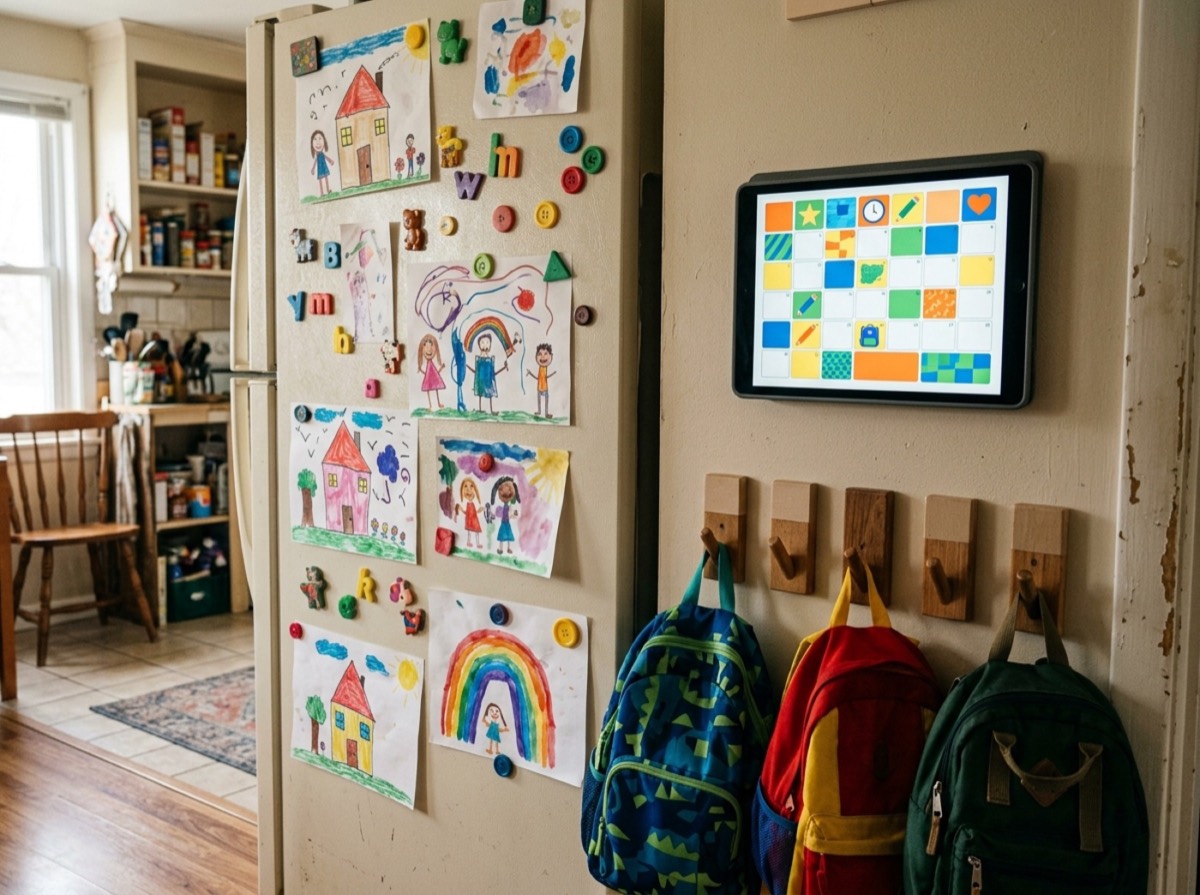
The best shared family calendar app is the one every person in the house actually trusts. The moment one parent keeps soccer practice in their head and the other keeps it in a group chat, someone ends up waiting in the wrong car park. A good family calendar app gives the whole household one answer to "what's on this week?", on whatever iPhone, Android phone or computer each person uses.
To build this list we looked at how easy each shared calendar app is to set up for several people, whether it works on both iPhone and Android, how it handles colour-coding and recurring events, and what else it brings, such as shopping lists, meal planning or reminders. We weighed what the free version includes against the paid plan, and we left out apps that have shut down. Several of these also work well as a family organizer app or a shared calendar for couples.
At a glance

#1 · Best for Families who want one app for plans, lists and dates
Listub Calendar
One calendar for everything at home
Listub's calendar is not a separate place you fill in by hand. Anything saved with a date in any room, whether it is a trip, a renewal, a deadline, a meal day or a reminder, shows up on it automatically, so nothing gets entered twice. Switch between month, week and day views, choose which rooms appear, and share rooms with family in real time on Premium, across iPhone, Android, Mac, Windows and the web.
- Month, week and day views
- Dated items from every room in one view
- Anything saved with a date appears automatically
- Choose which rooms show on the calendar
- One tap to jump back to today
- Platforms
- iOS, Android, macOS, Windows, web
- Pricing
- Freemium, Premium adds multiple devices and real-time sharing

#2 · Best for Parents who want lists and meals next to the calendar
Cozi
The long-running family organiser
Cozi has been built around families for years, and it shows. Each person gets their own colour on a shared calendar, and the app also holds shopping lists, to-dos and a recipe box. The free version covers the basics, while the paid tier removes ads and adds extras such as a month view and more reminders.
- Colour-coded calendar per family member
- Shared shopping and to-do lists
- Meal planning and recipe box
- Weekly agenda email
- Platforms
- iOS, Android, Web
- Pricing
- Freemium, Cozi Gold removes ads and adds features
#3 · Best for Mixed-device families who only need shared events
Google Calendar
Free, reliable and everywhere
Google Calendar is the default choice for many households because it is free and works on almost any device. Setting up a Google family group gives everyone a shared family calendar, and events from Gmail such as flights and bookings can land on it automatically. It is a scheduling tool first, so lists and meal planning live elsewhere.
- Shared family calendar through Google family groups
- Works on Android, iPhone and any browser
- Events added from Gmail confirmations
- Flexible reminders and recurring events
- Platforms
- iOS, Android, Web
- Pricing
- Free

#4 · Best for Families who coordinate by chatting about plans
TimeTree
Simple sharing with built-in chat
TimeTree is designed around shared calendars rather than personal ones, so creating a family calendar and inviting people takes a minute. Each event has its own comment thread, which keeps the "who's picking up?" conversation next to the plan itself. The free version is supported by ads, with a paid plan that removes them and adds extras.
- Multiple shared calendars for different groups
- Comments and chat on each event
- Colour labels for people and activities
- Memo and note space alongside the calendar
- Platforms
- iOS, Android, Web
- Pricing
- Freemium, premium removes ads

#5 · Best for Families who want a private family hub
FamilyWall
Calendar plus location and messaging
FamilyWall combines a shared calendar with lists, meal planning, private messaging and photo sharing in one family space. It also offers location sharing, which some parents find reassuring for older kids. The core tools are free, and the premium plan adds features such as geofencing alerts and more storage.
- Shared calendar and to-do lists
- Meal planner and shopping lists
- Private family chat and photo sharing
- Location sharing with premium alerts
- Platforms
- iOS, Android, Web
- Pricing
- Freemium, premium adds location alerts and storage

#6 · Best for All-Apple households
Apple Calendar
Best if everyone uses Apple
Apple Calendar comes on every iPhone, iPad and Mac, and Family Sharing sets up a shared family calendar with no extra download. It is clean and fast, and it syncs through iCloud. Android users are left out, though, so it suits households that are fully on Apple devices.
- Shared family calendar through Family Sharing
- Built into iPhone, iPad, Mac and Apple Watch
- iCloud sync and iCloud.com access in a browser
- Can show Google and other calendar accounts
- Platforms
- iOS, iPadOS, macOS, Web (iCloud.com)
- Pricing
- Free

#7 · Best for Parents buried in school emails
Maple
A newer all-in-one household planner
Maple treats the calendar as one part of a wider household system that also includes meal plans, recipes, shopping lists and to-dos. It uses AI to turn things like school emails into events and tasks. Syncing with outside calendars and some AI features need the paid plan.
- Colour-coded shared family calendar
- Meal planner, recipes and shopping lists
- AI help turning emails into events and tasks
- Sync with Google, Outlook and Apple calendars on the paid plan
- Platforms
- iOS, Android, Web
- Pricing
- Freemium, paid plan unlocks calendar sync

#8 · Best for Families with young kids who like a visible schedule
Skylight Calendar
A wall display for the kitchen
Skylight is a touchscreen calendar that sits on the counter or hangs on the wall, with a companion app for phones. It pulls in existing calendars so the whole family can see the day at a glance, and it adds chore charts for kids. You need to buy the device, and some features sit behind an optional subscription.
- Touchscreen family calendar display
- Syncs with existing online calendars
- Chore charts and routines for kids
- Companion app for iOS and Android
- Platforms
- Skylight display, iOS, Android
- Pricing
- Paid, device purchase with optional Plus plan

#9 · Best for Families already using Outlook or Microsoft 365
Microsoft Outlook
Solid choice for Microsoft households
Outlook's calendar lets you create a calendar and share it with family members by email, with each person choosing whether they can view or edit. It is a natural fit if the household already uses Outlook.com or Microsoft 365 for work or school. It has no family-specific extras like chores or meal planning.
- Share calendars with view or edit permissions
- Works across Windows, Mac, phones and the web
- Add other calendar accounts alongside it
- Reminders and recurring events
- Platforms
- iOS, Android, Windows, macOS, Web
- Pricing
- Free

#10 · Best for Parents drowning in paper schedules
Calendara
Turns flyers and photos into events
Calendara focuses on one annoying job: getting dates off paper and into the calendar. You take a photo of a school flyer or a sports schedule, and it creates the events for you, then syncs both ways with Google Calendar. It is iPhone-only and runs on a subscription after a short trial.
- Photo-to-event extraction with AI
- Two-way Google Calendar sync
- Colour-coded family calendars
- Shared access for family members
- Platforms
- iOS
- Pricing
- Free trial, then paid
How to choose
Start with the devices in your house. If everyone is on Apple hardware, the built-in calendar with Family Sharing may be enough. Mixed households usually do better with a family calendar app for iPhone and Android plus the web, so a teenager with an Android phone and a grandparent on a laptop see the same schedule. Check how people join, too: some apps need every member to create an account, while others let you share a calendar by link or email.
Then decide what else your family planner app should hold. Some families only need shared events. Others want shopping lists, chores, meal plans or renewal dates in the same place so they are not jumping between five tools. If you already keep that information somewhere, an app that puts dated items on the calendar automatically will save more time than a free family calendar app that makes you type everything twice.
Frequently asked questions
What is the best shared family calendar app in 2026?
+
Listub is our top pick because its calendar pulls every dated item from your rooms, such as trips, renewals, meal days and reminders, into one month, week or day view. Cozi and FamilyWall are strong dedicated family organizers, and Google Calendar is the best simple option if you only need shared events.
What is the best free family calendar app?
+
Google Calendar is free and works on iPhone, Android and the web, and a Google family group gives everyone a shared calendar. TimeTree is also free with ads, and Apple Calendar is free for households that only use Apple devices. Cozi, FamilyWall and Listub all have free tiers with paid upgrades.
Which family calendar app works on both iPhone and Android?
+
Google Calendar, Cozi, TimeTree, FamilyWall, Maple, Microsoft Outlook and Listub all run on iPhone and Android. Apple Calendar does not have an Android app, and Calendara is currently iPhone-only.
How do I share a calendar with my family?
+
In Google Calendar, create a family group in your Google account and a shared family calendar appears for every member. On Apple devices, turn on Family Sharing and use the Family calendar in the Calendar app. Dedicated apps like Cozi and TimeTree let you invite members by email or link from inside the app.
What is the best alternative to Cozi?
+
TimeTree is a good free alternative if you mainly want shared calendars with event chat. FamilyWall adds messaging and location sharing, Maple adds AI help with school emails, and Listub combines a calendar with lists, trackers and other household modules in one app.
Can couples use a shared calendar app?
+
Yes. Any of these apps works for two people, and TimeTree, Google Calendar and Apple Calendar are popular free choices for couples. Listub lets partners share rooms in real time on its Premium plan, so dates from shared lists and plans appear on both calendars.
Is there a family calendar app without ads?
+
Google Calendar, Apple Calendar and Microsoft Outlook's calendar are free and do not show ads inside the calendar. Cozi and TimeTree show ads on their free tiers, and paying for their premium plans removes them.
Do I need a wall display like Skylight for a family calendar?
+
No. Skylight and similar displays are handy for young children who cannot use a phone yet, but a phone app does the same scheduling job. Many families pair a free app such as Google Calendar with an old tablet on the kitchen counter instead.
There is no single best shared family calendar app for every household, but the right one is the one people open without being reminded. If you only need shared events, Google Calendar, Apple Calendar or TimeTree are good free family calendar apps. If you are looking for a Cozi alternative that reflects everything else going on at home, from trips to meal days to renewals, Listub is our pick because its calendar fills itself from the things you already save.
How we research: We compare each product on the same criteria, using makers’ documentation, independent reviews and owner feedback, and re-check the list when products change.
Written by
Bitezine Editorial Team
Rankings, reviews & guides
Our editors research every piece from makers’ documentation, independent tests and owner reports, and update it when products change.