Ranked · Apps
Best apps to store important documents in 2026
Passports, contracts, warranties and insurance papers: the apps that keep them safe, easy to find and ready before they expire.
 Bitezine Editorial TeamRankings, reviews & guides 10 min read
 AI generated
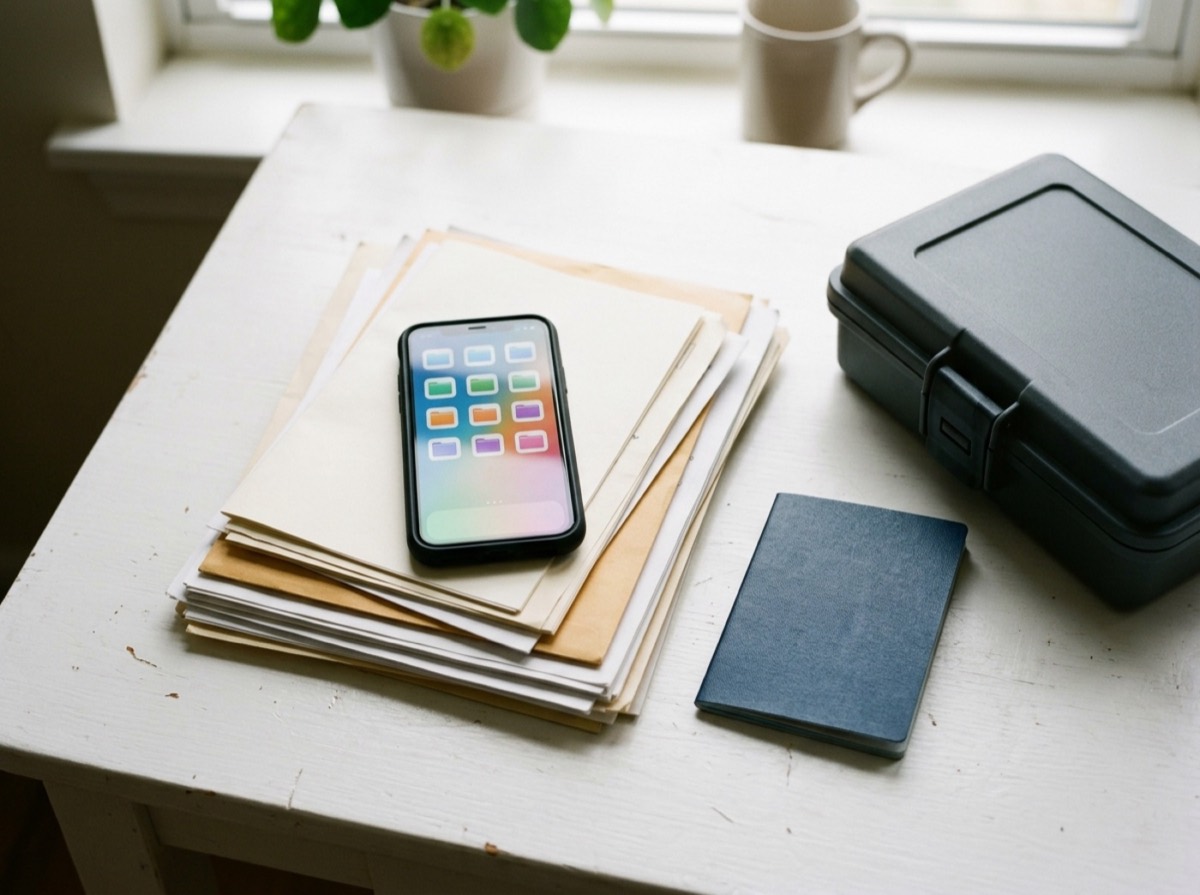
The best document storage apps give your passports, contracts, warranties and insurance papers one secure home, so you are not hunting through a drawer, an email inbox and a camera roll when you need them. Whether you need a copy of your lease for a new landlord, a warranty on the day the washing machine breaks, or your passport number at the airport, a good digital document organizer lets you find it in seconds.
To pick the ten apps below, we looked at dedicated document vault apps, family information hubs and the big cloud drives many people already pay for. We judged each one on how quickly it scans or uploads a paper document, how well search and categories work, whether it sends document expiry reminders, how secure and controllable sharing is for families, and whether it runs on iPhone, Android and the web.
At a glance
#1 · Best for Households that want IDs, contracts and warranties in one searchable place
Listub Doc Station
Best all-round personal document organiser
Doc Station lets you upload a file or photograph a paper document, then tag it by type and category and add issue and expiry dates. Listub reminds you before a passport, policy, warranty or certificate runs out, and those dates also appear in the shared Calendar alongside everything else in your rooms. Documents are private by default and shared one at a time through expiring private links that you can revoke. Because it sits inside Listub, you can also ask the Galveo AI assistant in plain words to add items for you.
- Upload files or photograph paper documents
- Ready-made categories from finance and health to vehicle and insurance
- Expiry and renewal reminders, shown in the Calendar
- Search that also covers notes attached to documents
- Single-document sharing via expiring, revocable links (Premium)
- Platforms
- iOS, Android, macOS
- Pricing
- Freemium, Premium adds sharing and multi-device use

#2 · Best for Families organising finances and estate paperwork together
Trustworthy
Strong family information hub
Trustworthy calls itself a family operating system and covers IDs, insurance, taxes, property and estate paperwork in one account. You scan or upload documents from the mobile app and it links them to the people, accounts and assets they relate to. Permission-based access lets you bring in a partner or adviser without opening up everything.
- Scan and upload from the mobile app
- Connects documents to people, accounts and assets
- Permission-based sharing with family and advisers
- Covers estate and emergency information
- Platforms
- iOS, Android, Web
- Pricing
- Free trial, then paid

#3 · Best for People who want a ready-made structure for household records
Quicken LifeHub
Structured vault from a finance brand
Quicken LifeHub gives you pre-built smart folders for IDs, legal, medical, travel and financial records, so you are not designing a filing system from scratch. It sends reminders to keep details current and lets you invite household members with different roles, from co-owner to viewer. Data is protected with encryption and multi-factor authentication.
- Pre-built smart folders for common document types
- Reminders to keep records up to date
- Household roles for owners, editors and viewers
- Multi-factor authentication
- Platforms
- iOS, Android, Web
- Pricing
- Paid
#4 · Best for Windows and Microsoft 365 users
Microsoft OneDrive
Cloud drive with a locked vault
OneDrive is a general cloud drive, but its Personal Vault adds a separate area that needs an extra verification step to open and locks itself after a period of inactivity. The mobile app can scan paper documents straight into the vault. It is a sensible choice if you already use Windows or Microsoft 365.
- Personal Vault with extra identity verification
- Document scanning in the mobile app
- Automatic sync across devices
- Deep Windows and Microsoft 365 integration
- Platforms
- Windows, macOS, iOS, Android, Web
- Pricing
- Freemium, Microsoft 365 plans add storage
#5 · Best for People already living in Google's apps
Google Drive
Best search in a general drive
Google Drive does not organise documents for you, but its search is very good at finding text inside PDFs and scanned images. The mobile app can scan paper documents into PDFs, and sharing controls let you give view-only access to a single file. Storage is shared with Gmail and Google Photos.
- Search that reads text inside scans and PDFs
- Document scanning from the mobile app
- Per-file sharing with view or edit rights
- Offline access to selected files
- Platforms
- Windows, macOS, iOS, Android, Web
- Pricing
- Freemium, Google One plans add storage
#6 · Best for Privacy-focused users
Proton Drive
Best for privacy
Proton Drive encrypts files end to end, so the service itself cannot read what you store. That makes it a good home for scans of passports and financial papers if privacy is your top concern. Shared links can carry a password and an expiry date.
- End-to-end encryption for files and file names
- Password-protected and expiring share links
- Photo and document backup from mobile
- Swiss-based provider
- Platforms
- Windows, macOS, iOS, Android, Web
- Pricing
- Freemium

#7 · Best for Keeping ID details next to your passwords
1Password
Password manager that holds documents
1Password is known for passwords, but it also has item types for passports, driver's licences, identity details and attached documents. Everything sits in an encrypted vault, and family plans let you share selected vaults with the people who need them. It suits sensitive records more than large archives.
- Dedicated item types for IDs and licences
- File attachments inside encrypted vaults
- Shared vaults on family plans
- Watchtower security alerts
- Platforms
- iOS, Android, macOS, Windows, Linux, Web
- Pricing
- Free trial, then paid

#8 · Best for Estate and legacy planning
Everplans
Built for planning ahead
Everplans is a digital vault focused on getting your affairs in order, with guided sections for IDs, health, finances and end-of-life wishes. It can remind you about important dates and lets you name deputies who can see your plan. The free tier holds a small number of items.
- Guided checklists for IDs, health and finances
- Reminders about important dates
- Deputies who can access your plan
- Estate and legacy planning content
- Platforms
- iOS, Android, Web
- Pricing
- Freemium
#9 · Best for Mixed archives of documents and everyday files
Dropbox
Reliable sync and simple sharing
Dropbox is a long-running cloud drive with dependable sync and a document scanner in its mobile app. You build your own folder structure, and paid plans add password-protected links and link expiry. It works well if you want your documents alongside other files.
- Document scanner in the mobile app
- Fast, dependable file sync
- Password and expiry options on shared links (paid plans)
- Version history and file recovery
- Platforms
- Windows, macOS, Linux, iOS, Android, Web
- Pricing
- Freemium

#10 · Best for Apple-only households
Apple iCloud Drive
Easiest choice on Apple devices
iCloud Drive is built into iPhone, iPad and Mac, and the Files and Notes apps can scan paper documents straight into it. Advanced Data Protection adds end-to-end encryption for most of your iCloud data if you turn it on. Outside Apple devices, access is limited to the web and a Windows app.
- Built into iPhone, iPad and Mac
- Document scanning in Files and Notes
- Optional Advanced Data Protection
- Shared folders with other Apple users
- Platforms
- iOS, iPadOS, macOS, Windows, Web
- Pricing
- Freemium, iCloud+ adds storage
How to choose
Start with what you need to store. For IDs, insurance policies, warranties and contracts, a dedicated document storage app with categories and expiry reminders will serve you better than a plain folder tree. If you also keep large work files, photos and backups, a general cloud drive can be the base, as long as it has a secure area for sensitive papers.
Next, think about sharing and security. In a shared family document vault, partners, parents or executors often need a single document, not your whole archive, so look for sharing you can limit to one file and revoke later. Check for two-factor authentication or encryption, offline access for trips, and a free tier that lets you try the app before paying.
Frequently asked questions
What is the best app to store important documents?
+
For personal paperwork such as IDs, contracts and warranties, a dedicated organiser works best. Listub Doc Station adds categories, expiry reminders and single-document sharing, while Trustworthy and Quicken LifeHub focus on family and household records. If you mainly want storage space, Google Drive, OneDrive and Proton Drive are solid choices.
What is the best free document storage app?
+
Google Drive has a generous free storage allowance and strong search, and Proton Drive has a free plan with end-to-end encryption. Listub has a free tier for use on one device with a limited number of entries, and Everplans has a free plan that holds a small number of items.
Is it safe to store a copy of my passport on my phone?
+
It can be, if the app protects it properly. Use an app with strong sign-in protection such as two-factor authentication or biometrics, and choose encryption where possible. Proton Drive and 1Password use end-to-end encryption, and OneDrive's Personal Vault asks for an extra verification step. Keep the original passport too, because a digital copy does not replace it for travel.
Can I share important documents with my family?
+
Yes. Listub Doc Station lets Premium users share single documents through expiring private links that can be revoked. Trustworthy and Quicken LifeHub let you invite household members with different permission levels, and 1Password family plans use shared vaults.
Which app reminds me when my documents expire?
+
Listub Doc Station lets you add expiry or renewal dates and reminds you before passports, insurance policies, warranties or certificates run out. Quicken LifeHub and Everplans also send reminders to keep your records current. General cloud drives like Google Drive and Dropbox do not track expiry dates.
Which document storage app works on both iPhone and Android?
+
Most do. Listub, Trustworthy, Quicken LifeHub, Everplans, Google Drive, OneDrive, Proton Drive, 1Password and Dropbox all have iPhone and Android apps. Apple iCloud Drive is the exception: it is built for Apple devices, and outside them you can only use it on the web and in a Windows app.
What is a good alternative to Google Drive for important documents?
+
If you want more structure, Listub Doc Station, Trustworthy and Quicken LifeHub organise documents into categories and help you track dates. If privacy is your priority, Proton Drive encrypts files end to end. Microsoft OneDrive is the closest like-for-like cloud drive and adds a locked Personal Vault.
Can I access my stored documents offline?
+
Many apps support it in some form. Listub Doc Station keeps recently opened documents available offline, Google Drive lets you mark files for offline use, and Dropbox and OneDrive can make files available offline on your devices. It is worth opening your key documents before a trip so they are ready without signal.
Whichever secure document storage app you choose, the hard part is the first afternoon of scanning. Start with the documents you would miss most, such as passports, insurance policies and property papers, add their expiry dates, and let the app send the reminders. If you want your documents next to your family's lists and plans, Listub Doc Station is a good place to start. If you mostly need space for files, Google Drive, OneDrive or Proton Drive will do the job. After that first session, filing new paperwork as it arrives takes about a minute.
How we research: We compare each product on the same criteria, using makers’ documentation, independent reviews and owner feedback, and re-check the list when products change.
Written by
Bitezine Editorial Team
Rankings, reviews & guides
Our editors research every piece from makers’ documentation, independent tests and owner reports, and update it when products change.