Review · Apps
Listub Shopping List review: a shared grocery list that syncs as you shop
Listub Shopping List offers real-time shared lists, per-store planning, labels and offline use, all on the free plan. Here is what it does well and where it stops.
 Bitezine Editorial TeamRankings, reviews & guides 7 min read
 AI generated
 App · Freemium
Listub Shopping List
Listub Shopping List is a fast, genuinely shared grocery list with per-store planning and offline use, and its biggest strength is that it sits inside a full household organiser. Sharing your own lists does need a paid plan.
What we like
- +Real-time sync: ticked items disappear on everyone's phone straight away
- +Detailed items with quantity, unit, label, note and preferred store
- +Multi-store planning for supermarket, pharmacy and hardware runs
- +Works offline and syncs when the signal returns
- +Galveo AI turns 'add everything for pasta night' into list items
- +Part of Listub, so meals, tasks and budgets live in the same app
What could be better
- −Inviting others into your own list requires Premium or Family
- −No web, Windows or Linux app; iOS, Android and macOS only
- −No barcode scanner or loyalty-card features in the published feature list
- −No home screen widget yet
Best for: Families, couples and flatmates who shop from one list
Visit Galveo GmbH →A good shared shopping list app solves a simple problem: two people should never come home with the same carton of milk. Listub Shopping List is the grocery module inside Listub, the all-in-one organiser from the Cologne software company Galveo, and it was one of the first three modules the team put into testing back in 2021. It focuses on real-time sync, detailed item entries, labels that work like categories and planning across several stores.
This review is based on Listub's published feature pages, plan details and module guides rather than hands-on testing. We look at how the list works, how sharing and offline mode behave, what Galveo AI adds, what the free plan covers and who the module suits best in 2026.
What is Listub Shopping List?
Listub organises everything into modules, and inside each module you create rooms. For the Shopping List, a room is usually a household list, a weekly shop or a list for a particular event. Everyone invited to that room sees the same items and the same changes as they happen, so the list behaves like a shared whiteboard rather than a note that has to be forwarded.
Listub pitches it as an upgrade from the notes app most people start with. The difference is structure: each item can carry a quantity, a unit, a label, a note and the store you plan to buy it in. The brand, the pack size or the aisle can go on the item itself instead of into a follow-up message.
Key features: labels, stores and detailed items
Labels do the job that categories do in other grocery list apps. You can mark items as Priority, Regular or On Sale, or use labels to group products by aisle, then filter the list to match the order you walk through the shop. Multi-store support lets you assign each item to a specific shop, which is handy for a weekly run that covers the supermarket, the pharmacy and a DIY store.
What the feature list does not mention is just as useful to know. Listub does not advertise a barcode scanner, loyalty-card storage or price comparison, so shoppers who rely on those tools will not find them here. The module is built around a clean, shared list rather than retail extras.
- Quantities and units, such as 2 kg of apples
- Notes for brand, size or substitutes
- Preferred store per item
- Labels for priority, deals or aisle grouping
- Instant tick-off visible to every member
Sharing and real-time sync: does it stop duplicate buys?
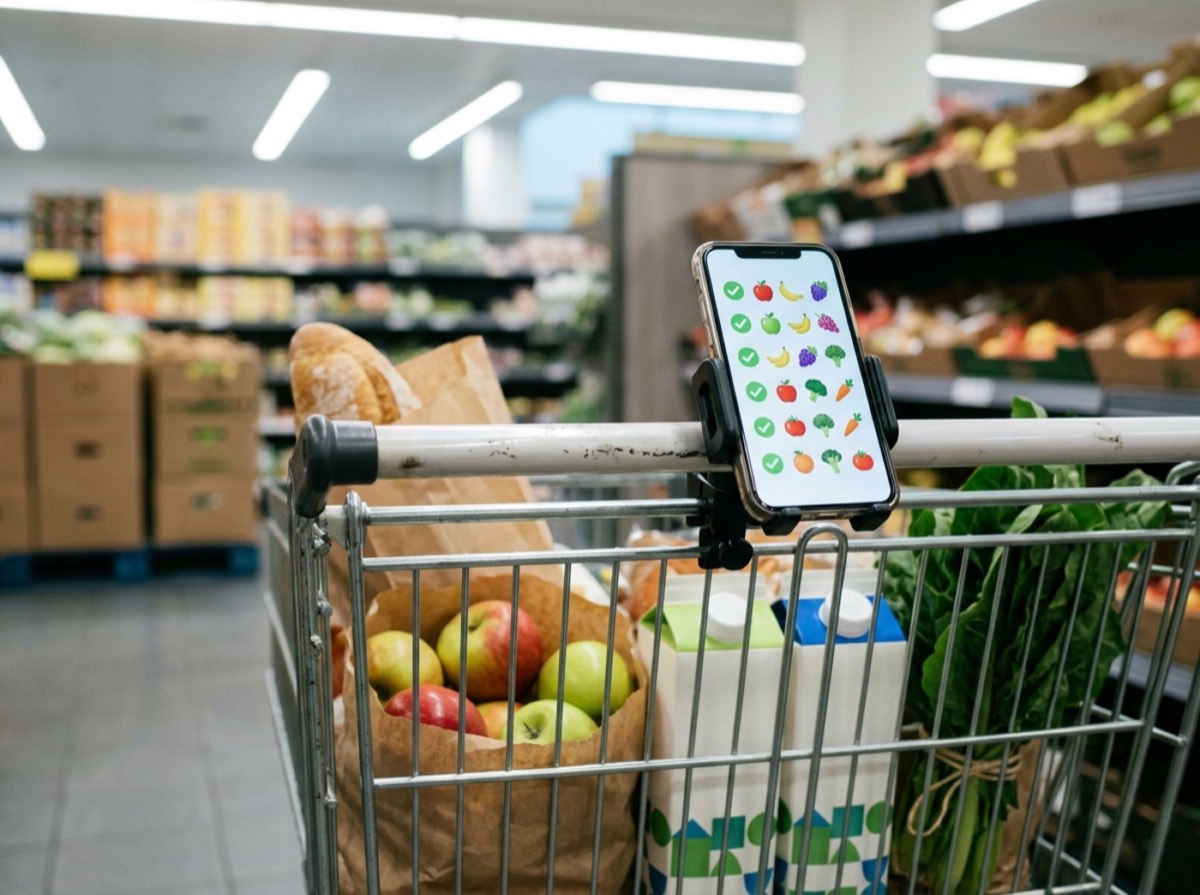
This is where the module earns its place. When one person ticks off an item in the shop, it disappears from everyone else's list right away. Whoever passes a shop first simply buys what is still open, and the rest of the household can watch the list shrink without a round of messages. Listub describes three typical groups: families coordinating the big weekly shop, couples who both pass a supermarket on the way home, and flatmates who want the basics stocked without a group chat.
One detail matters when you choose a plan. Sharing your own rooms is a Premium feature. On the free plan your rooms stay private on a single device, but you can still join a room that a Premium or Family member shares with you and use it fully. In practice, one paying member of a household can run the shared list for everyone.
Offline mode and Galveo AI
Supermarkets with thick walls and basement floors are notorious for poor reception, so offline support is more than a checkbox. Listub lets you add, edit and tick items without a connection and syncs the changes in the background once you are back online.
Galveo AI, Galveo's AI assistant, is built into every Listub module. In the Shopping List you can type or say requests such as 'add milk and eggs', '2 kg of apples' or 'add everything for pasta night', and Galveo AI prepares the items for you to review before they are saved. The free plan includes Galveo AI, while Premium and Family include Galveo AI Pro, and both are subject to a fair-use policy.
Listub Shopping List free vs Premium
Every Listub module is included on every plan, so the free Basic plan already covers labels, quantities, per-store planning and offline use. The free plan is limited to one device, up to five rooms as owner and no sharing of your own rooms. Premium adds cloud sync and sharing, up to 50 rooms as owner and three devices at once. Family adds three extra members, up to 400 rooms and up to 20 devices.
Paid plans sit in the budget range for an app subscription, and Listub has offered launch pricing that stays locked in for early subscribers. For a single shopper on one phone, the free plan is enough. For a household that wants one live list, Premium or Family is the point of the app.
Who is Listub Shopping List for?
The module suits households that want one grocery list everyone can edit, and people who shop across several stores. Its biggest advantage over a standalone list app is context: the same app holds the Meal Planner, the Task Manager, Subscription Central and the Debt Ledger, and dated entries across modules can appear in one shared calendar.
It is less suited to people who mainly want coupons, barcode scanning or price tracking, and to households that work from a Windows PC or a browser, since Listub is currently limited to iPhone, iPad, Android and Mac.
Key specs
- Platforms
- iPhone and iPad, Android, macOS
- Item fields
- Name, quantity, unit, label, note, preferred store
- Labels
- Priority, Regular, On Sale or your own grouping (for example by aisle)
- Sync
- Real time, with offline editing and background sync
- Sharing
- Invite others on Premium and Family; free users can join shared rooms
- AI
- Galveo AI on Free, Galveo AI Pro on paid plans
- Price
- Free plan with all modules; Premium and Family subscriptions
- Developer
- Galveo GmbH, Cologne, Germany
Frequently asked questions
Is Listub Shopping List free?
+
Yes. Labels, quantities, per-store planning and offline use are all on the free plan. You only need Premium or Family when you want to invite other people into your own lists or use Listub on more than one device.
Can I share a shopping list with my partner or family in Listub?
+
Yes. On Premium and Family you invite people into a room and everyone adds, edits and ticks items in the same list in real time. Free users can join a room that a paying member shares with them.
Does Listub Shopping List work on iPhone and Android?
+
Yes. It runs on iPhone and iPad through the App Store, on Android through Google Play and on Mac through the Mac App Store. There is no Windows or Linux version.
Does the Listub grocery list work offline?
+
Yes. You can add, edit and tick items with no signal, and Listub syncs the changes automatically once you are back online.
Can I sort my shopping list by store or aisle?
+
Yes. Each item can be assigned to a store, and labels let you group items by aisle or mark them as Priority, Regular or On Sale, then filter the list to match your route.
Can Galveo AI add items to my shopping list?
+
Yes. Type or say something like 'add everything for pasta night' and Galveo AI prepares the items in the right list. You review them before they are saved.
Does Listub Shopping List have a barcode scanner?
+
Listub's published feature list does not include a barcode scanner. The module focuses on shared, detailed items, labels, multi-store planning and offline use.
Listub Shopping List does the core job of a shared grocery list very well: items sync instantly, carry all the detail you would otherwise text, and stay usable in a basement supermarket. The free plan is a fair way to try it, and one Premium or Family subscription covers a whole household. If you want coupons or barcode scanning, look elsewhere, but if you want a shared shopping list app that lives next to your meal plan, tasks and household budget on iPhone, Android or Mac, it is one of the strongest options in 2026.
How we research: Reviews are based on the maker’s specifications, published independent tests and owner reports. Scores compare the product with others in its class.
Written by
Bitezine Editorial Team
Rankings, reviews & guides
Our editors research every piece from makers’ documentation, independent tests and owner reports, and update it when products change.