Review · Apps
Listub Meal Planner review: a simple shared weekly planner for families and flatmates
Listub Meal Planner organises the week by day and meal type, with recipes, notes and drag-and-drop, and pairs with Listub's Shopping List. Pros, cons and pricing.
 Bitezine Editorial TeamRankings, reviews & guides 5 min read
 AI generated
 App · Freemium
Listub Meal Planner
Listub Meal Planner is a straightforward, shareable weekly planner that answers the 6pm question with minimal effort, best for households that want simplicity over recipe databases and nutrition tracking.
What we like
- +Whole week on one screen, sorted by day and meal type
- +Ingredients, method or recipe link on any meal
- +Drag meals between days and tick them off as you cook
- +Real-time shared plans for families, couples and flatmates
- +Works alongside Listub's Shopping List module
- +Planning, recipes and notes are on the free plan
What could be better
- −No automatic shopping list generation from meals
- −No recipe database, calorie or nutrition tracking
- −Offline is view-only: adding and editing meals needs a connection
- −Sharing your own plan requires Premium
Best for: Families planning the week together
Visit Galveo GmbH →Deciding what to cook every evening is a small daily stress that adds up, and it often ends with food thrown away. Listub Meal Planner tackles it with a weekly plan you fill in once. It is a module inside Listub, the all-in-one organiser from Cologne-based Galveo, and it lets families, couples and flatmates see the week's meals in one place and change them together.
This Listub Meal Planner review is based on the developer's published feature descriptions and plan details rather than hands-on testing. We look at how planning works, how it connects to shopping, what sharing adds, its offline behaviour and who it suits.
What is Listub Meal Planner?
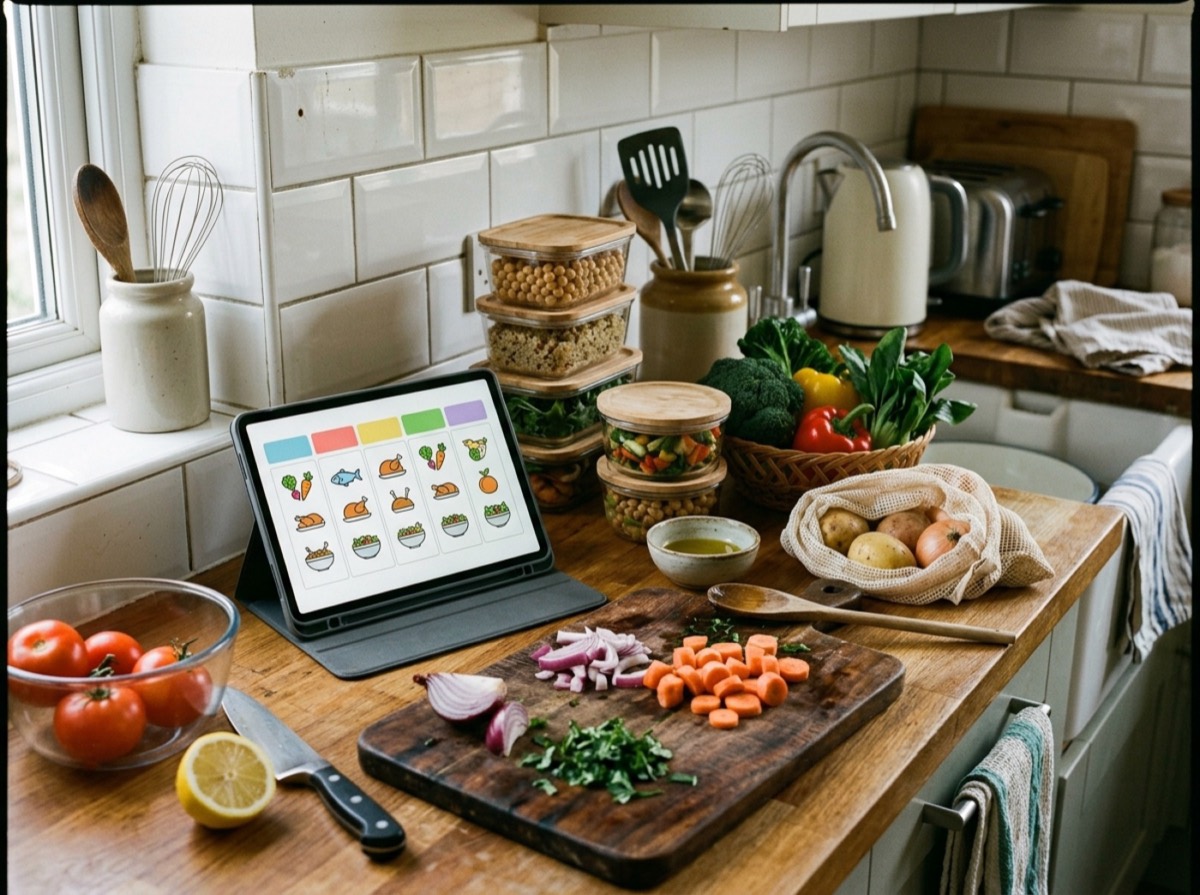
Meal Planner is a weekly planner rather than a recipe app. You drop meals onto the days you will actually cook them, sort each one into breakfast, lunch, dinner or snacks, and read the whole week at a glance, including the busy nights you already know about. If evenings are all you plan, it works just as well as a plain dinner planner.
Over time, the recipes and notes you attach turn it into a small recipe organiser for the dishes your household really eats, rather than a database of thousands you never cook.
Key features
The feature set is deliberately focused. Plans change, so meals can be dragged to another day, switched to a different meal type or ticked off as they reach the table, and everyone on the plan sees the updated week.
- Plan by day with a full weekly view
- Breakfast, lunch, dinner and snack categories
- Ingredients, method or recipe link on any meal
- Drag and drop between days
- Tick meals off as you cook
- Dated meals appear in Listub's calendar
- Add meals by asking Galveo AI, for example 'pasta for dinner on Monday'
Meal Planner and Shopping List: how groceries work
Listub pairs Meal Planner with its dedicated Shopping List module, shared with the same people. You plan the week in one module and keep what you need to buy in the other, which covers the loop from deciding what to eat to standing in the supermarket aisle.
It is worth being clear that Meal Planner does not automatically generate a grocery list from your meals. You add items to the Shopping List yourself, or ask Galveo AI to do it. Households used to apps that build a list from recipes in one tap may miss that.
Sharing and offline use
Shared plans are where the module shines. Families with training nights and late shifts, couples tired of the nightly what-to-cook debate and flatmates splitting dinners can all see and edit one week, with changes syncing in real time. Sharing your own rooms requires Premium, but invited members can join free.
Offline, you can view your meal plan so it is always there to check. Adding or editing meals needs a connection, and changes sync as soon as you are back online.
Who is Listub Meal Planner for?
It is a good fit for busy households that want to eat better, spend less and waste less without learning a complex tool, and for batch cooks who want to map out prep days, portions and recipes. Listub notes that it plans food rather than counting calories, so anyone tracking macros or following a diet programme will want a dedicated nutrition app alongside it.
A simple weekly meal planning routine with Listub
Meal Planner works best with a short weekly habit. Many households pick one moment, such as Sunday afternoon, to plan the coming week together, which fits the shared room design well. A typical routine, using only the features Listub describes, takes around fifteen minutes once you have a few favourite recipes saved.
- Mark the busy nights first and give them quick or leftover meals
- Drop dinners onto each day, then add breakfasts, lunches and snacks if you plan them
- Attach the recipe link or ingredients to anything new
- Add what you need to the Shopping List module, shared with the same people
- Drag meals to another day when plans change during the week
- Tick meals off as you cook to see what actually got made
Is Listub Meal Planner free? Pricing and value
Planning by day and type, recipes, notes and checking meals off are all on Listub's free Basic plan. Premium, a budget-priced subscription, adds sync across devices and sharing your own rooms, and the Family plan adds several members. Since the shared plan is the main attraction for families, most households will get the best value from one Premium or Family subscription.
Key specs
- Module type
- Weekly meal planner
- Meal types
- Breakfast, lunch, dinner, snacks
- Meal details
- Notes, ingredients, method, recipe link
- Editing
- Drag between days, change type, tick off
- Groceries
- Separate Shopping List module
- Offline
- View-only, edits need a connection
- Platforms
- iOS (iPhone and iPad), Android, macOS, Windows, web
Frequently asked questions
Is Listub Meal Planner free?
+
Yes. Planning meals by day and type, adding recipes and notes and checking meals off are all free. Premium adds sharing your own rooms and multiple devices.
Can Listub Meal Planner create a shopping list?
+
Not automatically. Listub has a separate Shopping List module you use alongside Meal Planner, shared with the same people, where you add what you need to buy.
Can I plan meals with my family or roommates?
+
Yes. Share the plan and everyone sees and edits the same week in real time. The owner of the room needs Premium to invite others.
Can I attach recipes to meals?
+
Yes. Any meal can hold notes, ingredients, a method or a recipe link.
Does Meal Planner work offline?
+
You can view your plan offline. Adding or editing meals needs a connection, and changes sync when you are back online.
Does it count calories?
+
No. Meal Planner is for planning what you will eat, not for nutrition or calorie tracking.
Can Galveo AI add meals to my plan?
+
Yes. Listub's built-in Galveo AI assistant accepts plain requests such as 'pasta for dinner on Monday' or 'oatmeal for breakfast every day' and prepares the entries in Meal Planner. You review them before they are saved, which makes filling in a week quicker on a phone.
Listub Meal Planner keeps meal planning simple: a clear week, meals by type, recipes where you need them and a shared view the whole household can edit. It skips automatic grocery lists and nutrition data, and offline editing is limited, but for families and flatmates who want a calm answer to what is for dinner, especially alongside Listub's Shopping List, it is an easy and largely free tool to recommend.
How we research: Reviews are based on the maker’s specifications, published independent tests and owner reports. Scores compare the product with others in its class.
Written by
Bitezine Editorial Team
Rankings, reviews & guides
Our editors research every piece from makers’ documentation, independent tests and owner reports, and update it when products change.