Review · Apps
Listub Calendar review: every household date in one shared view, with nothing entered twice
Listub Calendar automatically collects dated items from every room, from trips and renewals to meal days, into month, week and day views. How it works and its limits.
 Bitezine Editorial TeamRankings, reviews & guides 6 min read
 AI generated
 App · Freemium
Listub Calendar
Listub Calendar is the glue of the Listub app, pulling deadlines, trips, renewals and meal days from every room into one view automatically, which makes it excellent for households that live in Listub but less useful as a standalone calendar.
What we like
- +Anything saved with a date appears automatically, with no double entry
- +Month, week and day views across all rooms
- +Per-room control over what shows on the calendar
- +Shared rooms keep the whole household on the same dates
- +In-app, push and email digest notifications, configurable per channel
- +Included on every plan, including the free one
What could be better
- −Only shows value if your plans live in Listub modules
- −Listub does not advertise syncing with Google Calendar or Apple Calendar
- −Real-time sharing and multi-device sync require Premium
- −Only on iOS, Android and macOS
Best for: Families who want one app for plans, lists and dates
Visit Galveo GmbH →A family calendar usually fails for one reason: someone has to copy every date into it. Listub Calendar takes a different approach. Instead of being a separate place you fill in by hand, it gathers everything already saved with a date across Listub, the all-in-one organiser from Cologne-based Galveo, and shows it in one view.
This Listub Calendar review is based on Listub's published feature descriptions and plan details rather than hands-on testing. We explain how automatic entries work, what the views and controls offer, how sharing and notifications fit in, and who will benefit most.
What is Listub Calendar?
Listub Calendar is a core feature of the app rather than one of its 15 modules. It brings every room's important dates into one shared view: task deadlines, trips, subscription renewals, meal days, reminders and more. Because the entries come from the modules themselves, nothing has to be added twice.
That design is its biggest strength and its main limitation. If your household already uses Listub for tasks, travel, subscriptions and meals, the calendar fills itself. If most of your appointments live in another calendar, Listub's view will only show part of the picture.
Key features: automatic entries, views and per-room control
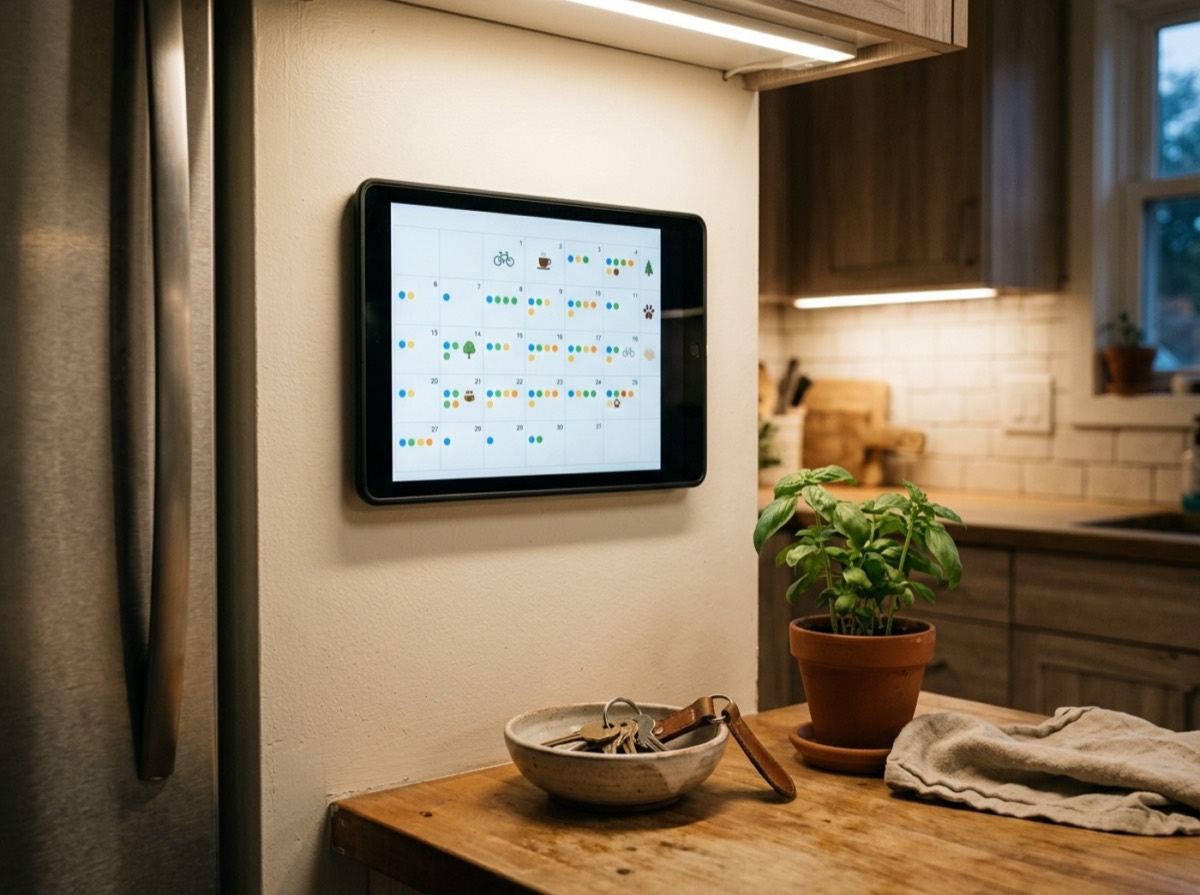
The calendar offers month, week and day views, and you can swipe between periods and jump back to today with one tap. Per-room control lets you choose exactly which rooms appear, which keeps a busy household view from turning into noise. A parent might show the family task room, the shared meal plan and upcoming trips while hiding a personal goals room.
- Month, week and day views
- Deadlines, trips, renewals, meal days and reminders from every room
- Automatic entries for anything saved with a date
- Swipe navigation and a one-tap jump to today
- Per-room visibility settings
Sharing and notifications
Listub is built around shared rooms. Invite family, friends or colleagues into a room and its changes sync to all members in real time, so when a partner moves a trip date or adds a task deadline, it appears on everyone's calendar. An activity log records what changed.
Notifications back the calendar up. Listub sends in-app alerts for invites, assignments and updates, push notifications for time-sensitive items such as new tasks and deadlines, and daily or weekly email digests, with preferences you can set per channel and activity type. Individual modules add their own reminders, such as medication times in Health Cabinet or air dates in Screen Box.
Where Listub Calendar falls short
Listub's feature page does not mention two-way syncing with Google Calendar, Apple Calendar or Outlook, so work meetings and appointments kept elsewhere will not appear automatically. The calendar is best seen as a household planning layer on top of Listub's modules rather than a replacement for a full calendar app. Sharing and sync across devices also depend on a paid plan, and there is no web or Windows version.
Who is Listub Calendar for?
It is ideal for families, couples and shared flats who want lists, plans, renewals and meals connected to dates without extra admin. It also suits organised individuals who use several Listub modules and want one timeline of everything coming up. People who mainly need to schedule meetings and appointments will likely keep their existing calendar and use Listub alongside it.
It is also a good fit for households that often forget renewals or deadlines buried in separate apps, because those dates surface in the same view as everything else, and push reminders and email digests add a second safety net.
What shows up on the Listub calendar
Because entries come from modules, what you see depends on how your household uses Listub. Based on Listub's feature and module descriptions, typical sources include the following. Since every item is created in its own module, the details stay where they belong, while the calendar simply shows when things happen.
The same logic applies to smaller items. A dated goal or a planned outing can appear alongside bigger commitments, giving a more realistic picture of a busy week than a calendar that only holds appointments.
- Task Manager deadlines and assigned chores
- Travel Hub trips and itinerary dates
- Subscription Central renewals and payment dates
- Meal Planner days
- Activity Planner outings and events
- Dated goals from Bucket List
Is Listub Calendar free? Pricing and value
The calendar is included on every Listub plan, including the free Basic plan, which works on one device without sharing. Premium, a budget-priced subscription, adds cloud sync across devices and real-time sharing, and the Family plan adds extra members and up to 20 devices at once. For a shared family calendar, Premium or Family is the realistic choice.
Key specs
- Feature type
- Unified calendar across all Listub rooms
- Views
- Month, week and day
- Entries
- Automatic from any dated item in any room
- Filtering
- Choose which rooms appear
- Navigation
- Swipe between periods, one tap back to today
- Notifications
- In-app, push, daily or weekly email digests
- Platforms
- iOS (iPhone and iPad), Android, macOS
Frequently asked questions
How does Listub Calendar get its entries?
+
Automatically. Anything you save with a date in any Listub room, such as a task deadline, trip, subscription renewal or meal day, appears on the calendar without being entered twice.
Can I choose which rooms show on the calendar?
+
Yes. Per-room control lets you pick exactly which rooms appear, so you can keep the view focused.
Does Listub Calendar sync with Google Calendar?
+
Listub's feature page does not list syncing with Google Calendar, Apple Calendar or Outlook. The calendar shows dates saved inside Listub rooms.
Can my family share the Listub calendar?
+
Yes, through shared rooms. On Premium and Family plans, rooms sync in real time, so dated items appear for every member who can see that room.
Which views does Listub Calendar offer?
+
Month, week and day views, with swipe navigation between periods and a one-tap jump back to today.
Is the calendar included in the free plan?
+
Yes. The calendar is part of every plan. Premium adds multi-device sync and real-time sharing.
Which devices can I use the Listub calendar on?
+
The calendar is part of Listub on iPhone and iPad, Android and Mac. On Premium and Family plans your rooms, and therefore your calendar entries, sync across devices, with the Family plan supporting up to 20 devices at once.
Listub Calendar solves the double-entry problem that sinks most family calendars: if a date is saved anywhere in Listub, it is already on the calendar. Clear views, per-room filters and flexible notifications make it a strong household planning hub. It is not a replacement for a work calendar and does not advertise external calendar sync, but for families who run their lists, trips and meals in Listub, it is one of the app's most useful features.
How we research: Reviews are based on the maker’s specifications, published independent tests and owner reports. Scores compare the product with others in its class.
Written by
Bitezine Editorial Team
Rankings, reviews & guides
Our editors research every piece from makers’ documentation, independent tests and owner reports, and update it when products change.