Review · Apps
Google Maps review: still the navigation app to beat
Google Maps combines driving, walking, cycling and transit directions with the biggest places database, free. Here is where it excels, where it slips and what to use instead.
 Bitezine Editorial TeamRankings, reviews & guides 8 min read
 AI generated
 App (navigation and maps) · Free
Google Maps
The most complete free navigation app, with unmatched places data and transit coverage, at the cost of heavy data collection.
What we like
- +Free, with turn-by-turn navigation for driving, walking, cycling and two-wheelers
- +Live traffic and rerouting from huge amounts of crowdsourced data
- +Public transport directions in most major cities worldwide
- +Largest database of places, opening hours, photos and reviews
- +Offline maps for areas you download
- +Street View, Live View AR walking directions and Immersive View
What could be better
- −Collects a lot of location data unless you change settings
- −Occasional poor routing in remote areas and on unpaved roads
- −Business listings and reviews can be outdated or manipulated
- −Offline mode has size limits and misses transit and live traffic
- −Interface has grown busy with promoted places and features
Best for: Almost everyone, especially travellers and public transport users
Visit Google →This Google Maps review looks at the app that more than a billion people open every month. The questions people ask about it are simple: is Google Maps still the best navigation app, how does it compare with Apple Maps and Waze, and what does it do with your data? For most people, the answer to the first question is still yes.
Our assessment is based on Google's official documentation and product announcements, independent comparisons from technology publications, published incident reports and user feedback rather than hands-on lab testing.
Navigation and live traffic
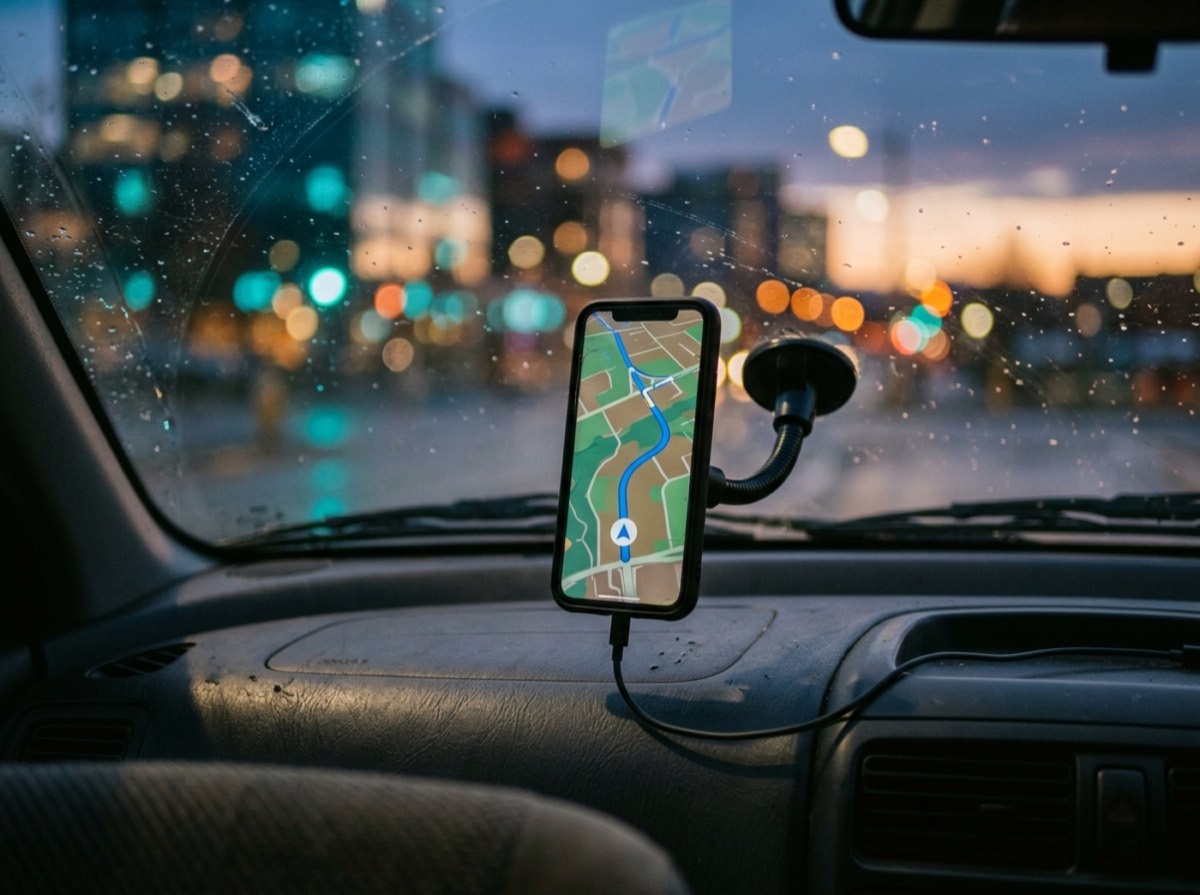
Google Maps offers turn-by-turn voice navigation for cars, bikes, walking and, in some countries, motorbikes and scooters. Live traffic is built from anonymised location data from phones, which lets the app estimate delays and suggest faster routes as conditions change. It also shows speed limits, lane guidance, speed camera reports from users and toll costs in supported regions.
Routing is excellent in towns and on main roads. In remote areas, several well-publicised incidents have shown the app sending drivers down unsuitable tracks, so in wilderness regions it is wise to follow local signs and official maps as well.
In the car, Google Maps works on Android Auto and Apple CarPlay with the same live traffic and rerouting as on the phone. It can remember where you parked, show parking difficulty near your destination in some cities and, on supported vehicles and phones, help plan stops at electric vehicle chargers. Lock-screen glanceable directions, added in 2024, let you follow a route without unlocking your phone.
Public transport, walking and cycling
Transit directions are one of Google Maps' biggest advantages. Google works with hundreds of transport operators worldwide using the GTFS data standard, so you get departure times, connections and often live delays for buses, trams, metros and trains. In Germany, it is useful for city trips, though rail travellers still benefit from the operator's own app for tickets and platform changes.
Walking directions include Live View, which overlays arrows on your camera view to show which way to go. Cycling directions consider bike lanes and hills, although dedicated planners like komoot give more surface detail.
Places, reviews and exploration
No rival matches Google's database of businesses and points of interest. You get opening hours, busy times, menus, photos and millions of reviews, plus saved lists you can share with friends. Lens in Maps can identify shops and stations through your camera, and Immersive View shows detailed 3D previews of landmarks and routes in supported cities.
The weakness is quality control. Listings are sometimes merged or wrong, and fake reviews remain a problem, so treat star ratings as a guide rather than proof.
Saved lists are one of the most practical features for travel. You can collect restaurants, museums and viewpoints for a city trip, share the list with friends and see all the pins on the map when you arrive. Local Guides, Google's contributor programme, adds photos, edits and reviews that keep much of this data current.
Offline maps
You can download areas for offline use and still search and get driving directions without signal. Downloads have size limits and need storage space, and offline mode does not include transit directions or live traffic. It is ideal for road trips and travel abroad without roaming.
A good habit before any trip abroad is to download the whole city or region over Wi-Fi at home. Offline areas update automatically when you are connected, and they expire if not refreshed for a long time, so check them before long journeys.
Privacy: what Google Maps knows about you
Google Maps works best when it knows where you are and where you have been, and that is the main trade-off. Google has added controls: Incognito mode stops searches and trips being saved to your account, and Timeline data is now stored on your device rather than in the cloud. You can also pause or auto-delete location history.
If privacy is your top concern, Apple Maps or an OpenStreetMap-based app like Organic Maps collects far less personal data.
- Turn on Incognito mode for sensitive trips
- Review Timeline and location history settings
- Set auto-delete for web and app activity
- Limit location access to while using the app
Google Maps vs Apple Maps vs Waze
Apple Maps has improved a lot and is a strong, privacy-friendly choice on iPhone, but Google still has richer places data and transit coverage in more countries. Waze, which Google also owns, is focused on driving and relies on its community for hazard and police reports; commuters who love those alerts often prefer it. For an all-round app that handles every mode of travel, Google Maps is the safer bet.
Who should use Google Maps?
Practically everyone with a smartphone benefits from having Google Maps installed, particularly travellers, city dwellers who use public transport and anyone searching for places to eat or visit. Drivers can use it on Android Auto and Apple CarPlay. Hikers, bikepackers and privacy-focused users should add a specialist app alongside it.
Key specs
- Platforms
- Android, iOS, web, Android Auto, Apple CarPlay, Wear OS
- Price
- Free
- Navigation modes
- Driving, walking, cycling, public transport, two-wheeler (selected countries)
- Offline
- Downloadable areas for navigation and search
- Visual features
- Street View, Live View, Immersive View, satellite and 3D globe
- Privacy tools
- Incognito mode, on-device Timeline, location history controls
- Launched
- February 2005; mobile app since 2006
Alternatives to consider
- Apple Maps: Clean, privacy-focused navigation built into iPhone, iPad and Mac.
- Waze: Community-driven driving app with real-time hazard and traffic reports.
- HERE WeGo: Free navigation app with good offline maps and transit support.
Frequently asked questions
Is Google Maps free?
+
Yes. Google Maps is completely free on Android, iOS and the web, with no subscription for navigation, offline maps or transit directions.
Is Google Maps better than Apple Maps?
+
Google Maps has a larger places database and wider public transport coverage. Apple Maps is closer than ever and collects less personal data, so iPhone users who value privacy may prefer it.
Can I use Google Maps offline?
+
Yes. Download an area in advance and you can search and get driving directions without a connection. Transit directions and live traffic need data.
Does Google Maps show speed cameras?
+
Google Maps shows speed camera and speed trap reports from users in many countries, along with speed limits on supported roads. Rules on speed camera alerts vary by country, including Germany, so check local law.
Is Google Maps or Waze better for driving?
+
Waze has more detailed community alerts for hazards and police. Google Maps is better as an all-round app that also covers walking, cycling and public transport.
How do I stop Google Maps tracking my location?
+
Turn on Incognito mode in the app, pause or auto-delete location history in your Google account, and set your phone's location permission to only while using the app.
What is Live View in Google Maps?
+
Live View uses your phone's camera to show augmented-reality arrows and signs for walking directions, which helps in unfamiliar cities where the blue dot can be confusing.
Google Maps is still the best free all-round navigation app in 2026. It handles driving, transit, walking and cycling in one place, and its places data is unrivalled. The price is your data, so spend five minutes on the privacy settings, keep a specialist app for trails, and you will be well covered almost anywhere.
How we research: Reviews are based on the maker’s specifications, published independent tests and owner reports. Scores compare the product with others in its class.
Written by
Bitezine Editorial Team
Rankings, reviews & guides
Our editors research every piece from makers’ documentation, independent tests and owner reports, and update it when products change.