Review · Business
DYMO LabelWriter 550 review: easy labelling with a catch
The DYMO LabelWriter 550 is compact, simple and quick, and it shows how many labels are left. But it only works with chipped DYMO labels. Here is what that means.
 Bitezine Editorial TeamRankings, reviews & guides 7 min read
 AI generated
 Label printer · Budget
DYMO LabelWriter 550
A small, easy and reliable label printer for one desk, but the requirement to use chipped DYMO labels raises running costs and limits your choice.
What we like
- +Compact, light and simple to set up
- +Automatic Label Recognition shows label type and how many are left
- +Up to 62 labels per minute, about 20 percent faster than the LabelWriter 450, per DYMO
- +Sharp 300 dpi direct thermal printing, no ink or toner
- +DYMO Connect for Desktop works on Windows and macOS
What could be better
- −Works only with authentic DYMO labels that carry an RFID tag
- −USB only; no Wi-Fi, Bluetooth or Ethernet (the 550 Turbo adds LAN)
- −Maximum label width 62 mm, so no 4x6 inch parcel labels
- −Software must be installed before connecting the printer
- −Label lock-in has drawn criticism from consumer groups
Best for: Single-desk address and file labelling
Visit DYMO (Newell Brands) →This DYMO LabelWriter 550 review looks at DYMO's standard desktop label printer, the successor to the popular LabelWriter 450. It prints address, shipping, file, name badge and multi-purpose labels, and its headline feature is Automatic Label Recognition, which tells you which labels are loaded and how many remain.
We have not tested the printer hands-on. This review is based on DYMO's user guide and specifications, retailer product details and published reporting on its label system. We explain what it does well, what the DYMO-only label rule means in practice, and how it compares with the Brother QL-820NWB.
Design and setup
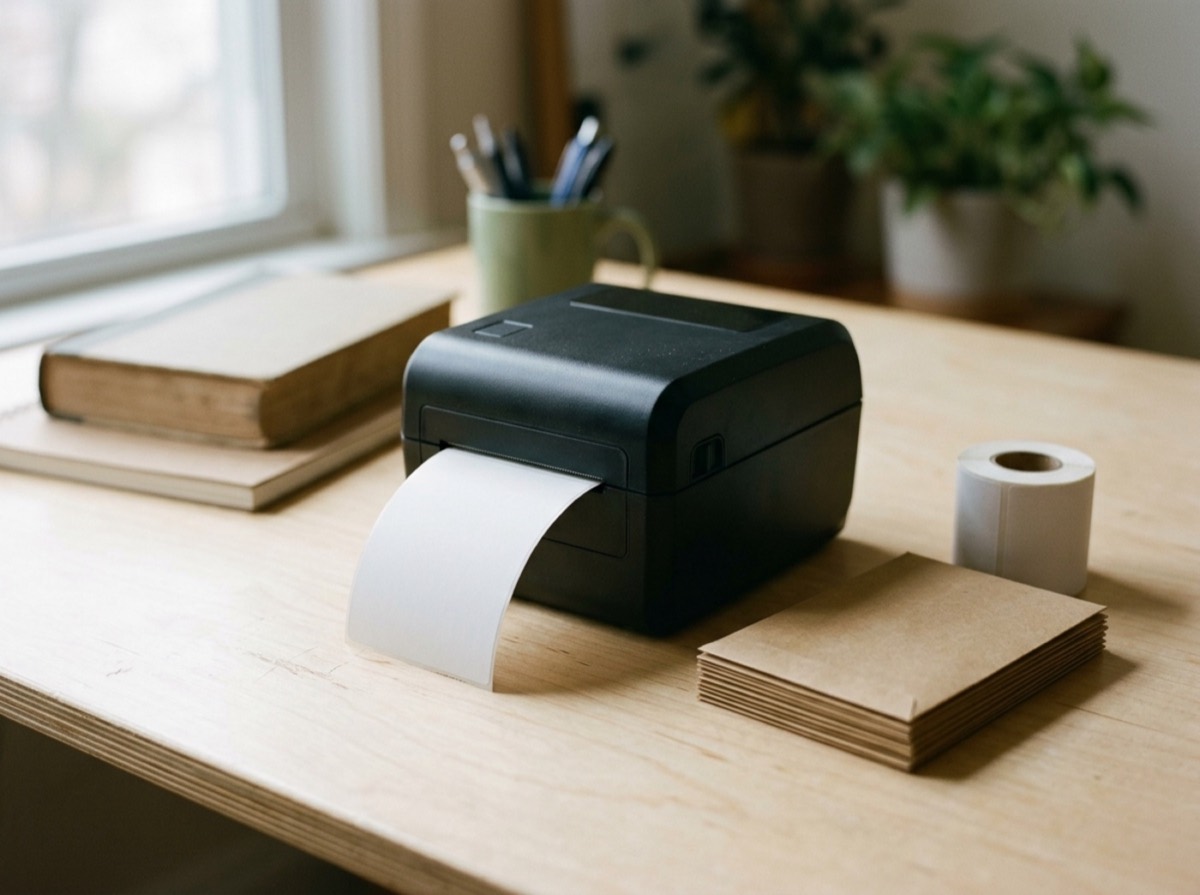
The LabelWriter 550 is a small, light printer at 127 x 136 x 187 mm and about 640 g with the spool. It uses direct thermal printing, so there is no ink or toner to buy. Label rolls sit on a spool inside the cover and feed out of a slot at the front.
Setup is straightforward, but order matters: DYMO says you must install DYMO Connect for Desktop before plugging in the printer. The software runs on Windows 8.1 or later and macOS 10.14 Mojave or later, and can add a Word add-in if Microsoft Word is installed.
Automatic Label Recognition
Each genuine DYMO LabelWriter roll contains an RFID tag. The printer reads it and tells the software the label size, type and colour, and how many labels remain on the roll. That removes guesswork, prevents printing on the wrong size, and warns you before a roll runs out in the middle of a job.
For busy offices that print a lot of different label types, this is genuinely convenient. It also helps avoid wasted labels from misaligned layouts.
The catch: DYMO-only labels
The same RFID system means the LabelWriter 550 works only with authentic DYMO labels. DYMO's own user guide states that non-authentic labels will not be recognised by the printer. Cheaper third-party rolls that worked in older LabelWriter models will not work here.
This drew public criticism when the 550 series launched. The Electronic Frontier Foundation and AppleInsider both compared it to printer ink cartridge lock-in. Over the life of the printer, label costs usually matter more than the purchase price, so factor genuine DYMO label prices into your decision. DYMO points out that its paper labels are BPA-free and made from FSC-certified material.
Print speed, quality and connectivity
DYMO says the LabelWriter 550 prints up to 62 four-line address labels per minute over USB, about 20 percent faster than the LabelWriter 450. At 300 dpi, text, logos and barcodes print crisply. For more speed, the LabelWriter 550 Turbo adds a faster engine and an Ethernet port for network printing.
The maximum media width is 62 mm, with a printable width of 56 mm. That covers address, file, name badge and smaller shipping labels, but not 4x6 inch carrier labels. For those, DYMO offers the LabelWriter 5XL, which takes labels up to 115 mm wide.
The standard LabelWriter 550 connects only by USB 2.0. There is no Wi-Fi or Bluetooth, and you cannot print from a phone. The 550 Turbo and 5XL add an Ethernet port, and DYMO Connect must be installed on every computer that uses a networked printer. If you want to share one printer across a team without a cable, a Wi-Fi model makes more sense.
Who the LabelWriter 550 is for
It is a good fit for one person who prints address, file or name badge labels from one computer and values simplicity and the label counter. Small offices that want network sharing, mobile printing or freedom to buy any compatible label roll should look at alternatives such as Brother's QL range.
Typical good fits include a doctor's reception printing patient labels, a small law or tax office labelling files, and a home-based seller printing return address labels. In each case, one computer, modest volumes and a preference for simplicity play to the printer's strengths.
Running costs over time
The LabelWriter 550 sits at the budget end of the market, so the purchase price is rarely the main cost. What matters over two or three years is the label rolls. Because the printer only accepts authentic DYMO rolls, you cannot shop around for cheaper compatible labels, and you are tied to DYMO's pricing and to retailers that stock the exact label type you need.
For light use, such as a few dozen address or file labels a month, this is hardly noticeable. For a busy office printing hundreds of labels a week, it adds up. Before buying, look up the price of the rolls you would use most, estimate your monthly volume and compare that with a Brother model that accepts compatible rolls.
On the plus side, the printer's label counter helps you reorder in time and avoid waste, and thermal printing means no ink, toner or ribbons ever need replacing. DYMO's software supports more than 60 label types, including address, shipping, file, name badge, multi-purpose and durable labels, so a single printer can cover most office tasks as long as the width fits.
DYMO LabelWriter 550 vs Brother QL-820NWB
The Brother QL-820NWB costs more to buy but prints faster, adds LAN, Wi-Fi, Bluetooth and AirPrint, supports red and black printing and does not use chipped labels. The DYMO is smaller, cheaper to buy and simpler, and its label recognition is a genuine convenience. Choose by how many people will print and how much you care about label choice.
Within DYMO's own range, the choice is simple. Pick the standard 550 for one desk and USB, the 550 Turbo if you need more speed or want to share the printer over Ethernet, and the 5XL if you print 4x6 inch shipping labels. All three share the same label recognition system and the same requirement for authentic DYMO rolls, so the running-cost question applies equally to each model.
Key specs
- Print method
- Direct thermal
- Resolution
- 300 dpi
- Speed
- Up to 62 labels per minute (4-line address label, USB), per DYMO
- Max media width
- 62 mm (max print width 56 mm)
- Connectivity
- USB 2.0 (Type B)
- Dimensions
- 127 x 136 x 187 mm
- Weight
- 640 g (printer and spool)
- Software
- DYMO Connect for Desktop; Windows 8.1 or later, macOS 10.14 or later
Alternatives to consider
- Brother QL-820NWB: Faster, with network, Wi-Fi and Bluetooth, red printing and no chipped labels.
- Brother QL-800: A USB desktop label printer that uses standard Brother DK rolls and can print in red and black.
- DYMO LabelWriter 5XL: DYMO's wide model for 4x6 inch shipping labels, with Ethernet built in.
Frequently asked questions
Can I use third-party labels in the DYMO LabelWriter 550?
+
No. DYMO's user guide states the 550 series works only with authentic DYMO LabelWriter labels, which contain an RFID tag. Non-authentic labels are not recognised.
Is the DYMO LabelWriter 550 worth it?
+
It is worth it if you want a simple, compact printer for one desk and don't mind buying DYMO labels. If you print a lot, compare genuine label costs with printers that accept standard rolls.
Does the DYMO LabelWriter 550 work with a Mac?
+
Yes. DYMO Connect for Desktop supports macOS 10.14 Mojave or later as well as Windows 8.1 or later. Install the software before connecting the printer.
What is the difference between the LabelWriter 550 and 550 Turbo?
+
The 550 Turbo prints faster and adds an Ethernet port for network printing. Both share the same 62 mm maximum label width, 300 dpi resolution and DYMO-only label system.
Can the DYMO LabelWriter 550 print 4x6 shipping labels?
+
No. Its maximum media width is 62 mm. For 4x6 inch shipping labels, DYMO offers the LabelWriter 5XL.
Does the DYMO LabelWriter 550 have Wi-Fi?
+
No. The standard model connects only via USB. The 550 Turbo and 5XL add Ethernet, but none of the three offer Wi-Fi according to DYMO's specifications.
The DYMO LabelWriter 550 is a tidy, easy-to-use label printer in 2026, and its automatic label recognition is a real convenience. For a single desk printing address or file labels, it does the job well. The trade-off is the DYMO-only label system, USB-only connection and 62 mm width limit. If those do not bother you, it is a solid pick; if they do, a Brother QL model offers more freedom.
How we research: Reviews are based on the maker’s specifications, published independent tests and owner reports. Scores compare the product with others in its class.
Written by
Bitezine Editorial Team
Rankings, reviews & guides
Our editors research every piece from makers’ documentation, independent tests and owner reports, and update it when products change.